19
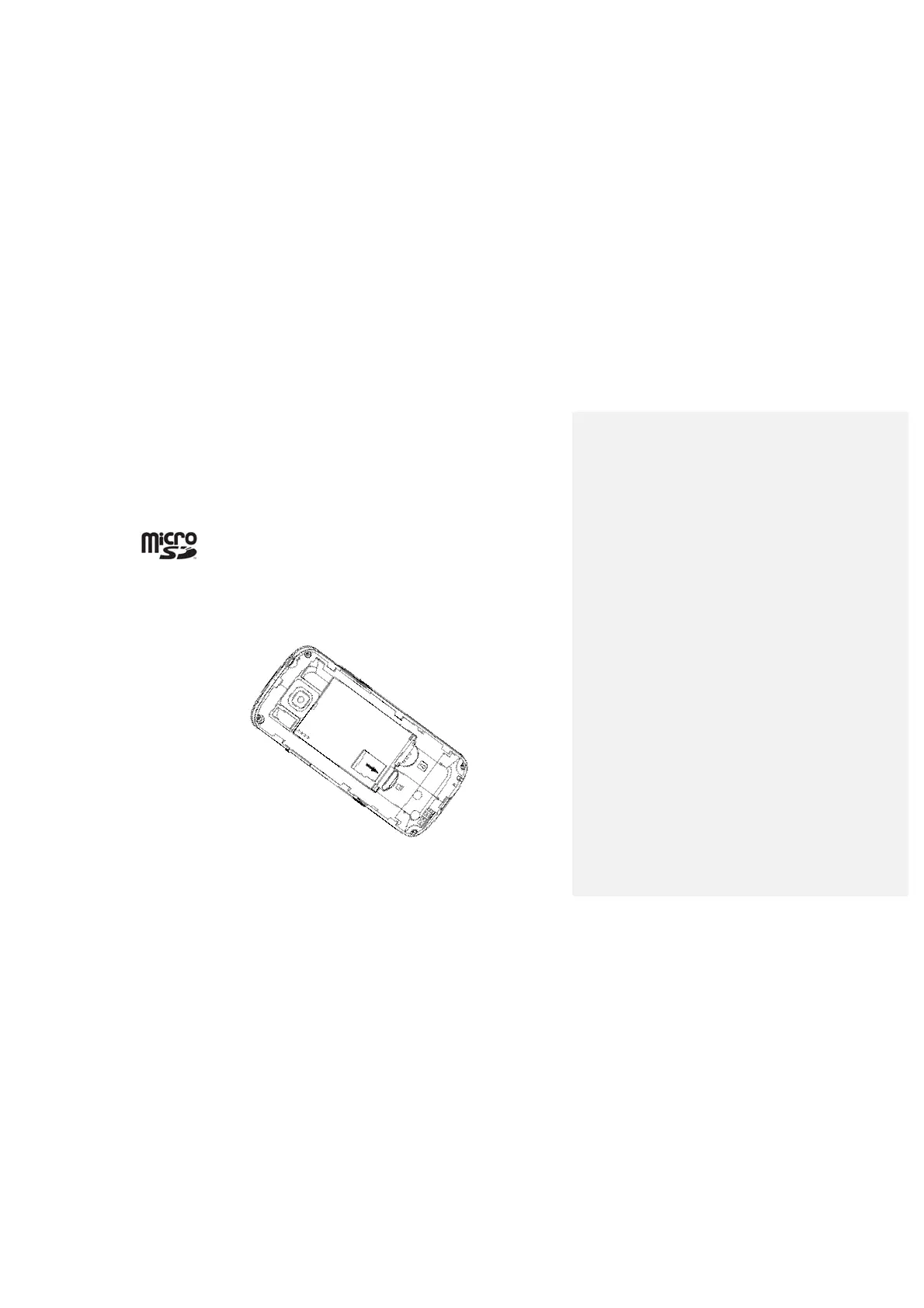
inserting a microSD card
Your phone supports microSD cards up to 8GB. This gives you loads of
memory in which to save images, photos, audio and video files.
microSD logo
is a trademark of the SD Card Association.
1. Remove the back cover.
2. Insert the microSD card carefully with the metal contacts facing downwards,
until it is pushed into the right position. As you can see, only part of the
microSD card needs to be inserted into the slot.
To remove the card, simply slide it out of the slot.



 To Next Page