27
locking the screen and keypad
The screen and keypad lock prevents accidental use.
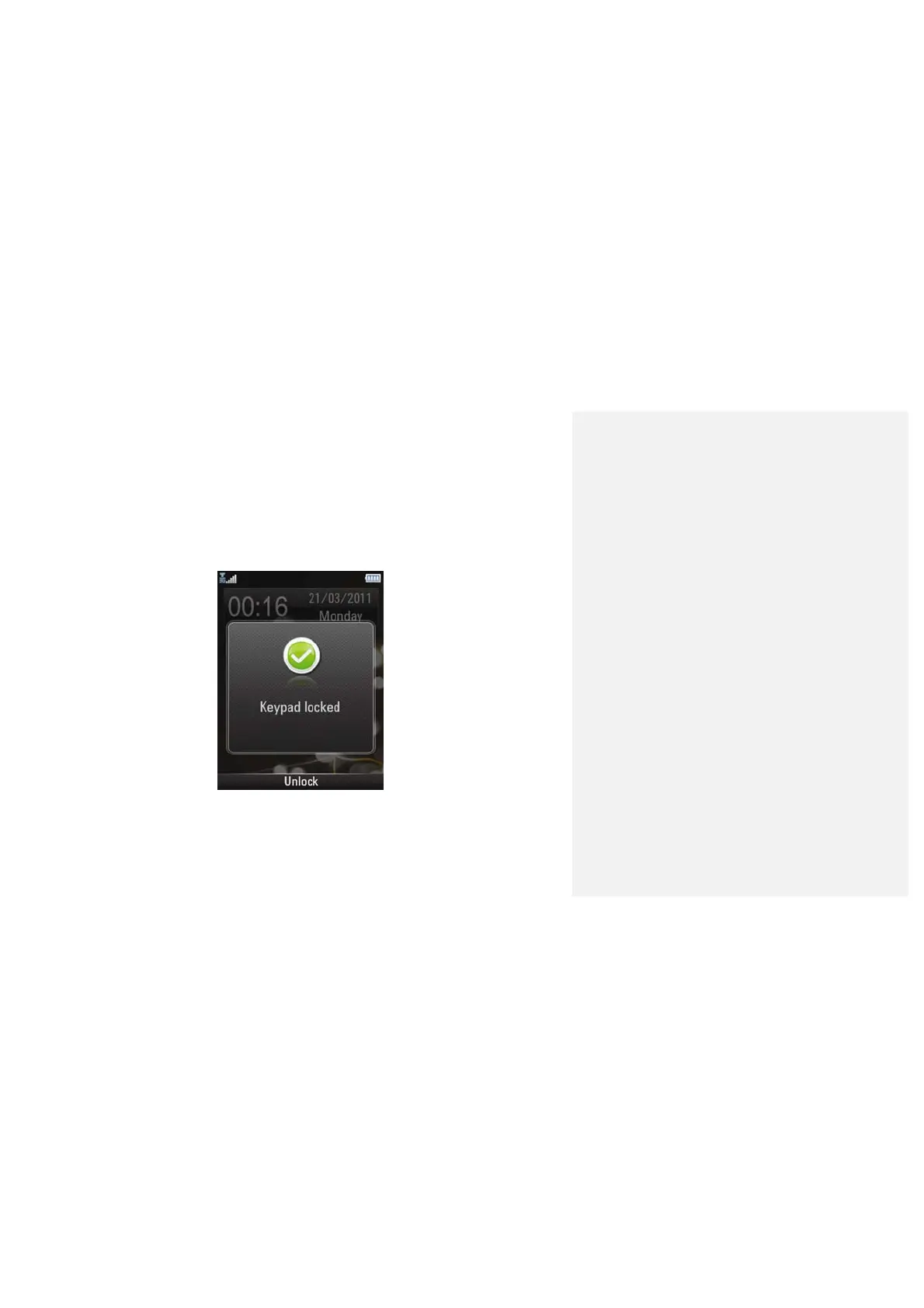
Press and hold * key to lock the screen and keypad in standby mode.
The following screen appears…
You can also lock the screen and keypad automatically. Select settings >
phone settings> auto keyguard.
Press OK key and then press * key to unlock the keypad.



 To Next Page