30
using the keypad to type
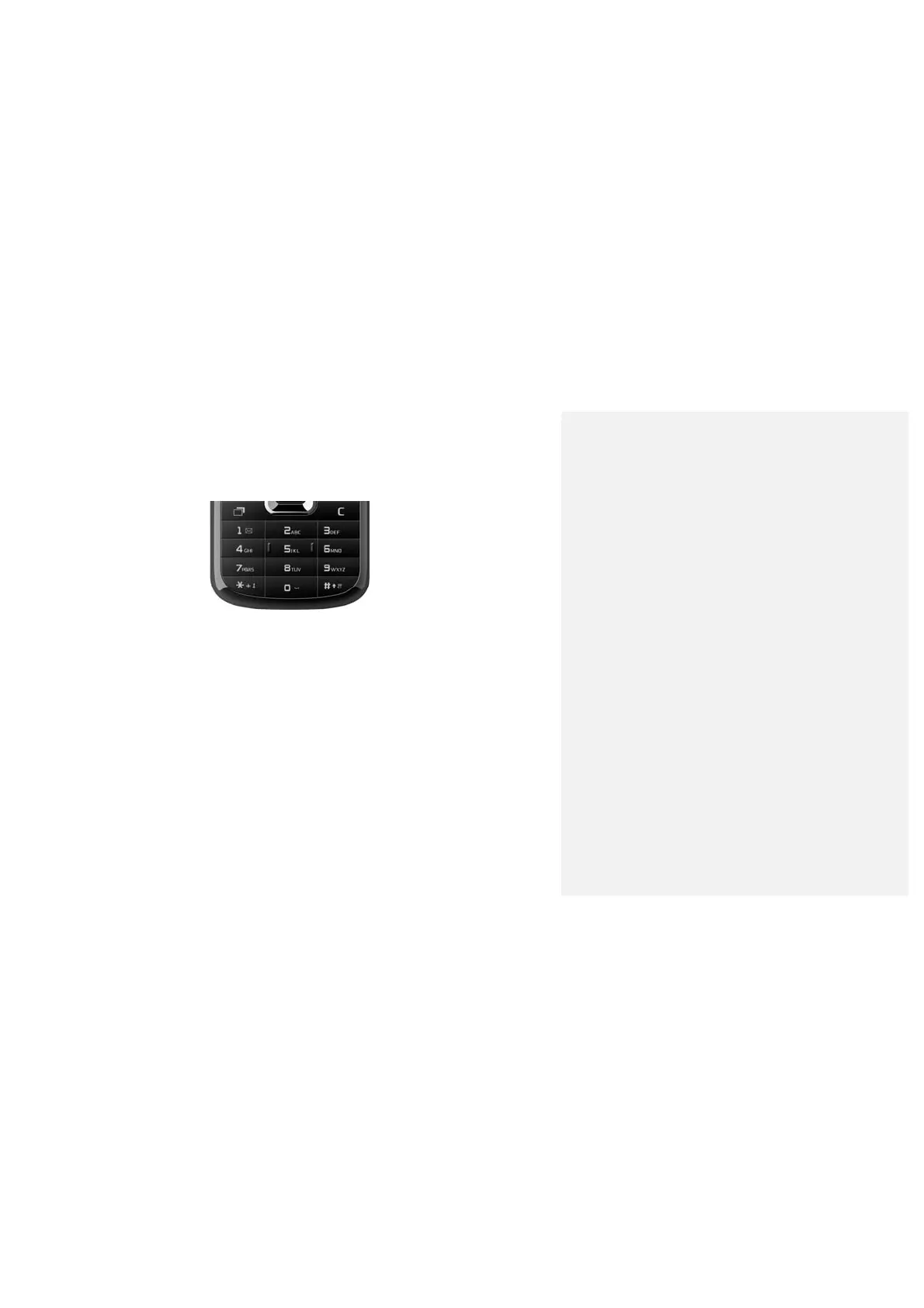
Your phone has a keypad. Here’s how it works…
• To enter or change uppercase and lowercase letter, press # key, and then
press the corresponding key.
• For changing the input mode, press # key, and then use Up/Down Key and
OK Key to select and confirm.
• To open the symbols, press * key. You can use the navigation keys
and the OK key to select and enter a symbol.
• To move the cursor, use the navigation keys.
• To delete the character before the cursor, press clear key.
• To enter a space, press “0” key.



 To Next Page