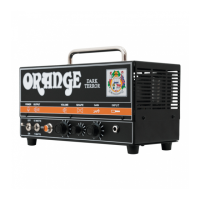
FRONT PANEL
1 2 3 4 5 6 7
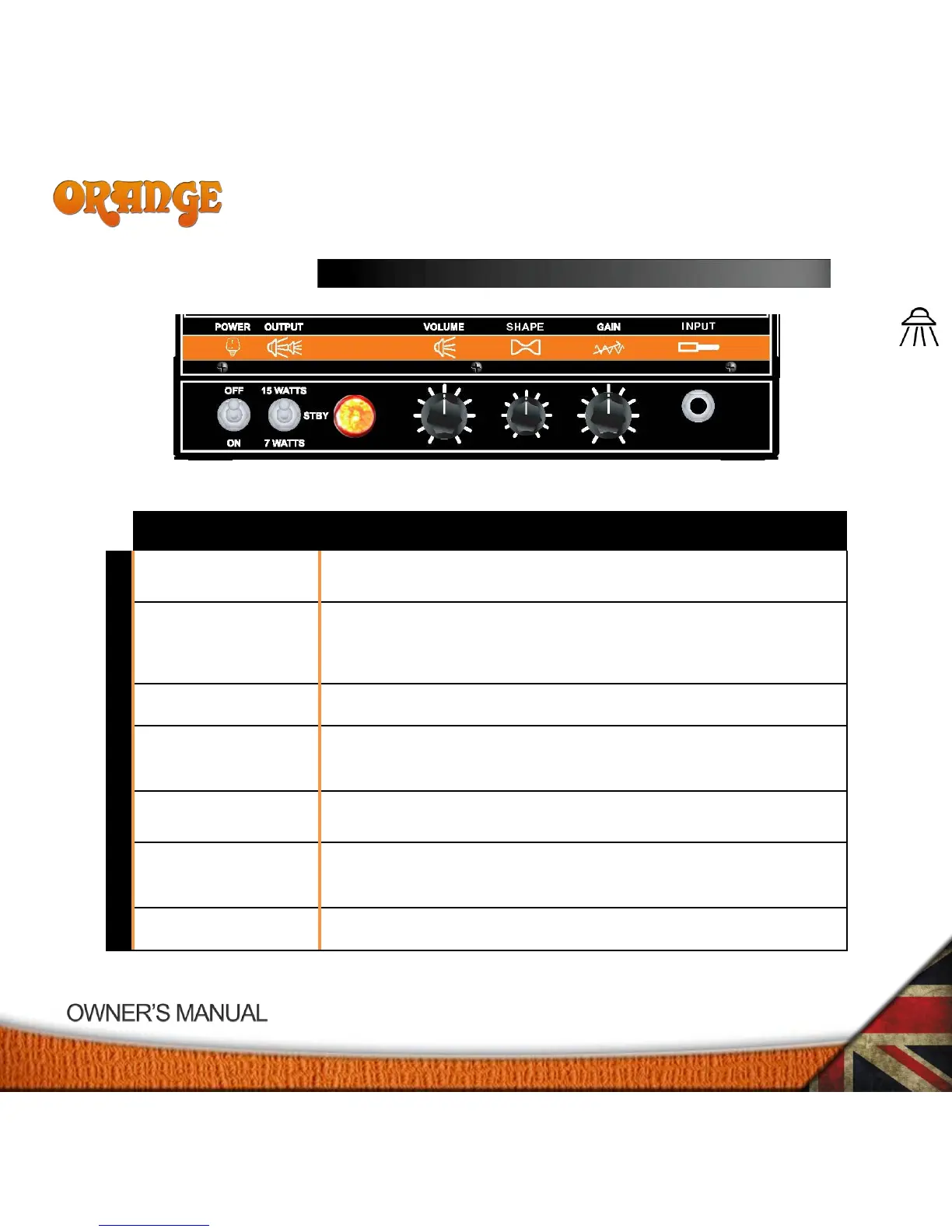
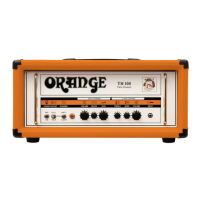
Power on the amplifier by switching to the on position.
The output switch runs the valves at a low plate voltage in the HALF position and at a higher plate
voltage in the FULL position. The middle position is the standby position. This switch should be in
the standby position for around two minutes after first powering up the amplifier!
Will be illuminated when amplifier is powered on.
The volume control adjusts the output volume. High levels of volume will heavily overdrive the
output stage!
The shape control adjusts between all midrange (zero) to all bass and treble and no midrange
(maximum).
The gain control adjusts the gain. High levels of gain will heavily overdrive the pre-amp and may
sometimes be uncontrollable, especially when used at high volume levels!
Connect your instrument to the amplifier with this input.


 To Next Page