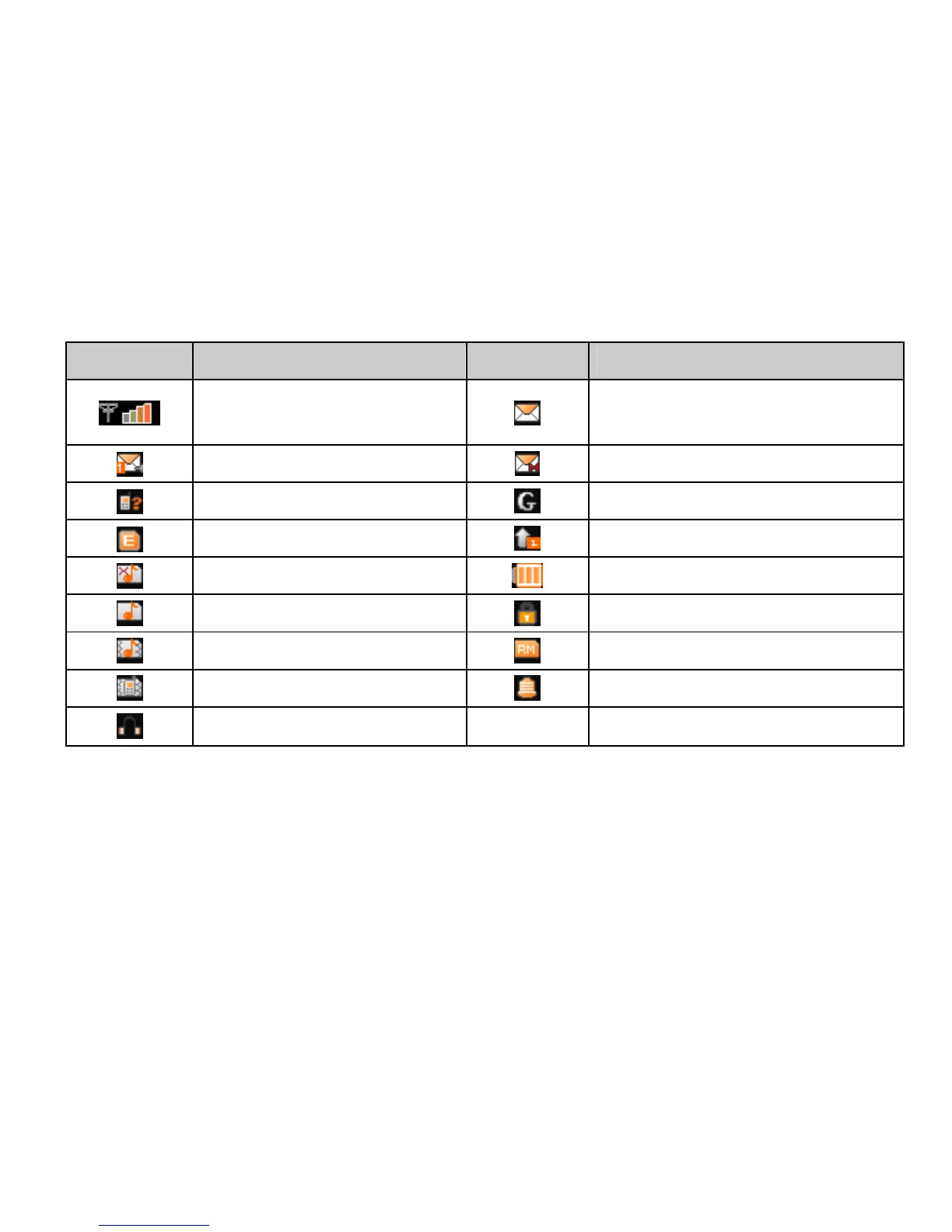
What it means
Signal strength
New SMS,
message box full when blinking
Voicemail
New MMS
Missed call
GPRS
Edge
Call diverting
Silent
Battery status
Ring
Keypad locked
Outdoor
Roaming
Meeting
Alarm clock set
Headset
Input Text
You can use the onscreen keyboard to enter text messages, contact information,
notes, and more.
1. Tap a text field, such as in a note or new contact, to bring up the keyboard.
2. Tap keys on the keyboard.



 To Next Page