16
Battery
The lithium ion battery of the mobile phone can be immediately used after unpacking.
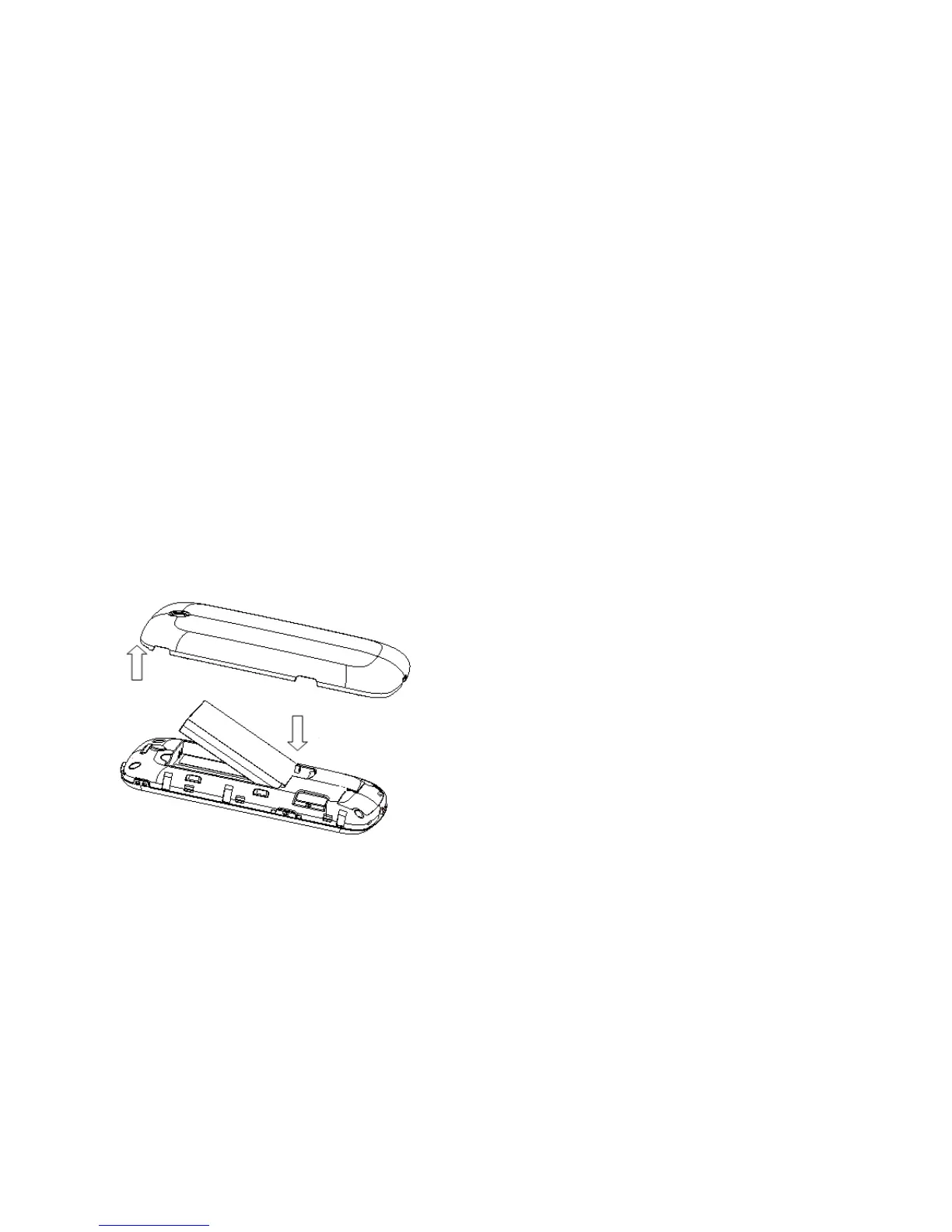
Installing the battery
1. Pull the battery cover from the notch on the top right edge and remove the cover.
2. Insert the battery by aligning the gold-coloured contacts with the contacts in
the battery slot.
3. Push down the upper section of the battery until it clicks into place.
4. Replace the battery cover and close it gently until you hear a click.
Removing the battery
1. Make sure that your mobile phone is switched off.



 To Next Page