18
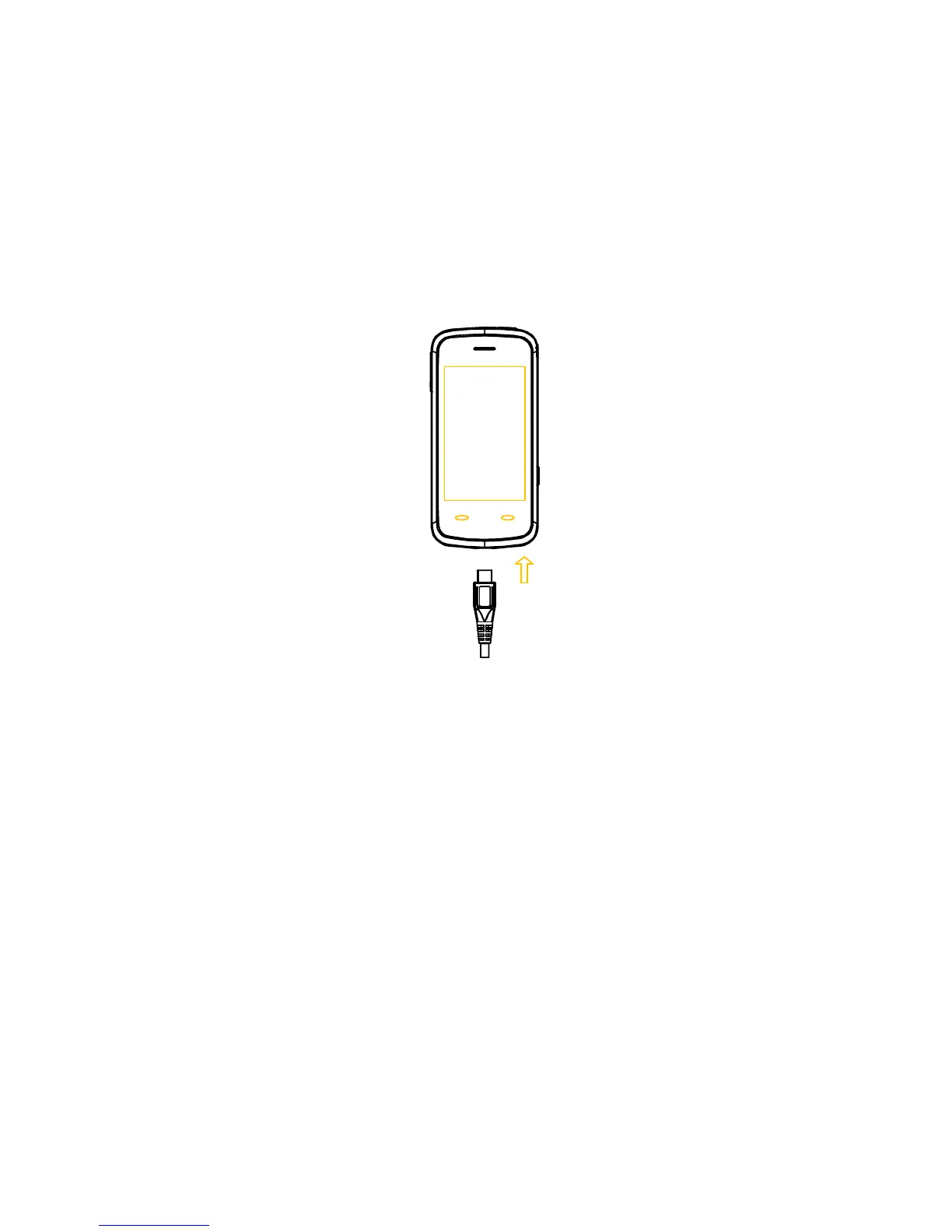
• When the battery is fully charged, disconnect the charger.
Inserting the SIM card
You want a mobile phone that is sophisticated yet easy to use and here it is in
your hands! Naturally you are eager to start using it, but first you need to insert
the SIM card.
Insert the SIM card as follows:
• Make sure that the phone is switched off and the charger is disconnected from
the phone.
• Turn the phone over and remove the battery cover.



 To Next Page