19
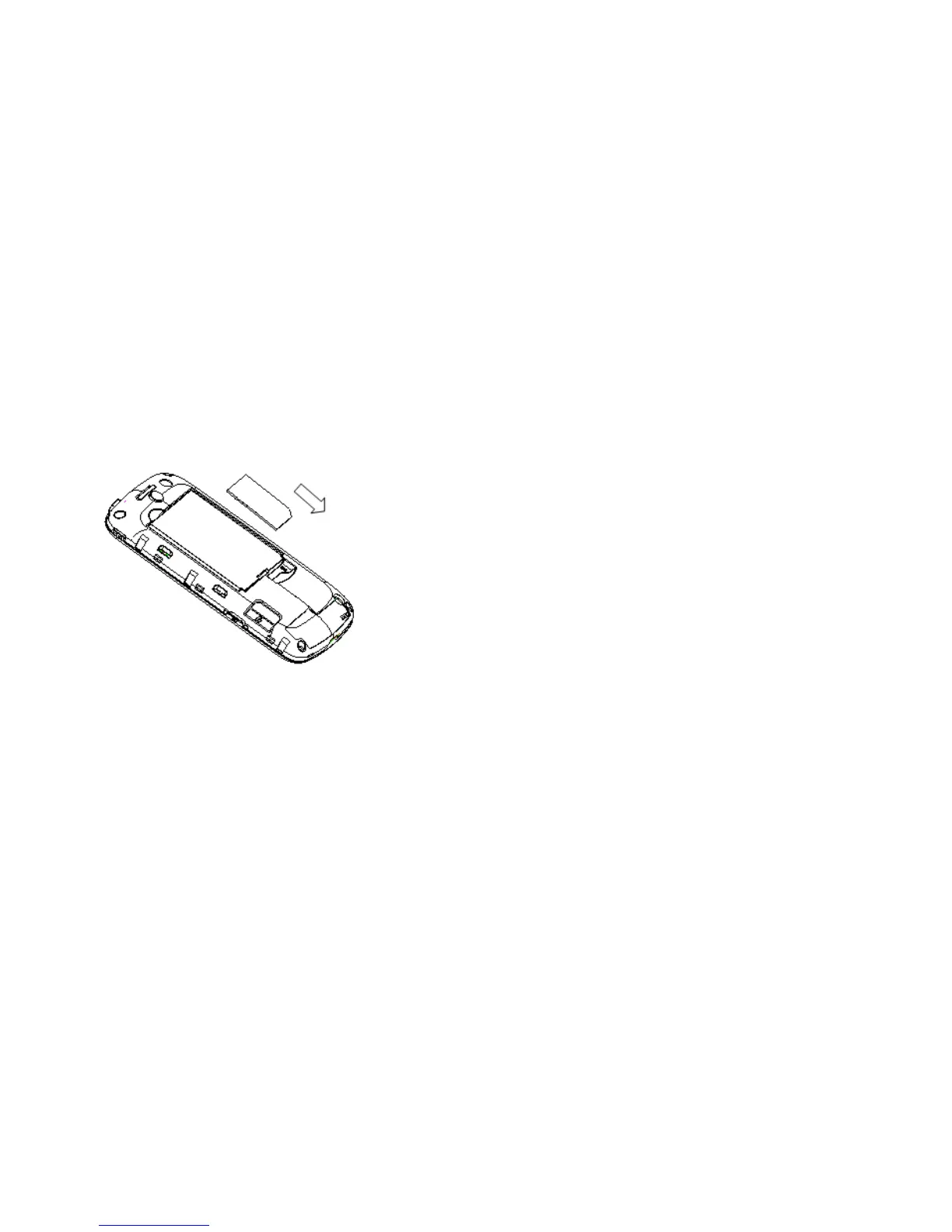
• Remove the battery if it is already installed.
• Hold your SIM card with the cut corner oriented as shown and then slide it into
the card holder with the gold-coloured contacts facing downward.
• Replace the battery first.
• Replace the battery cover.
Every mobile phone has a SIM card (Subscriber Identity Module). This is a
micro-chip that holds your personal information such as names and phone numbers.
Your phone won’t work without it. If you already have contacts on your SIM card,
they can be transferred in most cases.



 To Next Page