20
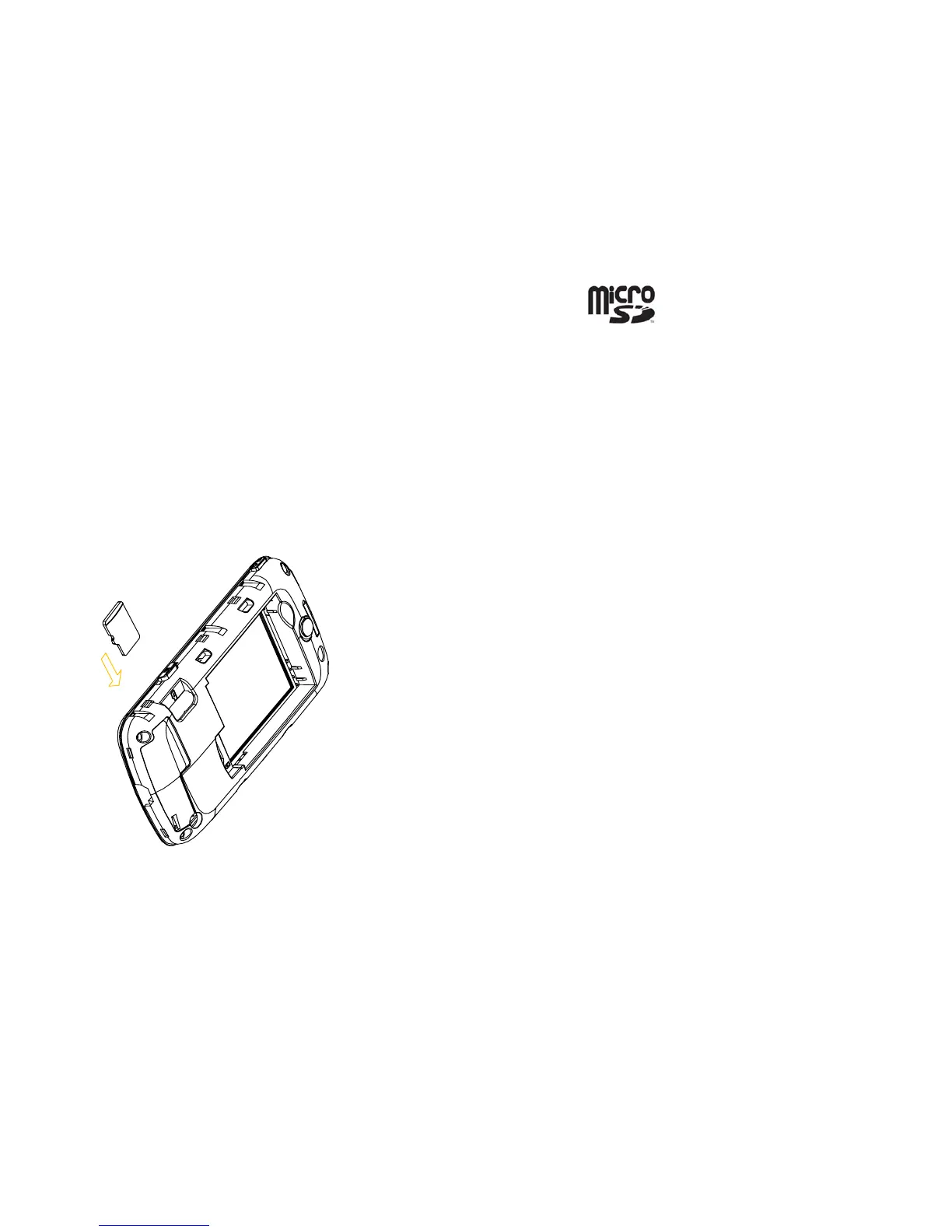
Inserting the microSD Card
You can use a microSD card to expand the storage of the phone. You can store
or copy files such as videos, photos, music, and so on.
Do not take out the card or switch off the phone while transmitting or storing data,
which may cause data loss or damage to the phone or the card.
microSD Logo is a trademark. Insert the microSD card as follows:
• The microSD card slot is on the side of the SIM card holder. Insert the card
with the metal contacts facing down until it clicks to the right position.
Address Book
There are some numbers that you may want to call again and again, so it makes



 To Next Page