8
Removing the SIM Card
1. Ensure the device is powered off and
open the SIM card cover.
2. Gently remove the SIM card from the SIM
card slot and close the SIM card cover.
Charging the Battery
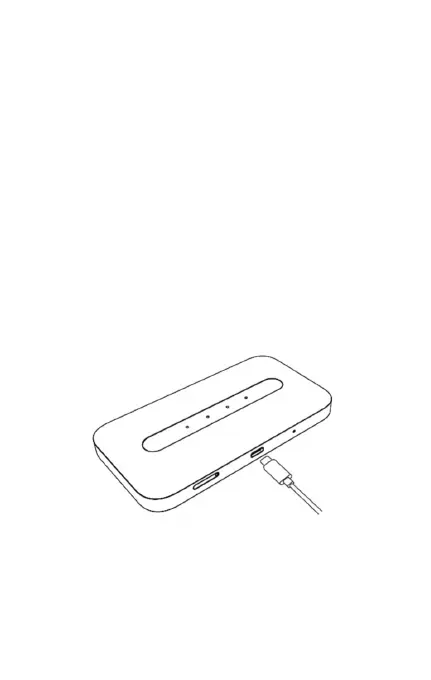
Your device comes with a charger. To charge,
plug one end of the charger into an electrical
outlet and the other end into the device’s USB
Type-C Port.
Note: The battery is non-removable, so you do
not need to install the battery.



 To Next Page