Orbit Reader 20 – User guide Version 1.8
Orbit Research Confidential and Proprietary Information 23
If copying a file takes more than five seconds, File Manager displays, "-- Copying
xxx (yy%)" where xxx is the name of the file and yy is the percentage complete.
This percentage is updated after every 10% of the progress.
For the command keys, go to the File Manager Commands table under the File
Manager section.
File Movement Commands
Pressing Space + Dots 1 2 3 moves File Manager
selection to the first file in the current folder.
Pressing Space + Dots 4 5 6 moves File Manager
selection to the last file in the current folder.
Incrementally
search file list
Type the file
name quickly
To find a file quickly, type the first few letters of the
file's name. File Manager highlights the first file
matching the letters you typed.
13.3 File Types
Orbit Reader 20 does not translate or interpret any file. It simply displays the
contents of a file in braille. So, if you put a plain text file onto the SD card, Orbit
Reader 20 displays that file as it was written. Similarly, if you put a BRF file on
the SD card, no matter the language or code, Orbit Reader 20 accurately shows
its contents. To use Word or PDF files, you must first translate them on a desktop
computer, and then send the translated file to the SD card.
Braille files may contain any kind of braille, either six or eight-dot, in any
language and for any topic. You create these files on a computer with a
translation software package, such as Duxbury or LibLouis, or you create them in
the Editor on the Orbit Reader 20.
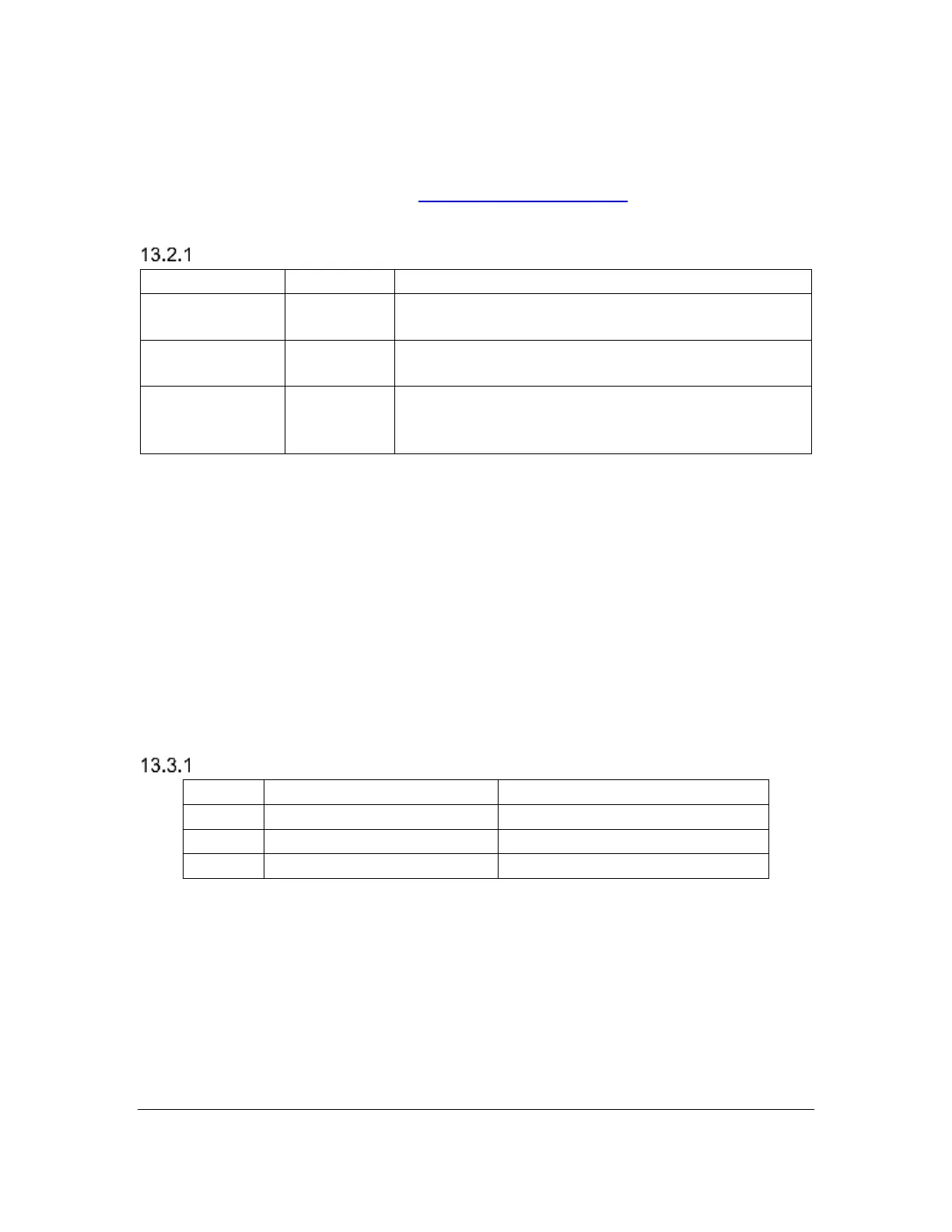
Supported File Types
Translated, formatted braille
displays exact representation
Translated, unformatted braille
displays eight-dot Computer Braille
In addition to the supported file types, Orbit Reader 20 shows the contents of any
file.. This feature is useful to examine files that contain readable text even if it is
not a supported file type. However, some files may not contain readable content.
There are several excellent braille translation systems available in the U.S. If you
obtain textbooks from APH or get transcribed titles from NLS or NBP, the braille
should be correct and formatted. You may also get braille translation software
that produces automatically translated braille using programs like ‘Liblouis’.



 To Next Page