Orbit Reader 20 – User guide Version 1.8
Orbit Research Confidential and Proprietary Information 56
1. Obtain a replacement battery. Use only the battery designed for Orbit
Reader 20. Batteries are available from:
o American Printing House for the Blind, Inc.
o Orbit Research, Inc.
2. Remove the battery door screws.
3. Remove the battery door.
4. Carefully unplug the connector. Do not pull the wire. Use connector
instead.
5. Insert new battery.
6. Replace the cover and screws.
To dispose of batteries properly, call the recycling center at 1-800-822-8837.
25 Accessories Information
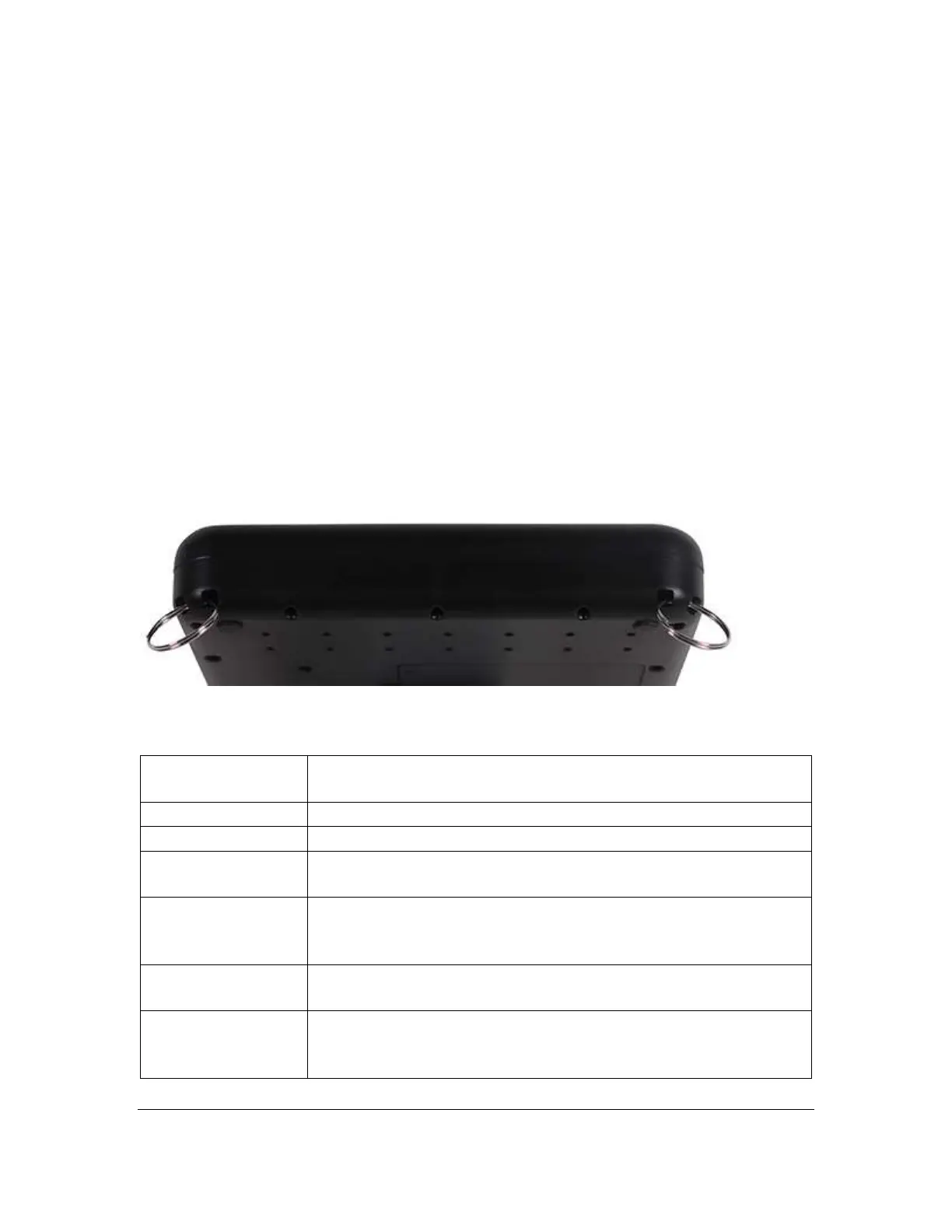
Orbit Reader 20 has two holes on the lower-front corners of the device, one on
each corner. The holes are there to provide a means to attach a strap to the
device, with the use of key rings. The key rings can be 10-40 mm in diameter and
up to 3 mm in thickness.
26 General Specifications
8-key Perkins style keypad, with space bar
High-quality scissor-type keys
Power on/off button
4-way cursor keys and select key
2 panning keys, rocker type
Windows: NVDA, JAWS, Window-Eyes, System Access
Mac OS X: Voiceover
iOS: Voiceover



 To Next Page