Orbit Reader 20 – User guide Version 1.8
Orbit Research Confidential and Proprietary Information 52
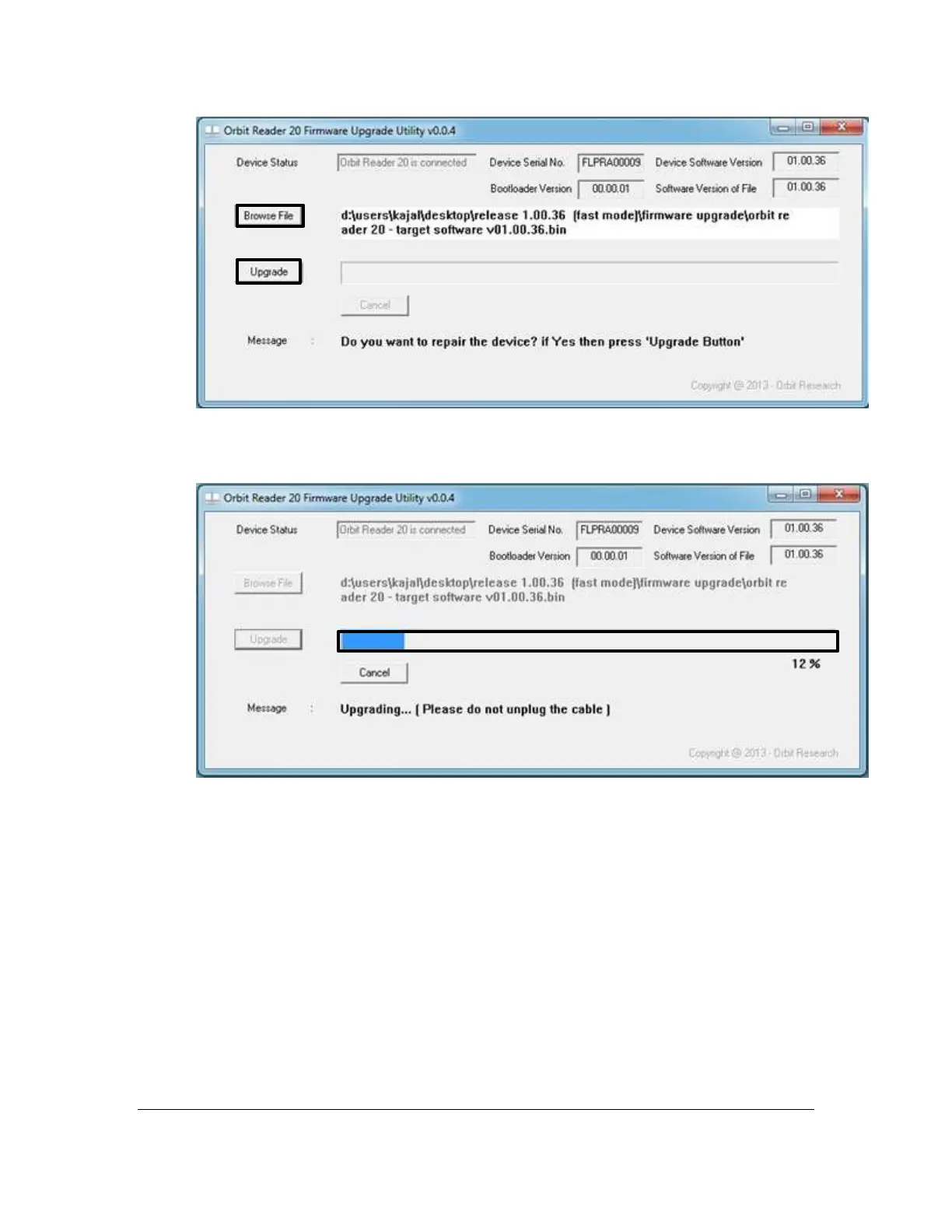
10. Activate the Upgrade button.
11. The utility starts upgrading the device.
12. Do not unplug the cable. Wait for the message “Device upgrade has been completed”
on the upgrade utility or until the Orbit Reader 20 reboots and shuts down.



 To Next Page