11
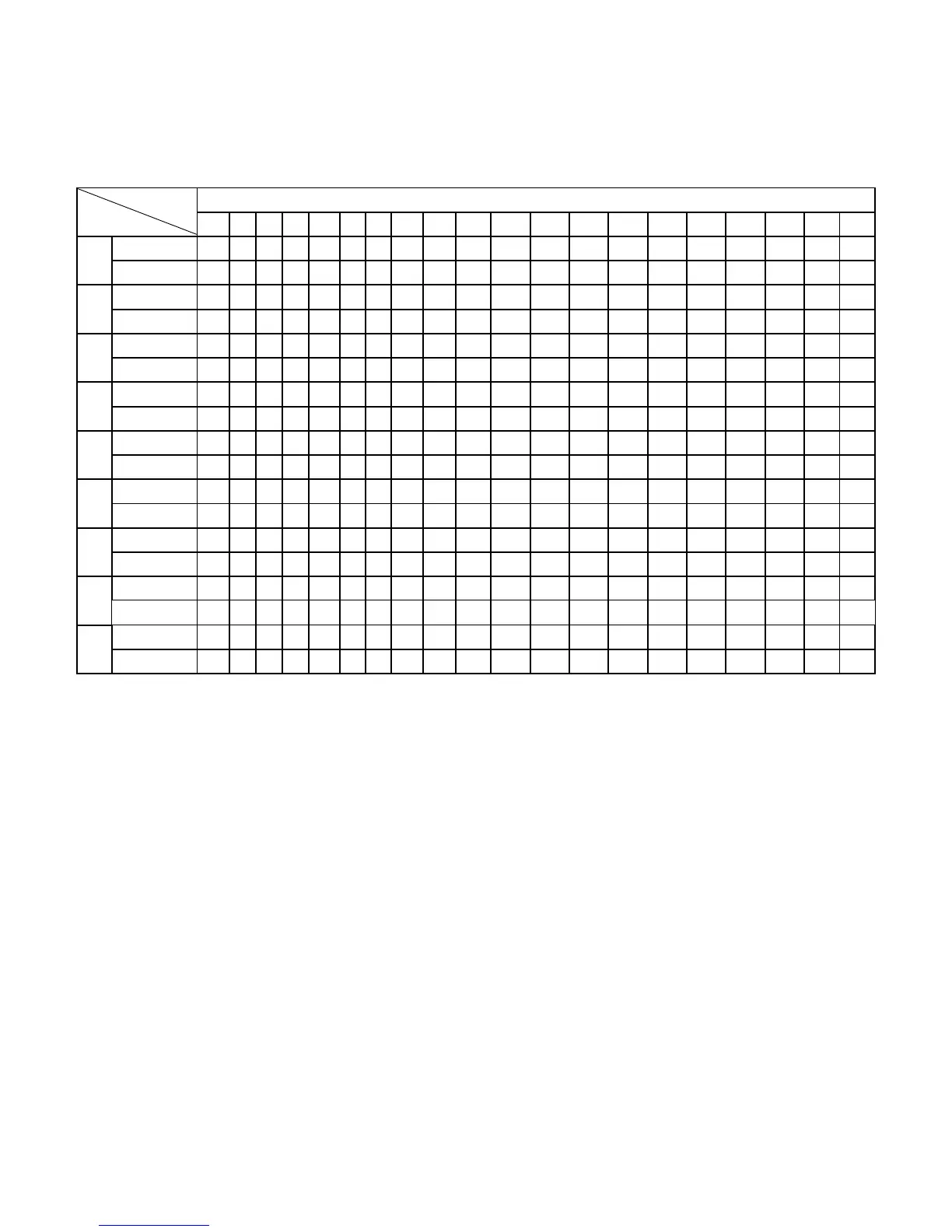
Program exercise chart
Each program will divide into 20 grade for the exercise time and each time sect has the speed and
incline accordingly.
Time interval
Time
Program
1 2 3 4 5 6 7 8 9 10 11 12 13 14 15 16 17 18 19 20
SPEED 2 3 3 4 5 3 4 5 5 3 4 5 4 4 4 2 3 3 5 3
P1
INCLINE 1 1 2 2 2 3 3 2 2 1 2 2 2 1 1 3 3 2 2 2
SPEED 2 4 4 5 6 4 6 6 6 4 5 6 4 4 4 2 2 5 4 2
P2
INCLINE 1 2 2 2 2 3 3 2 2 2 2 2 3 3 3 4 4 3 2 2
SPEED 2 4 4 6 6 4 7 7 7 4 7 7 4 4 4 2 4 5 3 2
P3
INCLINE 2 3 3 2 2 3 3 3 2 2 2 2 4 4 4 6 6 3 2 2
SPEED 3 5 5 6 7 7 5 7 7 8 8 5 9 5 5 6 6 4 4 3
P4
INCLINE 2 3 3 2 2 3 3 3 2 2 2 2 4 4 4 6 6 3 2 2
SPEED 2 4 4 5 6 7 7 5 6 7 8 8 5 4 3 3 6 5 4 2
P5
INCLINE 3 3 3 4 4 5 5 5 4 4 4 4 5 5 3 3 3 2 2 2
SPEED 2 4 4 4 5 6 8 8 6 7 8 8 6 4 4 2 5 4 3 2
P6
INCLINE 3 5 5 5 4 4 4 3 3 3 3 4 4 4 3 3 3 4 3 2
SPEED 2 3 3 3 4 5 3 4 5 3 4 5 3 3 3 6 6 5 3 3
P7
INCLINE 4 4 4 4 3 3 6 6 6 7 7 8 8 9 9 6 6 5 3 3
SPEED 2 3 3 6 7 7 4 6 7 4 6 7 4 4 4 2 3 4 4 2
P8
INCLINE 4 5 5 5 6 6 6 7 8 9 9 9 10 10 10 12 12 8 6 3
SPEED 2 4 4 7 7 4 7 8 4 8 9 9 4 4 4 5 6 3 3 2
P9
INCLINE 5 5 5 6 6 6 4 4 6 6 5 5 8 8 9 9 9 7 4 2
Besides the 9 preset programs, we do have 3 user’s programs U1、U2、U3.You can use these to make
you and your family select programs.
To start press the program until it shows the user program(U1,U2,U3) choose one and the “TIME” will
flash showing the pre-set time of 15mm . If you wish to change the length of your workout , press (+) or (-)
on the speed or incline button, when you have adjusted the time to your desired workout duration , press
the “mode” button and your workout time will be select. After pressing the mode button the first segment
of your program will flash go straight to the quick speed or quick set incline button and select your
desired speed or incline , press mode and your choice will be set, the next workout segment will flash, go
through the same set as completed with segment one. You must complete all 20 segments at the end ,
the computer will flash “OK”, your user program is now saved and ready to use,
When using your user program the screen will switch from incline to speed(every second) and your set
programmed levels will be displayed.
Heart Rate Control (HRC) program
1、At the beginning state,press “PROGRAM” until the “matrix” window displays “HP1-HP3”(Heart rate
control program)
Both the programs have default speed and max heart rate . The default speed for HP1 is 8KPH with
a default heart rate of 99 beats per minute. The HP2 has a default max speed of 9.0 KPH with a
default heart rate of 117 beats per munute. The HP3 has a default max speed of 10.0 KPH with a
default heart rate of 135 beats per munute. When you reach the default speed and you haven’t



 To Next Page