Operation Manual
CompactDual – Two in One
© 08/2019 Rev 0 / Subject to change without notice! Page 9/53
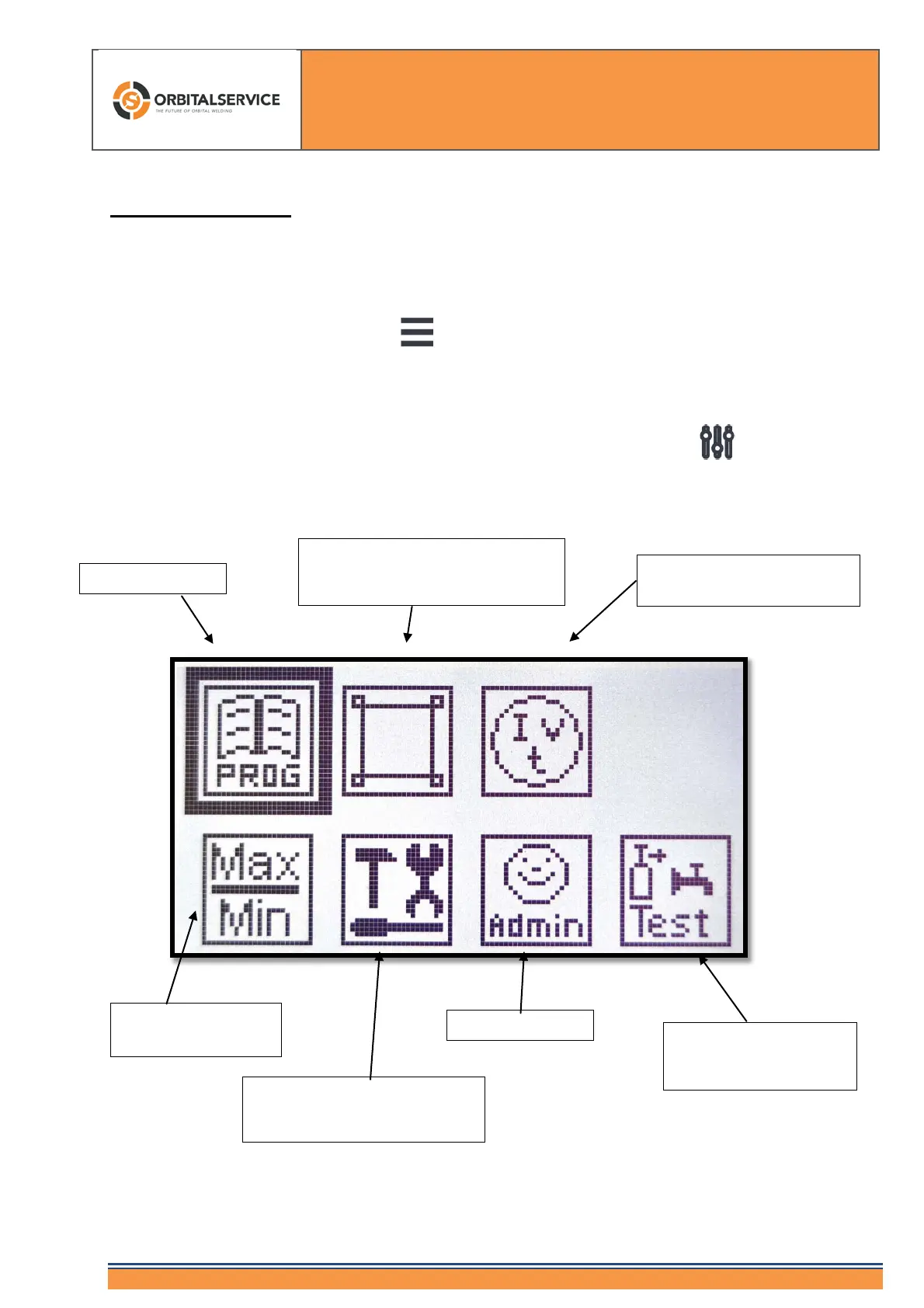
6. The Main Menu
The „Programming Key“ and the main menu
By pressing the Programming key you reach the main menu.
All menu items/signs are easily understandable.
They do not need to be translated into different languages.
The icon with the thick, black frame is activated by pressing the button and you reach
the programming screen.
Main parameters (here you find all
important features about welding
Welding parameters in the
individual sectors
MAX/MIN
Tool box (Sense of rotation of
the weld head, automatic
Tests for gas flow, water
flow and welding without
arc - weld test


 To Next Page