To Next Page
J
Juan BradyAug 6, 2025
How to fix clock on Oregon Scientific Weather Station?
- JjanetperryAug 6, 2025
To fix the clock on your Oregon Scientific Weather Station: 1. Adjust the batteries. 2. Press RESET. 3. Manually activate the clock feature.

How to fix clock on Oregon Scientific Weather Station?
To fix the clock on your Oregon Scientific Weather Station: 1. Adjust the batteries. 2. Press RESET. 3. Manually activate the clock feature.
How to fix my Oregon Scientific BAR623P Clock when it's not working?
There are a few things you can try if your Oregon Scientific Clock is not working. First, make sure the batteries are correctly installed. Next, press the RESET button. Finally, manually activate the clock feature.
What to do if data does not match the main unit on my Oregon Scientific BAR623P Clock?
If the data displayed on your Oregon Scientific Clock doesn't match the main unit, initiate a manual sensor search. This should resolve the discrepancy.
What to do if my Oregon Scientific BAR623P Clock remote sensor isn't working?
If you're experiencing issues with the remote sensor on your Oregon Scientific Clock, there are a few things you can try. First, ensure that the batteries are properly installed and have sufficient charge. Next, consider the location of the sensor and make sure it's placed in an optimal spot for signal transmission. Finally, you can initiate a manual sensor search to re-establish the connection.
What to do if my Oregon Scientific Weather Station shows the wrong temperature?
If your Oregon Scientific Weather Station displays an incorrect temperature, check the batteries to ensure they are working correctly.
Why is the temperature wrong on my Oregon Scientific Weather Station?
If your Oregon Scientific Weather Station displays an incorrect temperature, consider the location of the device. Ensure it's placed in an area that provides accurate readings.
What does 'LLL' or 'HHH' mean on my Oregon Scientific BAR623P?
If your Oregon Scientific Clock displays 'LLL' or 'HHH', it indicates that the temperature is out-of-range.
Steps for installing the remote sensor, setting channels, and initiating communication.
Explains sensor data transmission frequency and reception icon status.
Procedure to manually search for and connect the remote sensor.
Steps for manually setting the clock, date, and language.
Procedure for setting the desired alarm time.
 General
| Display | LCD |
|---|---|
| Temperature Sensor | Yes |
| Humidity Sensor | Yes |
| Alarm Function | Yes |
| Snooze Function | Yes |
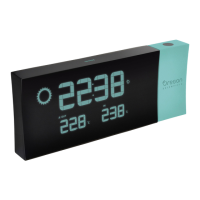
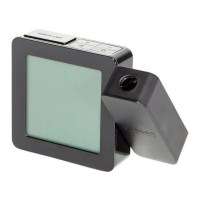
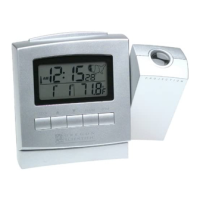
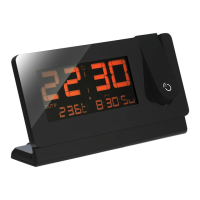
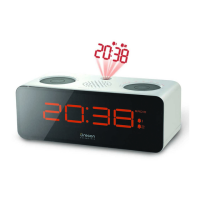
| Projection | Yes |
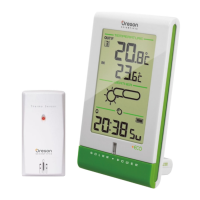
| Wireless Outdoor Sensor | Yes |
| Time Display | 12/24 hour format |
| Power Source | AC adapter |
| Features | indoor/outdoor temperature |
| Projection Adjustment | 180-degree Rotation |