2
EN
INTRODUCTION
Thank you for selecting the Oregon Scientific™ Wireless
Weather Station (BAR623P / BAR623PU). This device
bundles precise time keeping with a projection clock,
weather forecast, and indoor and outdoor temperature
monitoring features into a single tool you can use from
the convenience of your home.
In this box, you will find:
• Main unit with projection clock
• Main unit batteries, 3 x UM-3 (AA) 1.5V
• Main unit 4.5V AC / DC adaptor with jack
• Remote sensor (THN122N)
• Remote sensor batteries, 2 x UM-4 (AAA) 1.5V
Keep this manual handy as you use your new product.
It contains practical step-by-step instructions, as well as
technical specifications and warnings you should know.
PRODUCT OVERVIEW
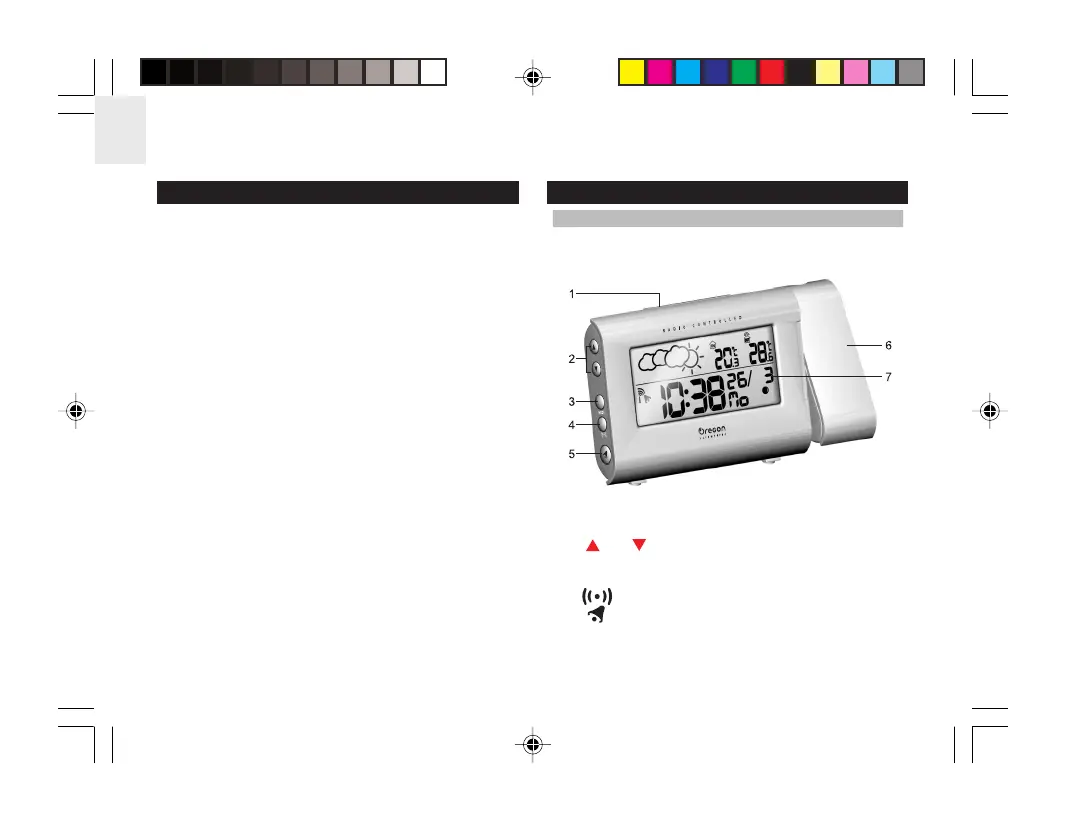
FRONT VIEW
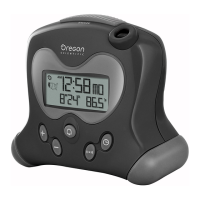
1. SNOOZE / LIGHT button
2. and : Increase or decrease setting / activate
or deactivate RF Clock
3. MODE: Change display / settings
4. : View alarm status; set alarm
5. : Press to activate or deactivate alarm
6. Clock and outdoor temperature projector unit
7. LCD display
BAR623P_EN_R2.p65 7/27/04, 12:40 AM2







 To Next Page