EN
3
and radio alarm
8. FLIP: ip projection 180°
9. PROJECTION ON / OFF: switch projection on / off
10. RESET: reset unit to default settings
11. EU / UK: select the nearest radio signal
12. RCC: enable / disable clock reception
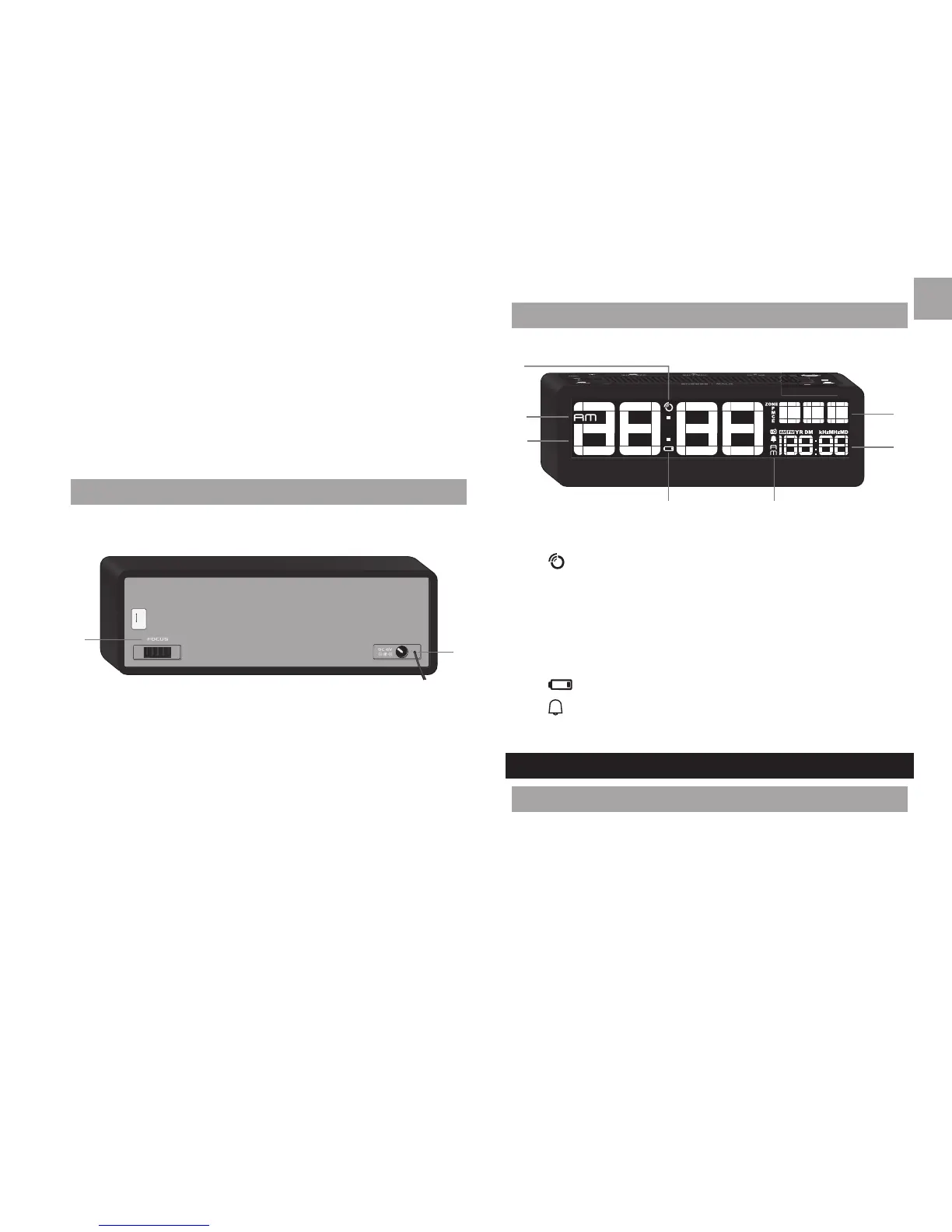
BACK VIEW
1
2
1. FOCUS wheel: adjust projection focus
2. Adaptor socket
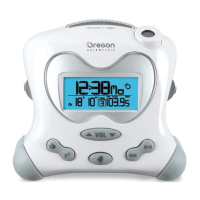
LCD DISPLAY
1
2
3
4
5
67
1. : radio controlled clock reception icon
2. AM / PM: 12 hour clock
3. Clock
4. Day of the week
5. Calendar
6.
: main unit batteries low / no battery
7.
: daily alarm is on
GETTING STARTED
MAIN UNIT INSTALLATION
1. Slide EU / UK switch to select nearest radio signal (if
applicable).
2. Plug adaptor into socket.




 To Next Page