EN
6
Adjust volume:
• Press VOL + / -.
For your convenience, the radio frequency will be stored in
memory for the next time radio is turned on.
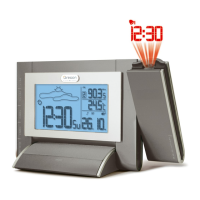
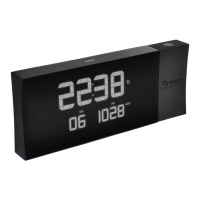
PROJECTION
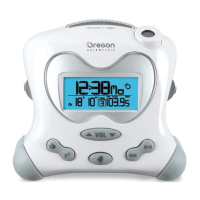
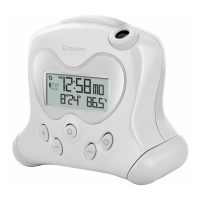
This unit projects time and alarm status onto a dark
background.
Projection feature only operates when unit is connected to
the mains.
To turn (continuous) projection on / off:
• Slide PROJECTION switch to ON / OFF.
To ip projected image by 180°:
• Press FLIP.
To focus image:
• Turn FOCUS wheel.
NOTE If projection is illuminated, do not look directly into
the projector.
AUDIBLE TIME FUNCTION
To hear the time:
• Press SNOOZE / TALK.
To hear the day, press SNOOZE / TALK again while voice
announces the time.
Adjust volume:
• Slide TALK HI / LO switch to select.
DISPLAY BRIGHTNESS
To adjust brightness:
• Press
HI / LO.
RESET
Press RESET to return to default settings.
SPECIFICATIONS
TYPE DESCRIPTION
L x W x H 200 x 105 x 65 mm
(7.9 x 4.1 x 2.6 in)
Weight 514 g (18.1 oz) without battery
Power AC / DC 6V adaptor 2 x UM - 4
(AAA) 1.5 V batteries
PRECAUTIONS
• Do not subject the unit to excessive force, shock, dust,




 To Next Page