EasyManua.ls Logo

Oregon Scientific EM221 - User Manual

Oregon Scientific EM221
141 pages
Print Icon
To Next Page IconTo Next Page
Loading...
EN
1
INTRODUCTION
Thank you for selecting the Oregon Scientic
TM
Weather
+
. These products collects real-time weather data and
sends the data to smart devices via Bluetooth Low Energy (BLE). Please keep this manual available as you use your
new product. It contains practical step-by-step instructions, as well as product technical specications and warnings.
The major differences between the 2 models are listed below:
EM221 (Basic) BAR228 (Advanced)
Temperature
Weather forecast
Humidity
Data logger
For further assistance, please visit http://weather.oregonscientic.com.
OVERVIEW
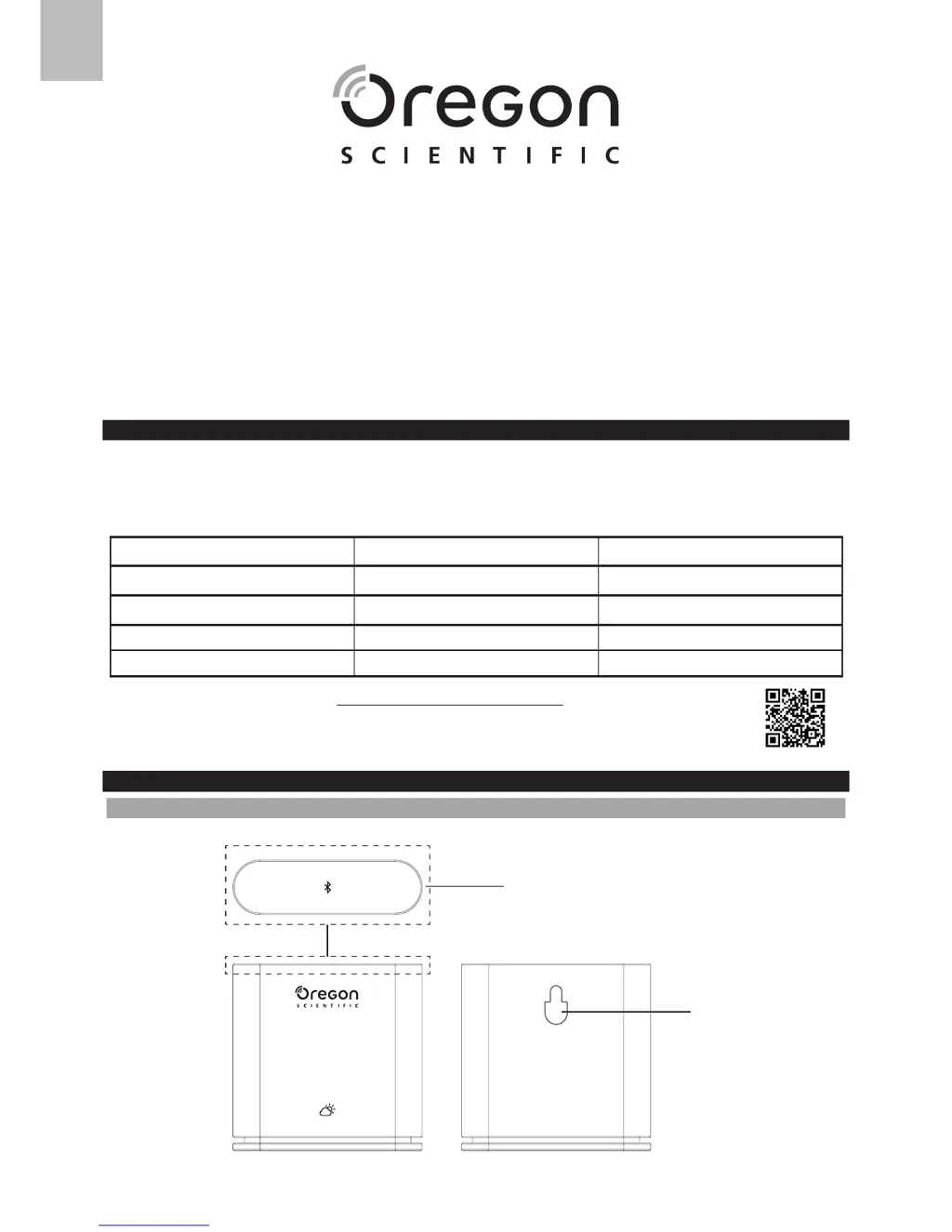
OUTER FRONT & REAR VIEW
1
2
Weather
+
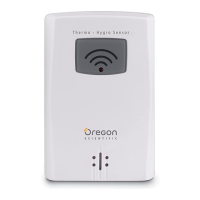
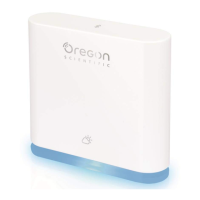
BLE connected weather sensor
Model: EM221 (Basic)/BAR228 (Advanced)
User Manual

Questions and Answers

  • S
    Scott KeithAug 10, 2025
    What to do if I cannot pair Oregon Scientific Accessories Weather+?
    • L
      Linda GreeneAug 10, 2025
      If you're having trouble pairing your Oregon Scientific Accessories Weather+ with your smart device, first ensure that both devices are within the 30 m (98 ft) Bluetooth operating range. If they are, check for any physical obstacles like thick walls or large furniture that might be interfering with the Bluetooth signal, and move your smart device closer to the Weather+.
  • M
    Megan GarciaAug 16, 2025
    How to fix my Oregon Scientific EM221 Weather+ not working?
    • C
      Cody HansenAug 16, 2025
      If your Oregon Scientific Accessories Weather+ is not working, ensure the battery is correctly inserted and that you've followed the pairing instructions accurately. Alternatively, reset the device to its default settings by pressing the reset button, and then attempt to pair it with your smart device again.
  • I
    iwhiteAug 22, 2025
    Why live data does not refresh on Oregon Scientific Accessories Weather+?
    • R
      Renee SullivanAug 22, 2025
      If the live data on your Oregon Scientific Accessories Weather+ app isn't refreshing when you press the refresh button, please note that it may take a few seconds for the data to update. If you've already pressed the button once, wait 15 seconds before pressing it again. Also, ensure that the Weather+ and your smart device are within the 30 m (98 ft) Bluetooth range. If you have multiple Weather+ units installed, make sure they are spaced as far apart as possible to prevent interference.
  • T
    Tammy JohnsonAug 28, 2025
    What to do if I cannot retrieve all data from Oregon Scientific Accessories Weather+?
    • K
      Karen WheelerAug 28, 2025
      If you cannot retrieve all data from your Oregon Scientific Accessories Weather+, make sure you keep your smart device connected to the Weather+ to receive the data. The app can only retrieve data from the last 20 days.
  • C
    Cynthia JohnsonSep 3, 2025
    What does circle with percentage mean on Oregon Scientific EM221 Weather+?
    • N
      Nancy MurraySep 3, 2025
      When you press the button on your Oregon Scientific Accessories Weather+ and see a circle with a percentage, it means the smart device is loading the existing weather data history. Please wait, as this process may take several minutes. Do not exit the app during this time, as it will interrupt the process.

Summary

Device Operation and Setup

Initial Setup: App Download and Battery Insertion

Guides users on downloading the companion app and inserting batteries to power the device.

Pairing and Device Connection

Bluetooth Pairing Procedure

Step-by-step instructions for pairing the Weather+ with a smart device via Bluetooth.

Configuring Device Alerts

Setting Custom Alerts and Messages

Customizing temperature, humidity, and pressure alerts with personalized notification messages.

App Interface and Data Access

Home Screen Layout and Features

Details the various components and information displayed on the main app screen.

Accessing Weather Data and History

How to navigate the app to view weather alerts and historical data logs.

Device-Specific Settings Management

Troubleshooting and Specifications

Common Issues and Solutions

Solutions for frequent problems encountered with the Weather+ device and its connection.

Safety, Precautions, and Compliance

Oregon Scientific EM221 Specifications

General IconGeneral
ModelEM221
CompatibilityOregon Scientific Weather Stations
Power Source2 x AAA batteries
Battery LifeApproximately 1 year
TypeWireless Temperature Sensor
Transmission RangeUp to 30m (100 ft) in open area
Measurement Range (Temperature)-20°C to +60°C

Related product manuals