5.°C/°F slide switch:
• Slide it to switch between Celsius and Fahrenheit.
6.SENSOR key:
• Press it once to search a sensor.
• During the reception period, press and hold it
for 3 seconds to stop the reception.
7.RESET key:
• Press it to return all values to default values.
• In case of malfunction, the unit may be required
to reset.
8.BATTERY COMPARTMENT:
• Accommodates 2 AAA size batteries.
9.BATTERY DOOR
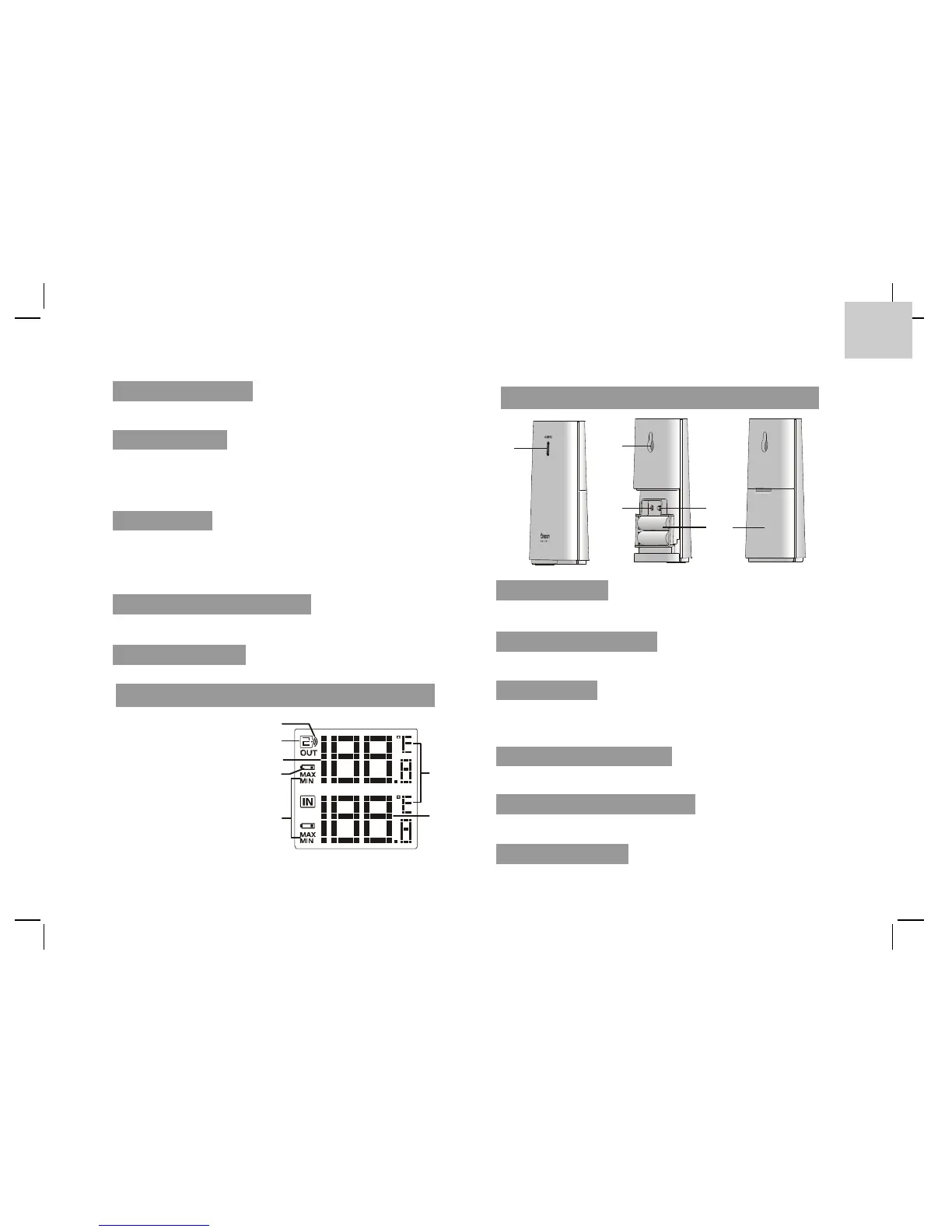
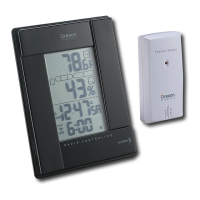
LCD DISPLAY
1. Signal indicator
2. Channel
3. Outdoor temperature
4. Low battery indicator
5. Min and Max temperature
6. °C & °F
7. Indoor temperature
SENSOR
1.LED indicator:
• Flashes when the remote unit transmits a reading.
2.Wall-mounting holder:
• Supports the sensor on the wall.
3.RESET key:
• Press it to restart the sensor and return all
values to default values.
4.CHANNEL slide switch:
• Assign the sensor to channel 1, 2 or 3.
5.BATTERY COMPARTMENT:
• Accommodates 2 AAA size batteries.
6.BATTERY DOOR
3
3






 To Next Page