10
Before rst use
2. Before rst use
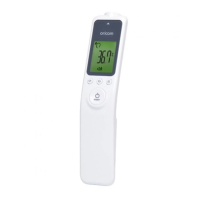
• Before rst use, insert the batteries supplied (2 x AAA Alkaline Batteries).
3. Switching on and setting the thermometer
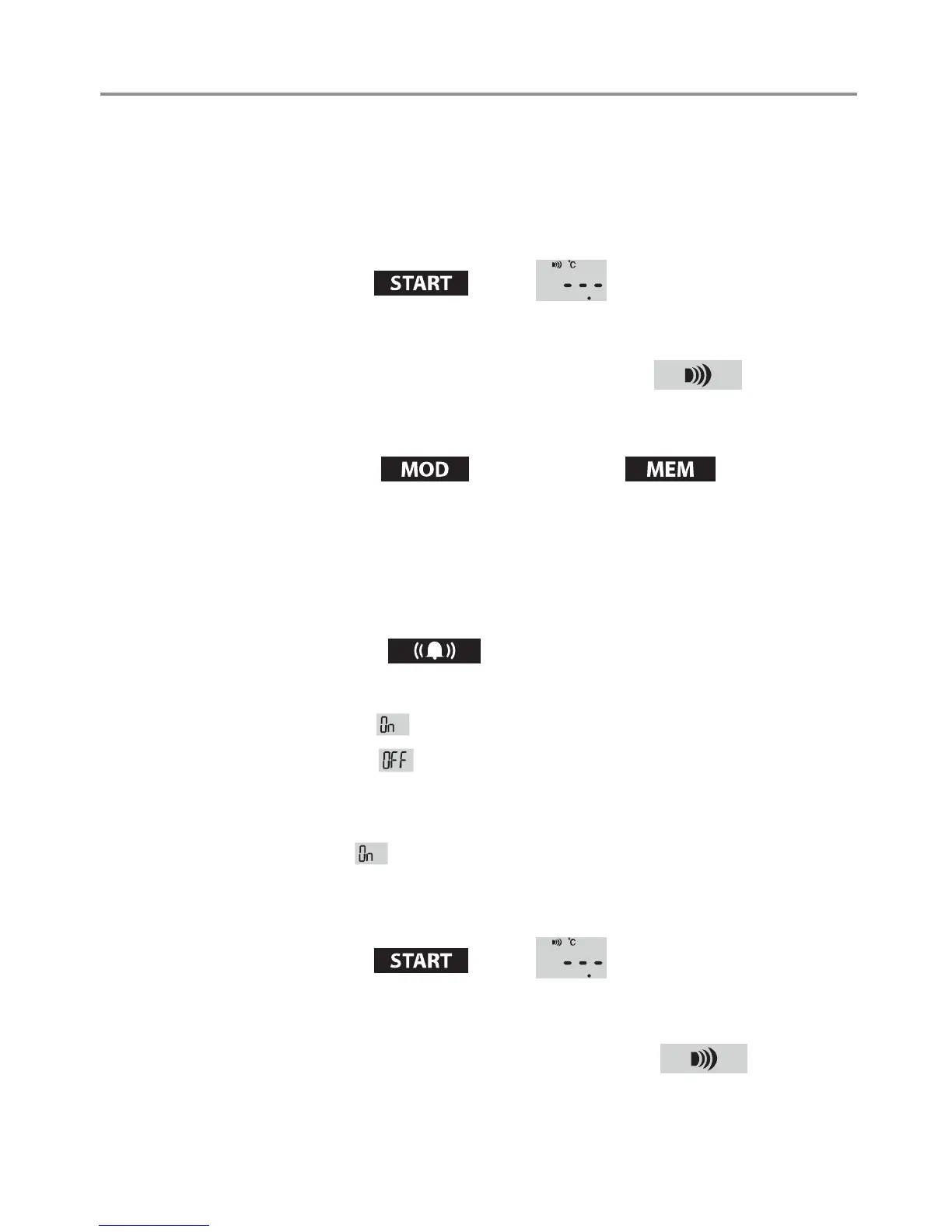
• Press the Start button briey.
> The device switches on. After two seconds, the display shows that the
device is ready for use.
> The device always starts in body temperature mode.
3-1. Setting the measurement unit
• Press the Mode button
and MEM button simultaneously
for at least 3 to 4 seconds.
> The device switches to the other measurement unit.
> Possible measurement units : Celsius
°
C and Fahrenheit
°
F
3-2. Setting the measurement sound
• Press the Sound button
briey.
> Each time the button is pressed, the sound switches on or off.
> If the display shows
after pressing the button, the device emits sound.
> If the display shows
after pressing the button, the device will not emit
sound.
> This setting is not stored. The next time the device is switched on, the
sound is reset to.
4. Measuring body temperature
• Press the Start button briey. .
> The device switches on. After two seconds, the display shows that the
device is ready for use.
> The device always starts in body temperature mode.


 To Next Page