12
Operations
Selecting a channel
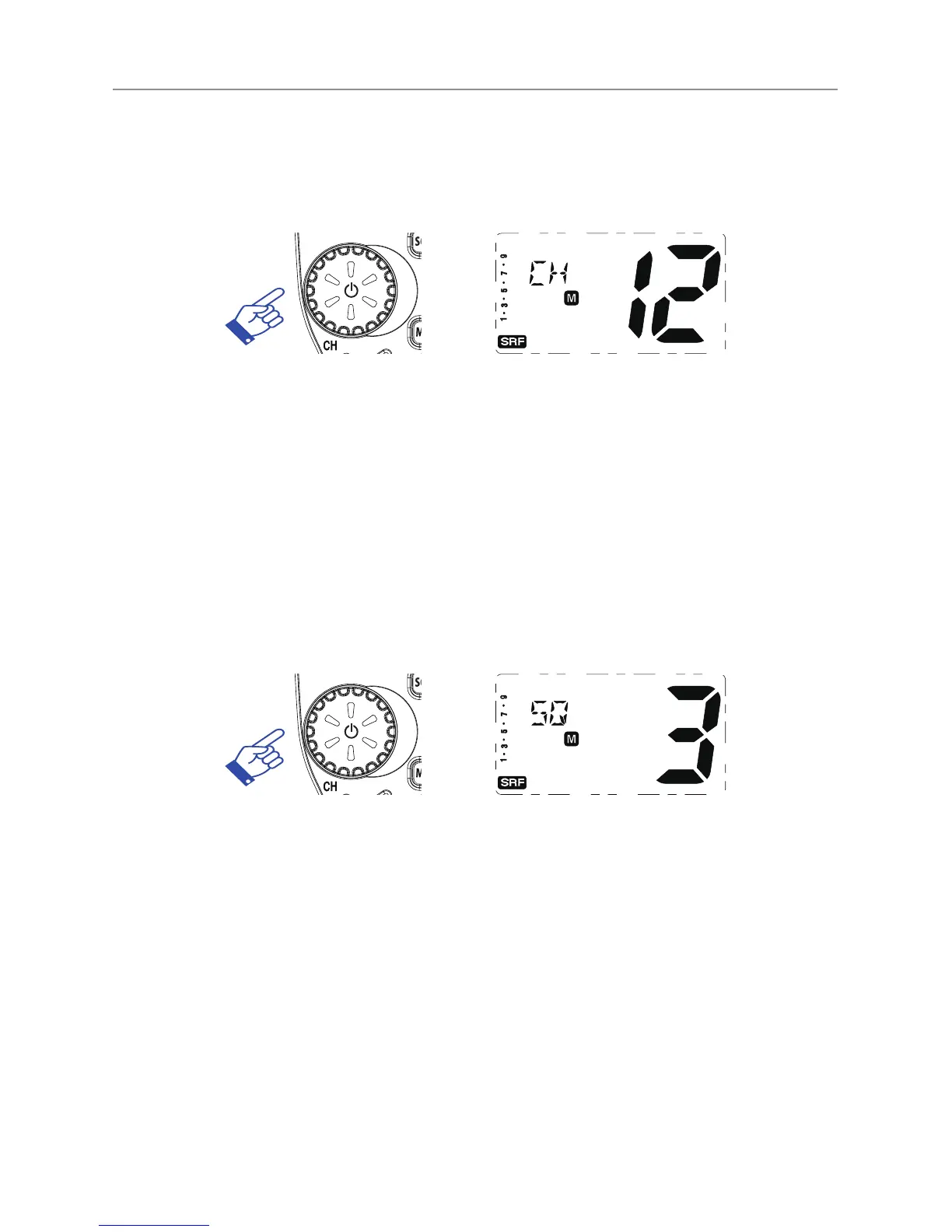
Press channel selector once. “CH” will appear on the LCD. Select the
channel by rotating the channel knob.
Setting the Squelch Level
1. Press channel selector 2 times. The current squelch level is
displayed.
2. Select the squelch level by rotating the channel knob.
The radio has 16 preset (off to 15) squelch levels, off-Squelch
open.
1 - Max. sensitivity (Min. squelch)
15 - Min. sensitivity (Max/Tight squelch)
Note : * If a button is not pressed within 5 seconds, the radio
will automatically exit the sub display of “VOL” “CH” and
“SQL”.



 To Next Page