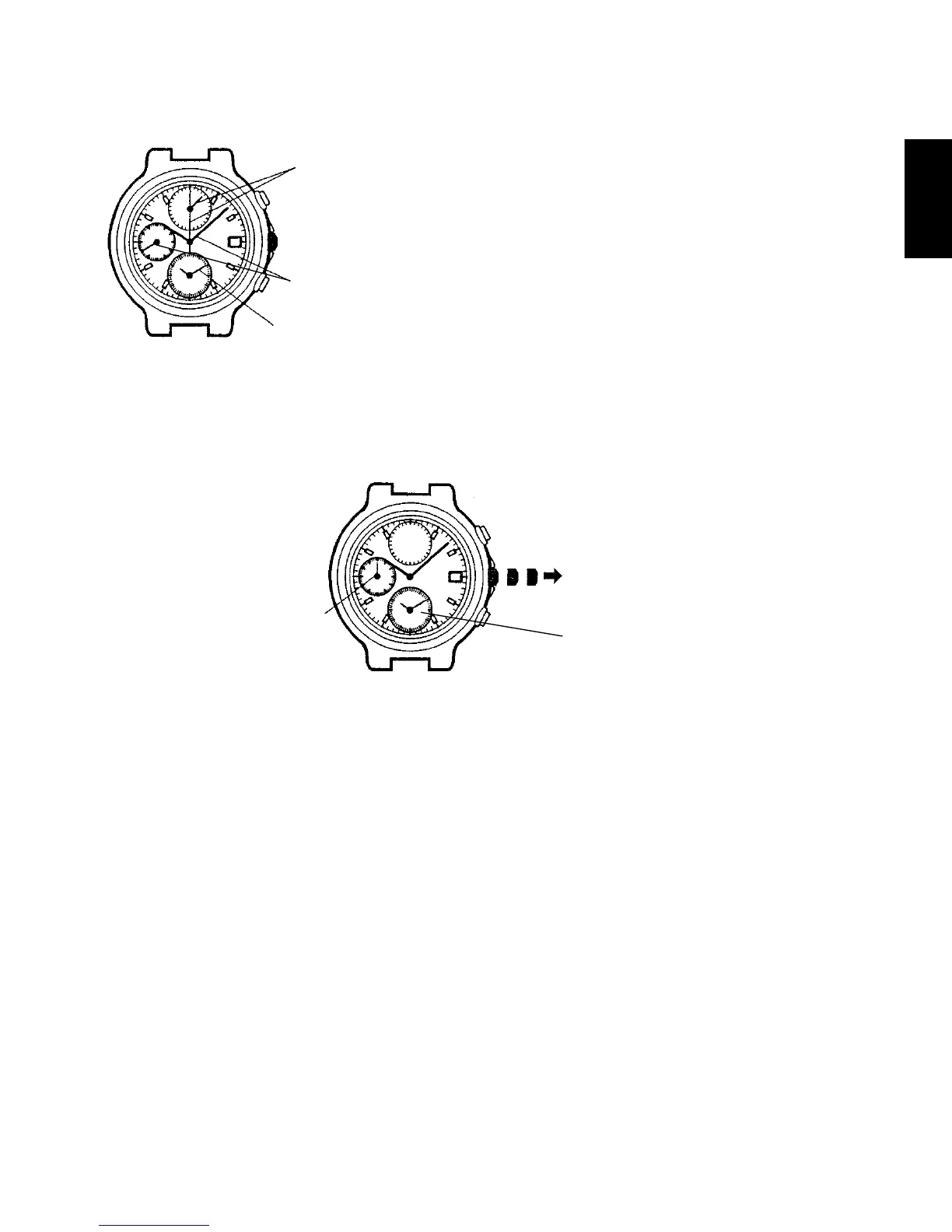
Stopwatch hands
(Stopwatch minute and second hands)
Hands for time display
(Hour and minute hands and small second hand)
Alarm hands
(Alarm hour and minute hands)
Crown
[How to set the time (basic watch and alarm sub-dial)]
(1) Pull out the crown to the second click when the small second hand is at the
12 o’clock position.
The small second hand stops on the spot.
* If the stopwatch is measuring, the stopwatch hands are automatically reset
to the “0” position.
* If the alarm has been set, the alarm hands will move quickly and indicate
the current time.
Small second
hand
The alarm sub-dial
indicates the current
time.



 To Next Page