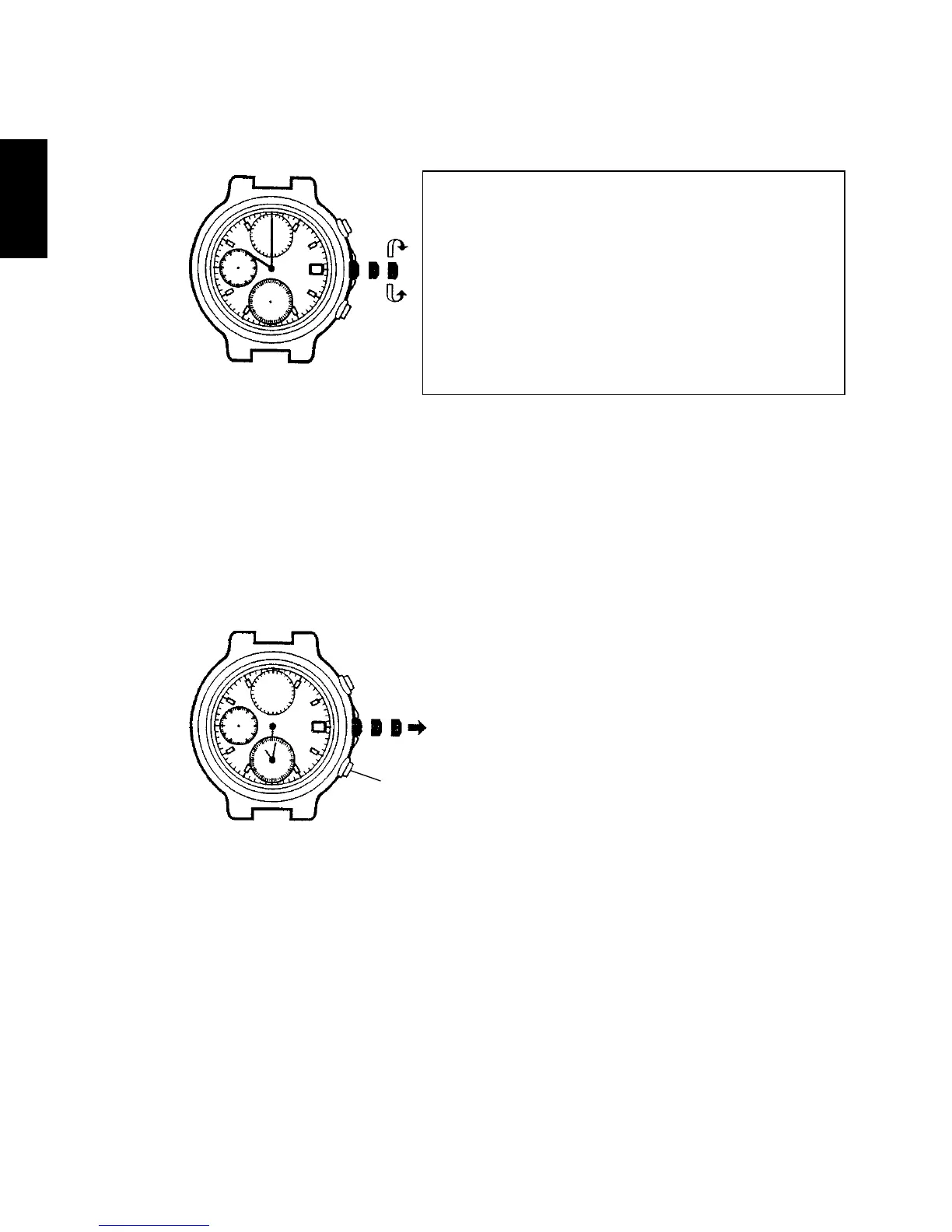
(2) Turn the crown to set the hour and minute hands to the current time.
* When setting the hour hand, check that AM/PM is correctly set. The date
changes around midnight.
* When setting the minute hand, first advance it 4 to 5 minutes ahead of the
current time, and then, turn it back to the exact minute.
(3) Then, press button B and set the time on the alarm sub-dial. Set it to the
same time as that of the basic watch set in (2) above. The alarm sub-dial
hands move quickly when button B is kept pressed.
* The alarm sub-dial does not come with the AM/PM option.
After setting the time, also set the
stopwatch hands to the “0” position.
It is recommended that the hands
be set to the time a few minutes
ahead of the current time, taking into
consideration the time required to
push the crown back in when all the
adjustments are completed.
Button
B



 To Next Page