7
7) Delay Funcon ( This funcon only through by Remote control.)
1. This funcon can be use should be t two points :
1. the appliance is in the standby state.
2. before the appliance working.
This funcon only through by Remote control.
2. Press “ ” buon light on LED display, then press “ ” buon one me, the
“Delay” light and ”I/W” light are on.press “ ” two buons set the Hours
from 01--24(01=1 o’clock,24=24 o’clock...00=Closed ect.)
---------------------------------------------------------This is open me
3. Press “ ” buon again, the “Delay” light and ”II/H” light are on. Press “ ”
two buons set the Hours from 01--24(01=1 o’clock,24=24 o’clock...00=Closed
ect.)
---------------------------------------------------------This is close me
PS: Press “ ” buon,screen shows number will ashes 5 seconds,you should
operate in me, otherwise appliance will get back to standby, you need press “
” buon to awaken the appliance and reset again all.
(This funcon is one-me and must be reset if the power is cut o.)
8) Child-Lock Funcon
1. This funcon only through by Remote control.When appliance are plug
in,this funcon can be used in any models.
2. Press “ ” buon one me, all lights and LED display are closed ,only
“Power” light on.In this condion, either control panel or remote control can
not operate the appliance for any funcon.
3. Press “ ” buon again, all lights are on and both control panel and remote
control are use to succeed.
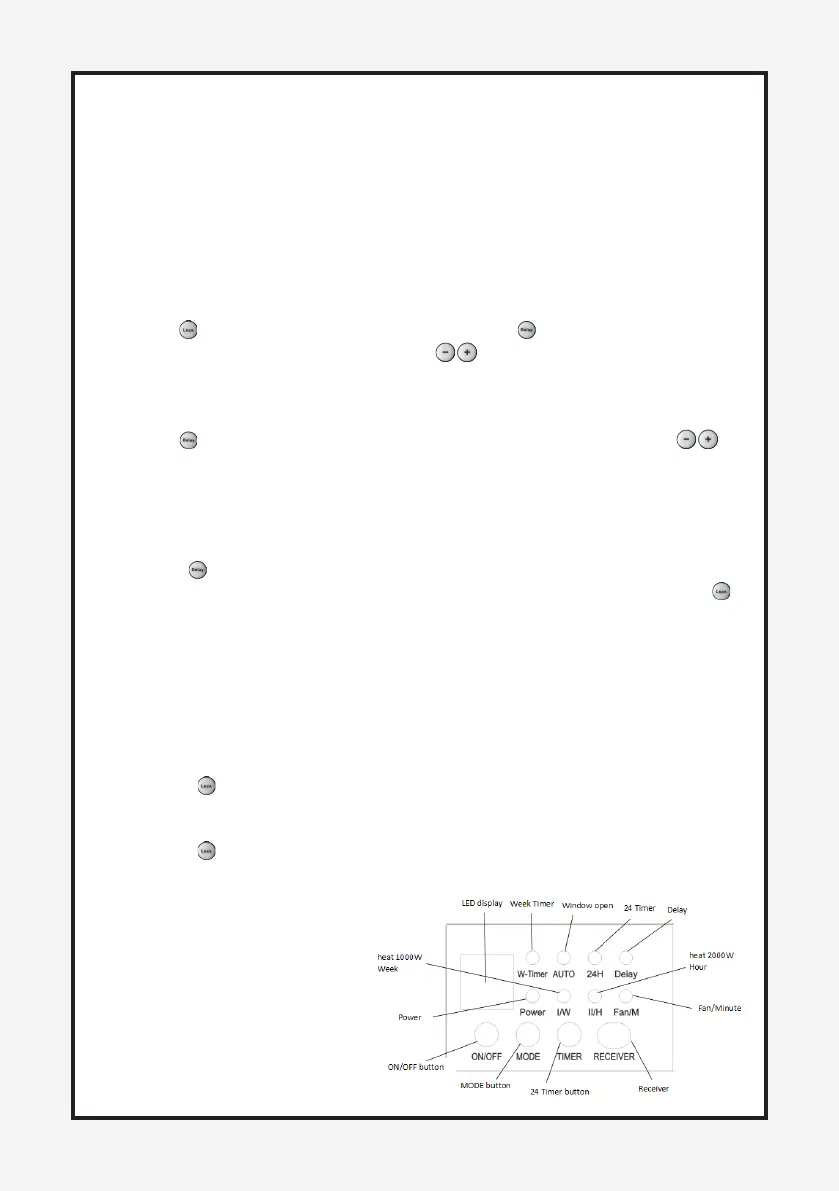
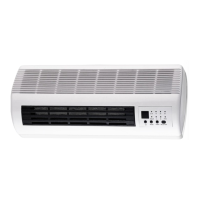
CONTROL PANEL VIEW:


 To Next Page