14
- press the SPLIT button and use the Data Control wheel to set a different value.
or
- press and hold the SPLIT button and select the key where the new Split point is
desired.
-
As soon as the SPLIT button is released, the display will go back to normal mode.
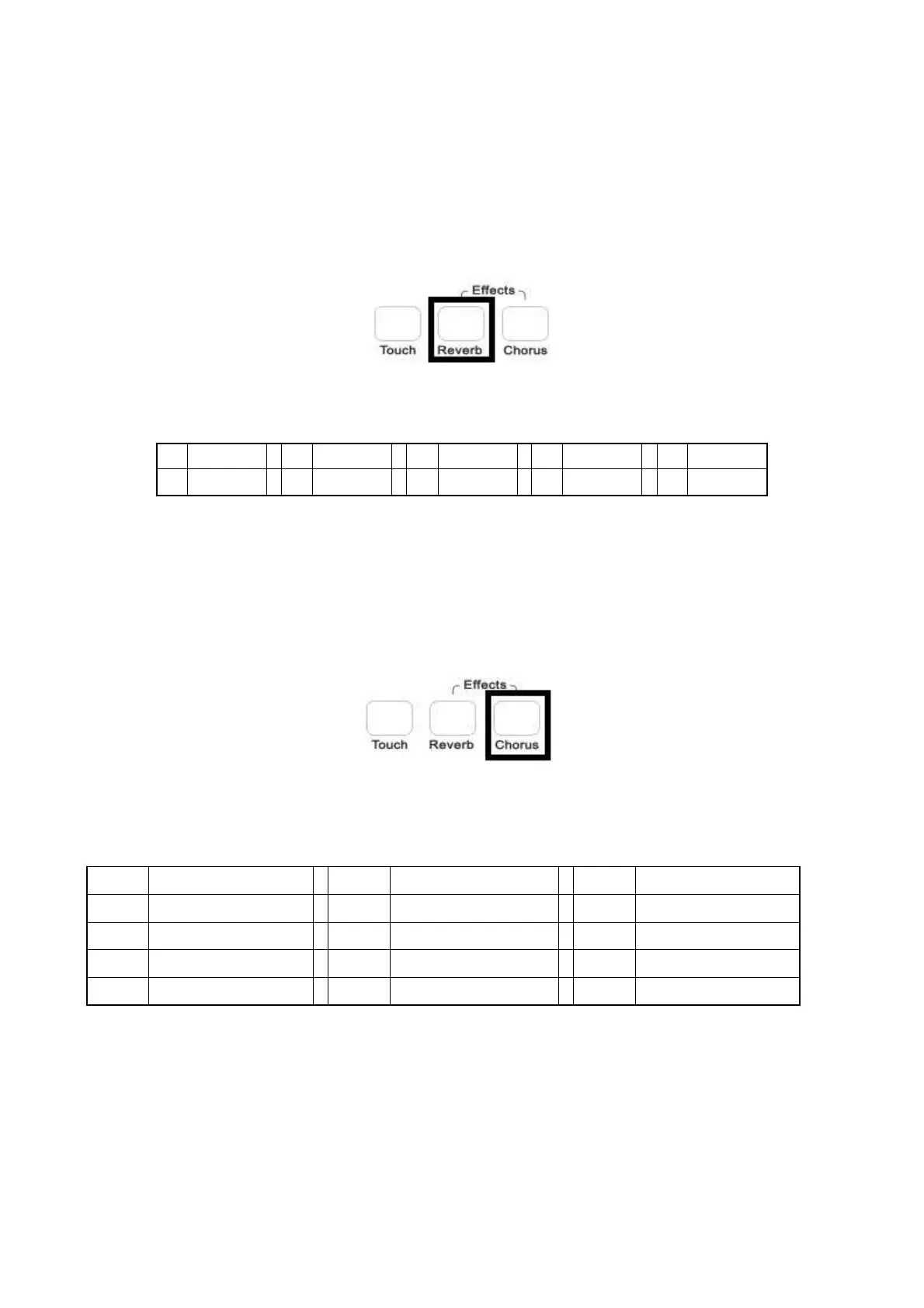
DIGITAL REVERB
The DIGITAL REVERB effects expand the sound of your instrument giving your music a new
dimension. The instrument has 10 different Reverb Type:
1
Hall 1
2
Hall 2
3
Room 1
4
Room 2
5
Room 3
6
Stage 1
7
Stage 2
8
Plate
9
Delay
10
Echo
If the REVERB is selected, it will stay switched ON even if a different voice is selected while
playing.
Soon after the REVERB button is selected, it is possible to select a different reverb effect using the
Data Control wheel.
CHORUS EFFECT
This gives to all the voices of these sections a fuller, rounder and warmer sound.
At Power Up the CHORUS effect will always be switched OFF.
The instrument has 13 different Chorus Type:
1
Chorus 1
2
Chorus 2
3
Chorus 3
4
Chorus 4
5
Feedback
6
Flanger 1
7
Short Delay
8
Short Delay Feedback
9
Flanger 2
10
Flanger 3
11
Celeste 1
12
Celeste 2
13
Celeste 3
Soon after the CHORUS button is selected, it is possible to select a different chorus effect using the
Data Control wheel.



 To Next Page