25
SPLIT VOICE OCTAVE
Select the PERFORMANCE page again using the SETTINGS button and press ENTER.
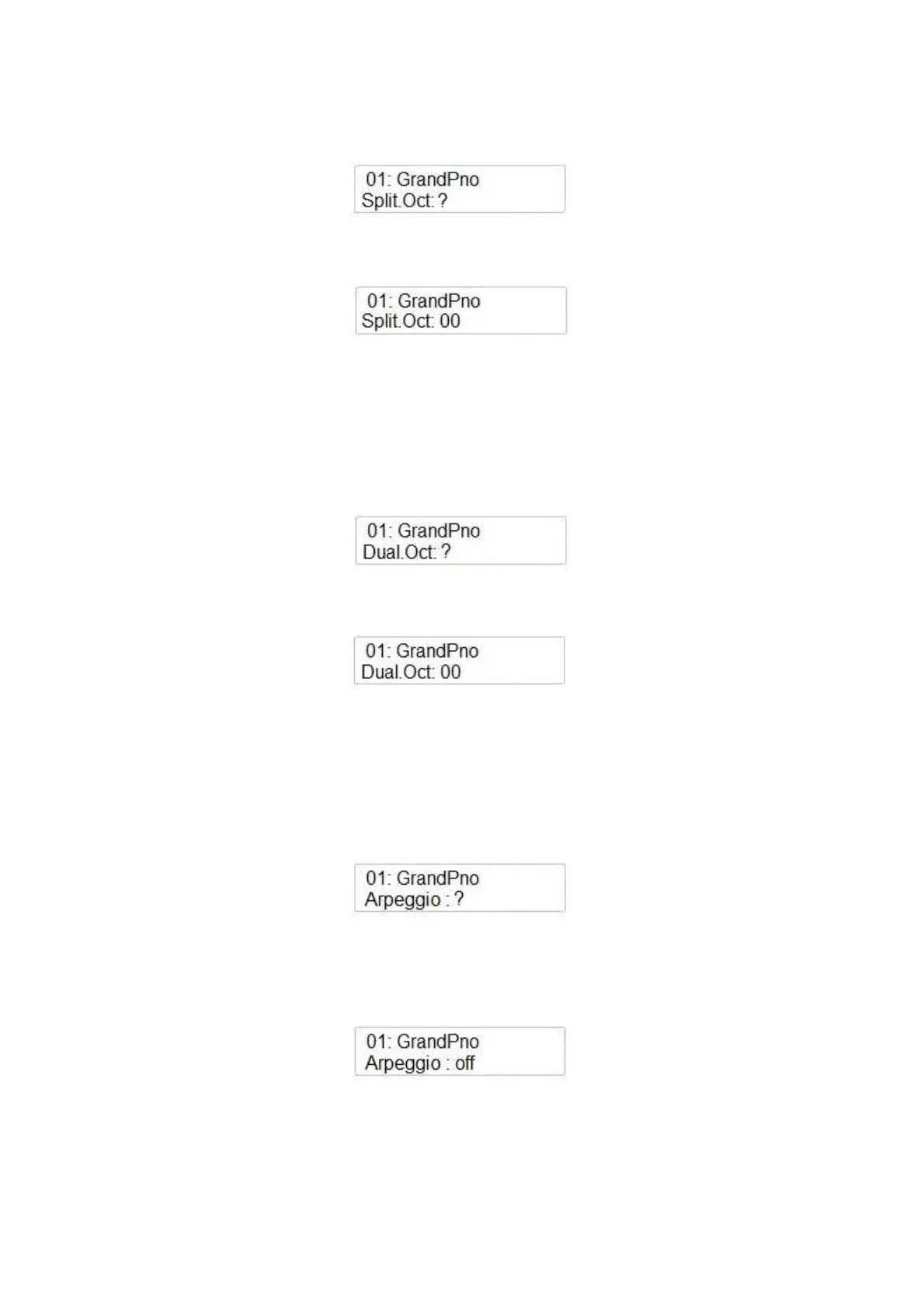
Using the Data Control wheel select the next page:
It is possible to adjust the Octave of the Split voice.
Press ENTER again to modify the Split voice Octave parameters if necessary. The display indicates
Using the Data Control wheel it is possible to change the Octave ( -2 / +2 Octaves) of the Split
voice.
DUAL VOICE OCTAVE
Select the PERFORMANCE page again using the SETTINGS button and press ENTER.
Using the Data Control wheel select the next page:
It is possible to adjust the Octave of the Dual voice.
Press ENTER again to modify the Dual voice Octave parameters if necessary. The display indicates
Using the Data Control wheel it is possible to change the Octave ( -2 / +2 Octaves) of the Dual
voice.
ARPEGGIO
This feature allows two special arpeggio algorhythm using the Main Voice.
Select the PERFORMANCE page again using the SETTINGS button and press ENTER.
Using the Data Control wheel select the next page:
It is possible to select 2 different types.
Press ENTER again to select the Arpeggio type if necessary. The display indicates
Using the Data Control wheel it is possible to select the Arpeggio type ( 1 or 2).



 To Next Page