26
TWIN
This feature offers a special keyboard configuration, very good for practice. Teacher and pupil can
play at the same time the same notes in the same instrument. Twin sets the configuration of the 88
notes of the instrument in two identical half keyboard in the same key and same octave.
Select the PERFORMANCE page again using the SETTINGS button and press ENTER.
Using the Data Control wheel select the next page:
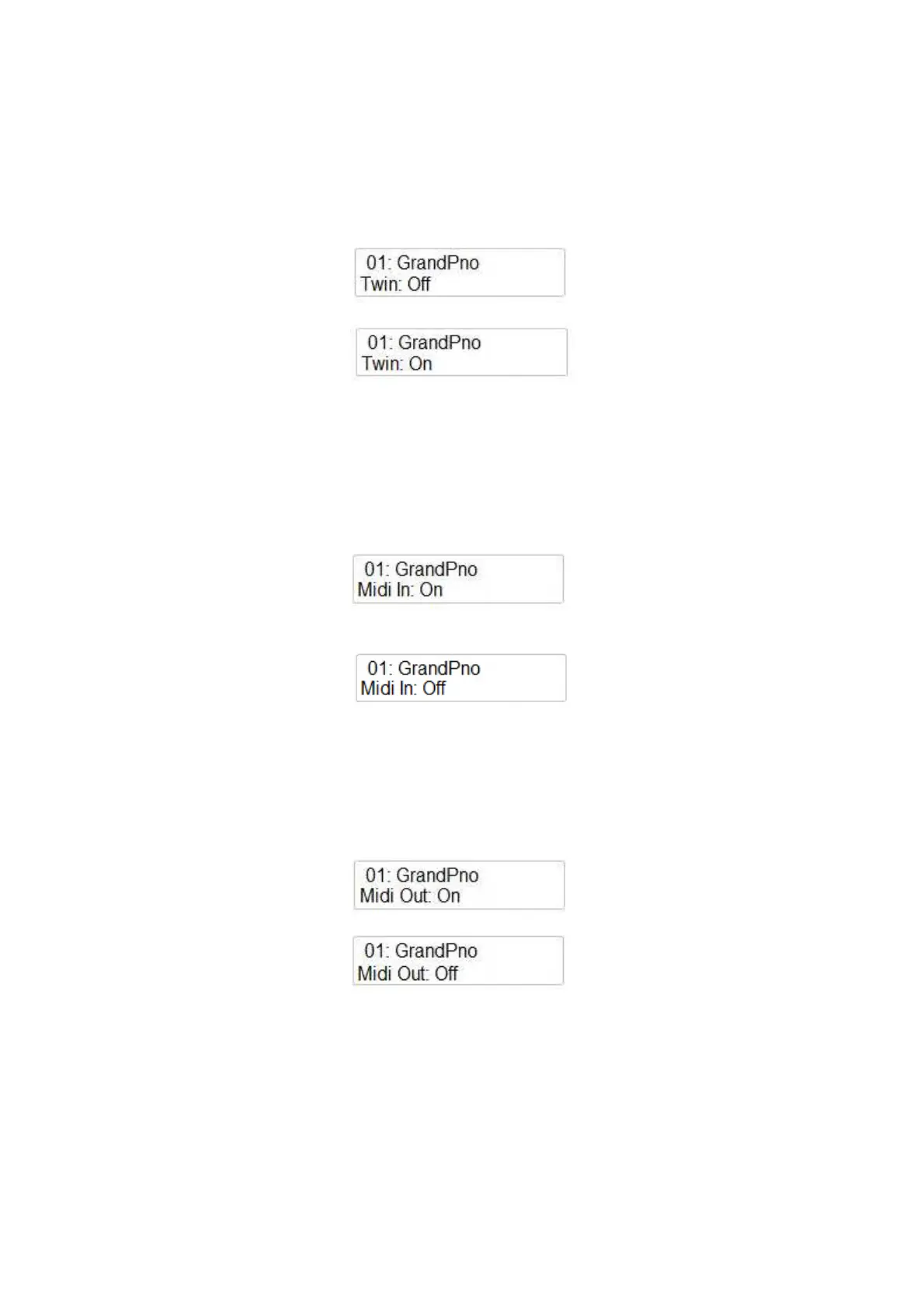
Using the Data Control wheel it is possible to select the Twin mode On or Off.
MIDI IN
This feature allows to set On or Off the Midi In function.
Select the PERFORMANCE page again using the SETTINGS button and press ENTER.
Using the Data Control wheel select the next page:
Using the Data Control wheel it is possible to select the Midi In Off.
MIDI OUT
This feature allows to set On or Off the Midi Out function.
Select the PERFORMANCE page again using the SETTINGS button and press ENTER.
Using the Data Control wheel select the next page:
Using the Data Control wheel it is possible to select the Midi Out Off.
It is also possible to select in which Midi Channel the Midi Out should transmit the Midi Data: from
Ch. 1 to Ch.16.
MIDI LOCAL
The Midi Local On/Off allow to decide if the internal sounds of the instrument will play together
with the external sound controlled by midi.
This feature allows to set On or Off the Midi Local function.



 To Next Page