33
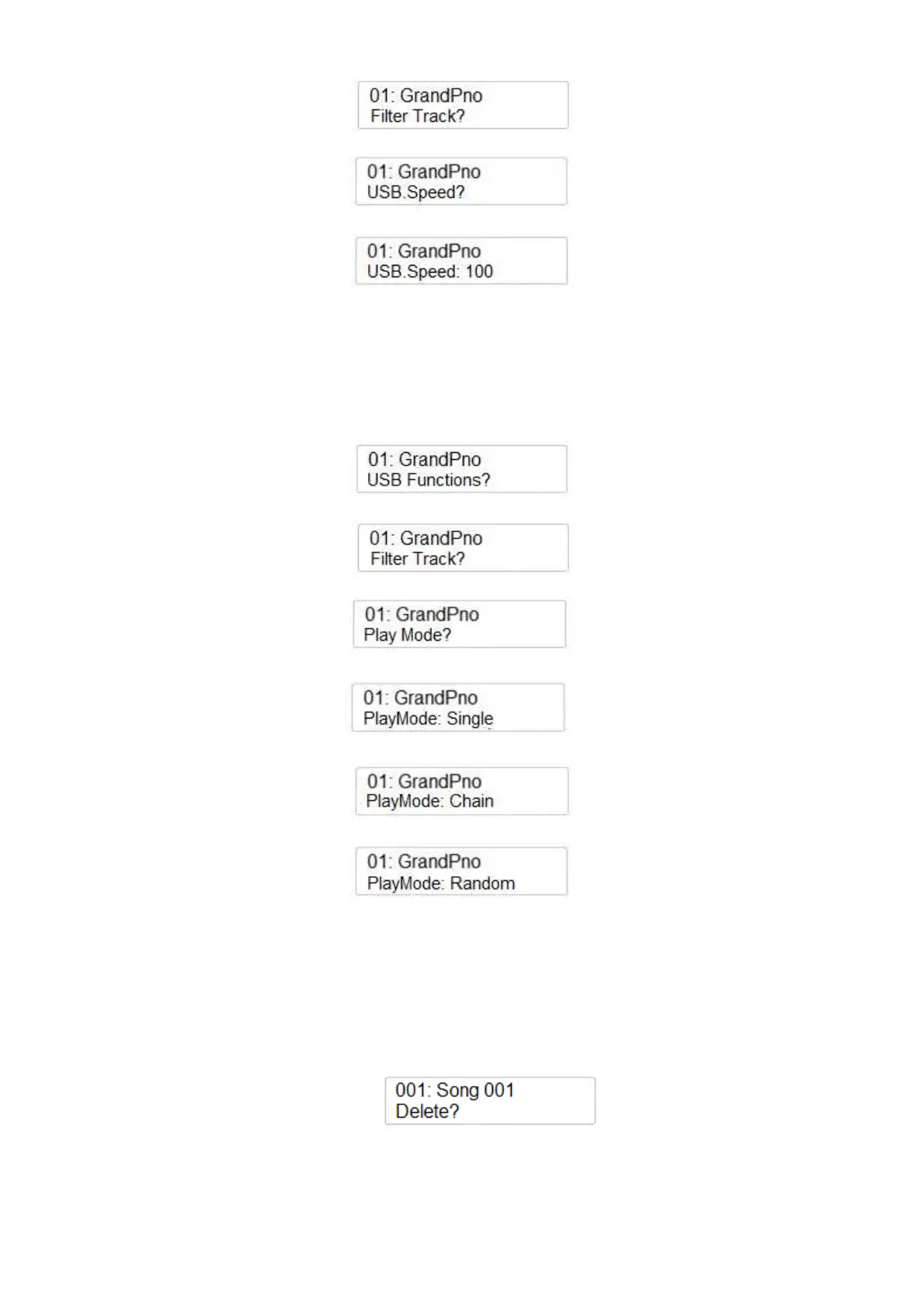
Using the Data Control wheel select the USB Speed
Press the ENTER button to confirm and the display shows:
Using the Data Control wheel adjust the song speed (min 50 – max 200).
PLAY MODE
It is possible to decide if the song should play One At The Time, in Chain Mode or Random Play.
Press the SETTINGS button a few times until you select USB Function?
Press the ENTER button to confirm and the display shows:
Using the Data Control wheel select the Play Mode
Press the ENTER button to confirm and the display shows:
Using the Data Control wheel select the Play Mode type
or
DELETE FILES
In case is necessary to delete some files from the USB Disk the DELETE function is available.
-
Make sure that the USB disk is in its USB socket.
-
Select the file you wish to delete on the display – for example SONG 001
-
Press the RECORD and PLAY buttons to access the DELETE function. The display show:
-
Press the (/\) UP DATA button to Delete the file.
-
If for any reason at this point you decide not to delete the file anymore, press the (\/) Down
DATA buttons to exit the function.



 To Next Page