11
If the SELECT button Led is Off you can select PLAYER CHOICE 1. If the SELECT button Led is
On you can select PLAYER CHOICE 2.
How to select a new Player Choice sound:
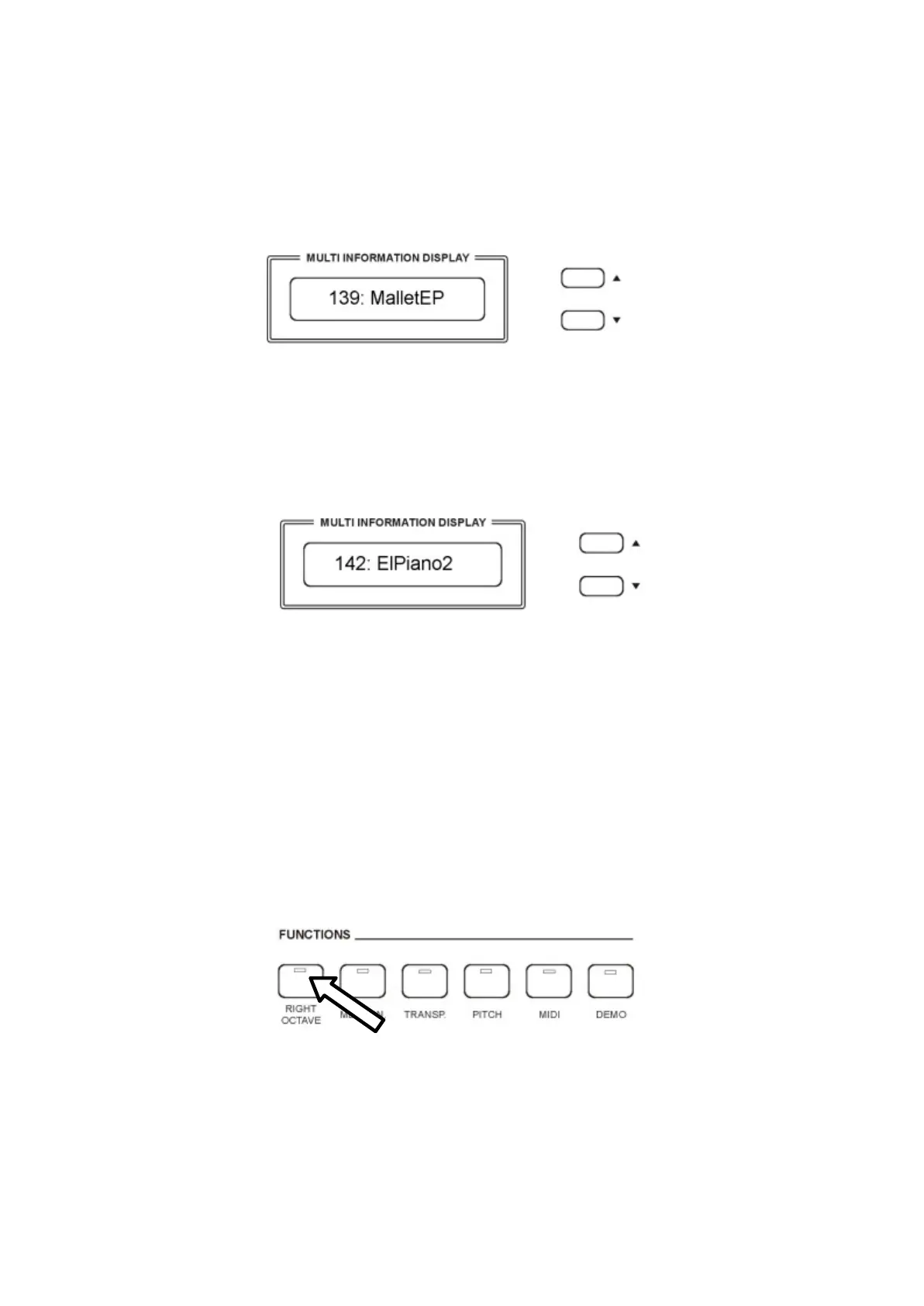
- Press and hold the PLAYER CHOICE 1 button until the display shows:
- Use the [/\] and [\/] buttons it is possible to change the sound while its number is blinking
with any one of the available sounds in the Voice List of the instrument. It is of course
possible to directly digit the number of the new desired sound using the numeric keypad
buttons.
- To select a new Player Choice 2 sound press the SELECT button On and press and hold the
PLAYER CHOICE 2 button until the display shows:
- Use the [/\] and [\/] buttons it is possible to change the sound while its number is blinking
with any one of the available sounds in the Voice List of the instrument. It is of course
possible to directly digit the number of the new desired sound using the numeric keypad
buttons.
NOTE: It is possible to save the new programmed Player Choice sounds in the OVERALL
PRESET memories.
RIGHT OCTAVE
This function is setting the piano sound 1 octave lower.
When the piano is playing two sounds at the same time in Layer mode both sounds will be played 1
Octave lower.
If the piano is playing in SPLIT mode, only the sounds of the right section will be played 1 Octave
lower.



 To Next Page