15
The examples below illustrate how to use the above table:
- To Transpose the instrument to the key of E above C, press the TRANPOSE button On and
press the [/\] button 4 times.
- To Transpose the instrument to the key of A# below C, press the TRANSPOSE button On
and press the [\/] button 2 times.
Press the TRANSPOSE button On and press the [/\][\/] buttons at the same time to restore the
instrument to the key of C0.
TRANSPOSE SET
In this page, you can select which sections of the instrument you would like to transpose.
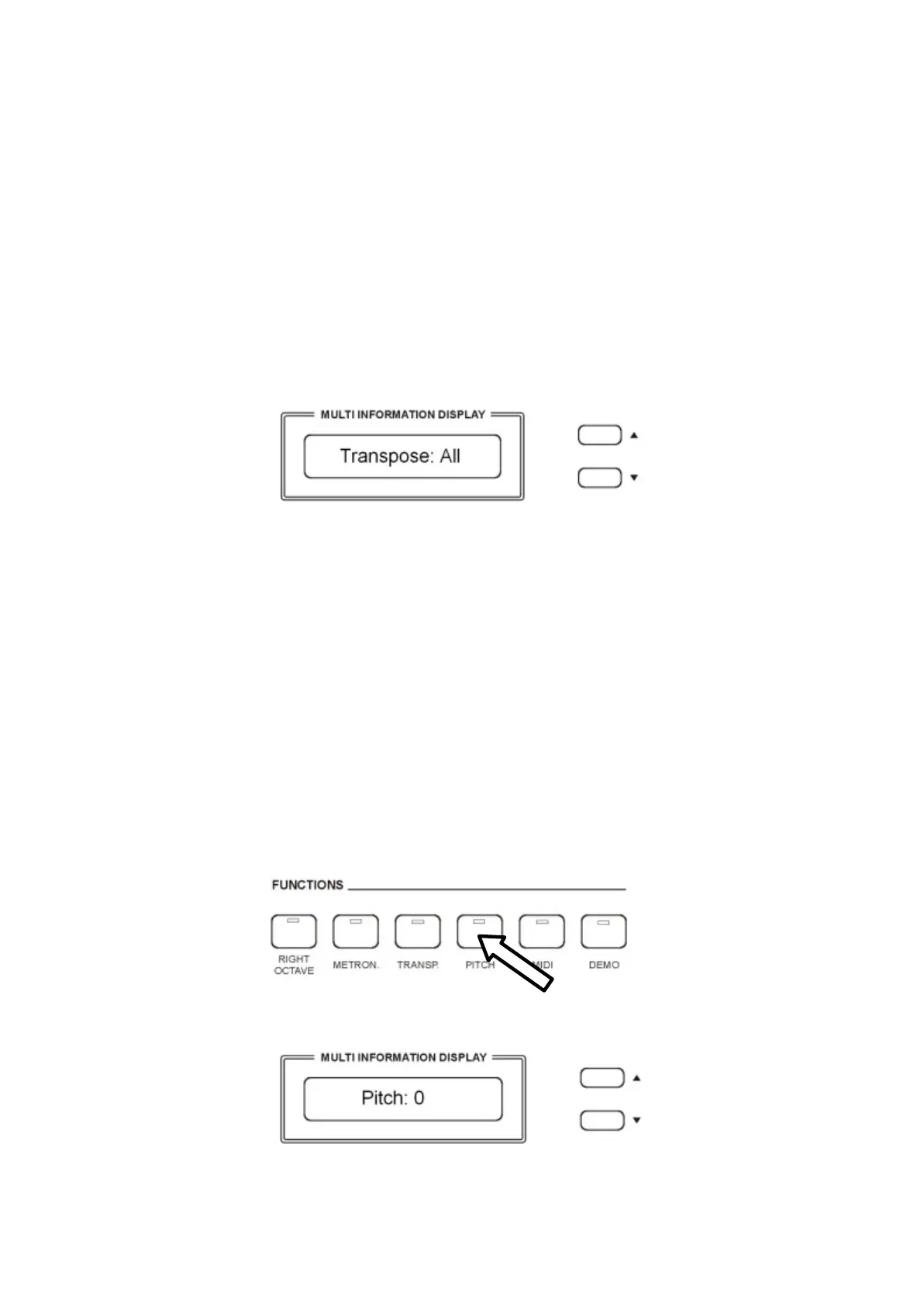
Press and hold the [TRANSPOSE] button to select “ALL“ or “Panel“ or “Song”.
ALL The entire instrument will be transposed including the USB Song (this is the default
mode).
Panel The all instrument will be transposed but not the USB song.
Song Only the USB song will be transposed.
Press the TRANSPOSE button for a few seconds and the display will indicate the available
settings.
Use the [/\] and [\/] buttons to select “ALL“ or “Panel“ or “Song”.
PITCH – FINE TUNING
The PITCH feature enables the player to tune the pitch of the instrument to match other
instruments.
Press the PITCH button and the display will display:
Use the [/\][\/] buttons to set the desired Pitch value. The PITCH value on the display can be
changed between –64 and +63. Press the PITCH button On and press the [/\][\/] buttons at the same
time to restore the instrument pitch to 0.



 To Next Page