24
MIDI
Use the MIDI button to select the midi settings.
LOCAL CONTROL
Press the MIDI button one time to select Local Control pages
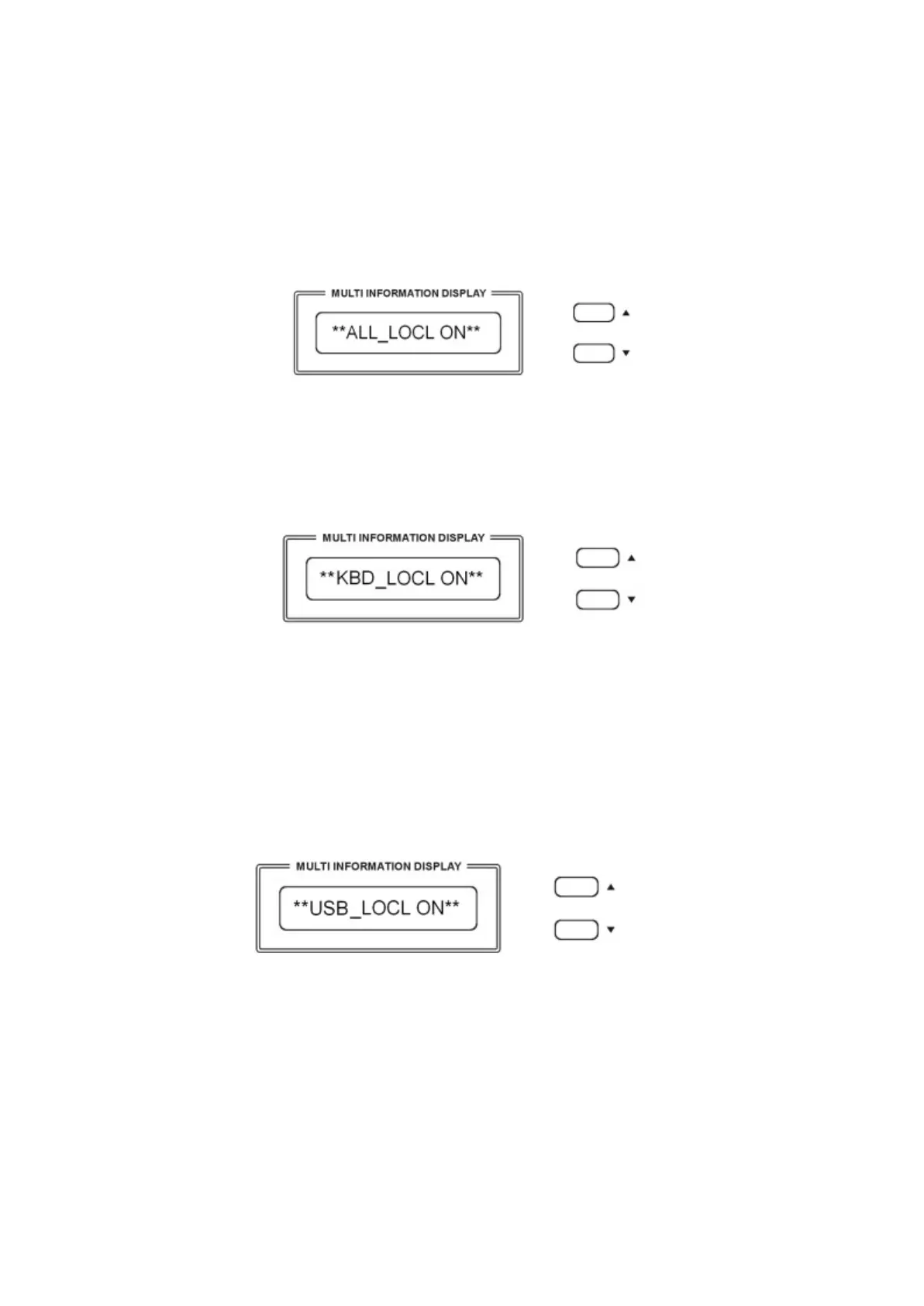
Use [/\][\/] button to select “Local On“ or “Local Off“ for the full instrument.
ALL_LOCL ON Normal operation. Keyboard and USB Song are sent to the internal tone
generator.
ALL_LOCL OFF There will be no sound produced by the internal tone generator.
Press the MIDI button again to select the Keyboard Only Local On/Off
Press the [/\][\/] buttons you can select the following Local Functions:
KBD_LOCL ON The keyboard will play the internal tone generator.
All the keyboard midi information will be sent as normal.
KBD_LOCL OFF The keyboard will not play the internal tone generator .
All the keyboard midi information will still be sent as normal.
Press the MIDI button again to select the USB Song Local On/Off
USB_LOCL ON The instrument will play the songs of the USB disk using the internal tone
generator.
USB_LOCL OFF The instrument will not send the songs of the USB disk to the internal tone
generator but will send all the midi information from the Midi Out of the
instrument.
Press the MIDI button again to select the PROGRAM CHANGE On/Off



 To Next Page