19
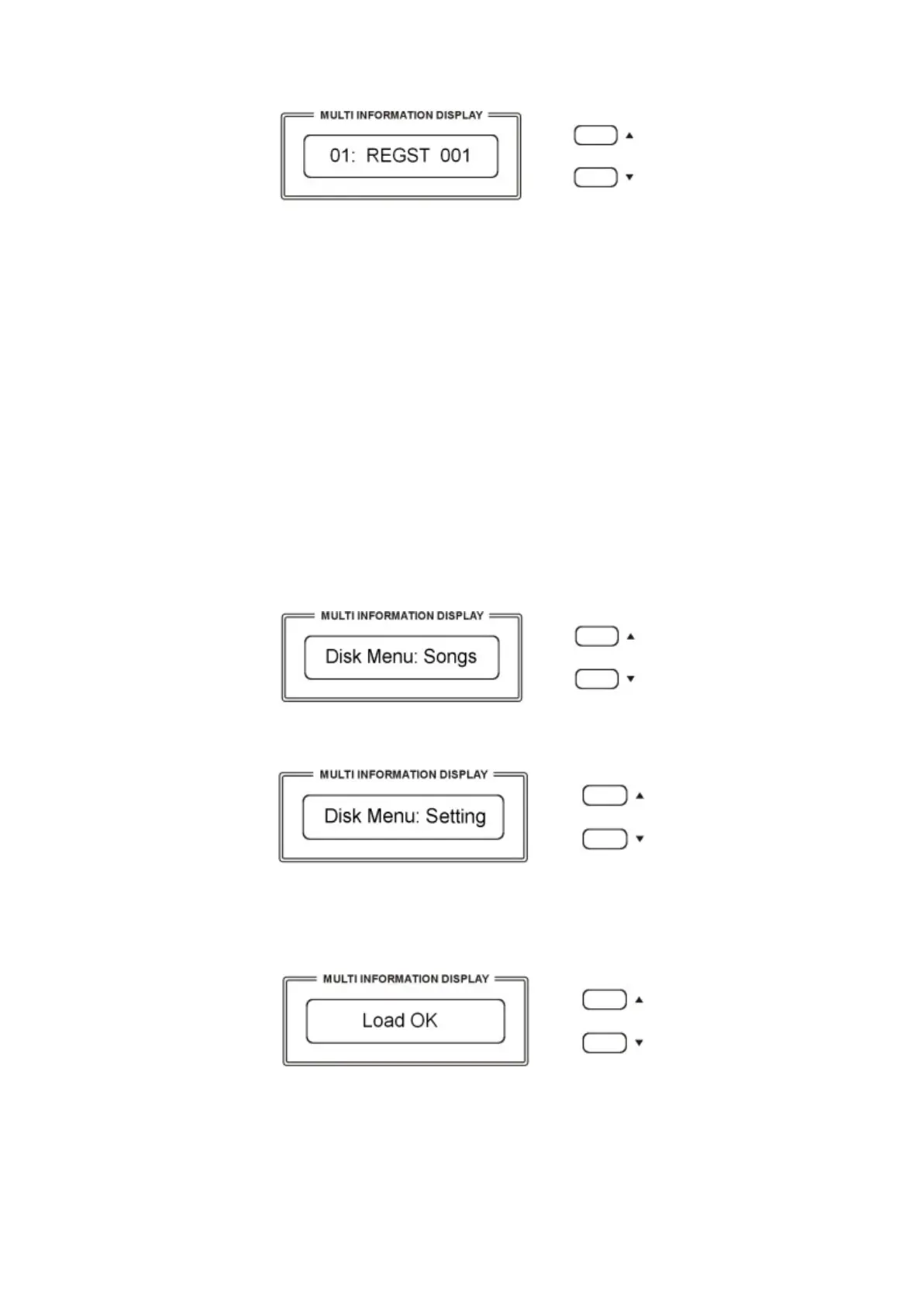
01 indicates the progressive file number
001 indicates the registration file number
- The display indicating your Overall Preset Registration Settings are saved into USB Disk,
with 24 Registration Memories stored to a single file.
New banks of Overall Preset Registration Settings can be stored in the USB disk and a new name
will be automatically assigned to each bank as follows:
01 REGST 001
02 REGST 002
03 REGST 003
… REGST ......
LOADING THE OVERALL PRESETS DATA FROM USB DISK
Insert the USB Disk into the USB socket.
Press and hold the [USB FILES] button to access the Setting files in the USB Disk.
The display shows:
To select the Setting page use the [/\][\/] buttons.
In a few seconds the display will show the first available file.
Use now the [/\][\/] buttons to select the desired Overall Preset file, then press [PLAY/LOAD]
button, display shows “Load OK”.
DELETE MEMORY REGISTRATIONS FROM USB
Insert the USB Disk into the USB socket. Press and hold the [USB FILES] button to access the
Setting files in the USB Disk. Select the Setting page by pressing the [/\][\/] buttons.
Use [/\][\/] button to select the desired Overall Preset Registration Setting file you want to



 To Next Page