EasyManua.ls Logo

Orlaco 0103742 - User Manual

Orlaco 0103742
12 pages
Print Icon
To Next Page IconTo Next Page
Loading...
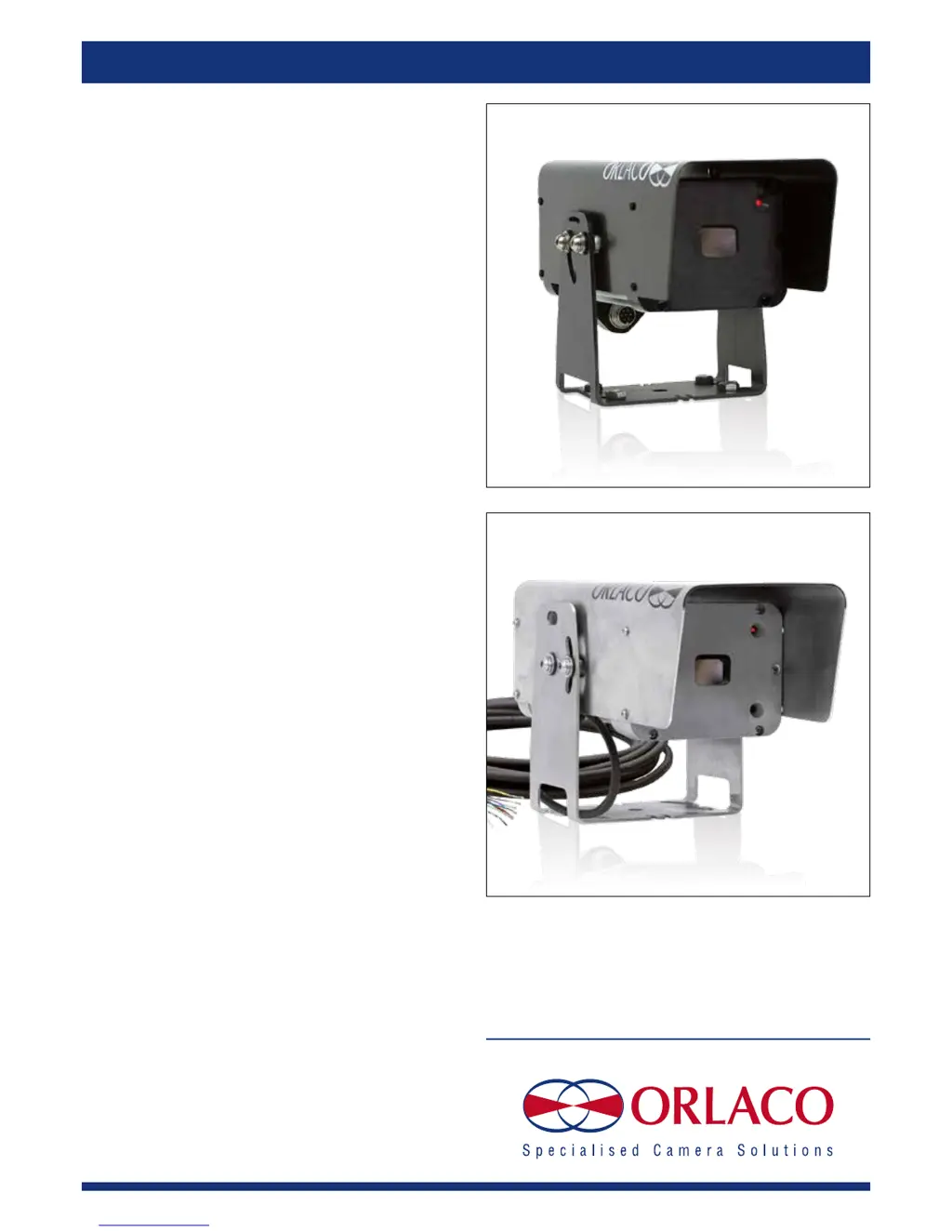
Camera TIC
320 9hz connector type
Camera TIC SSt
Installation Manual
Manual no. IM0973120, A 02
Article no. 0103732, 0103742
10/2014
English
Art. no. 0103732 Camera TIC 320 9hz connector type
Art. no. 0103742 Camera TIC SSt

Questions and Answers

  • S
    sandra12Aug 1, 2025
    What to do if my Orlaco 0103742 monitor does not work?
    • K
      kmeadowsAug 1, 2025
      If the Orlaco Camcorder monitor isn't working, first ensure the system is switched on via the ignition. Next, check the system connection and measure the vehicle's supplied voltage when the system is on. Also, inspect and replace the fuse if it's defective.
  • G
    Garrett HamiltonAug 17, 2025
    What to do if my Orlaco 0103742 Camcorder camera does not work?
    • D
      David ArmstrongAug 17, 2025
      If your Orlaco Camcorder camera isn't working, check its connection to the Orlaco monitor, and ensure the red LED on the camera is lit.

Summary

Safety

Introduction

Mounting

Operation

Overpressure in the enclosure

Explains the dry-nitrogen filled enclosure and IP68 rating.

Valve

Warning about not opening the enclosure and the function of the filling valve.

Switching on and off

Describes how to power the Camera TIC Alu/SSt on and off.

Electrical Installation

Camera TIC 9 hz Connector Type

Details the electrical pinout for the 7-pin male socket of the Camera TIC 9hz.

Supplied Cable Connections

Explains the wiring for the 7-pin molded connector on the supplied cable.

Camera TIC Sst Electrical Connections

Instructions for Use

Trouble shooting

Technical Specifications

Dimensions

Pelco-D Commands

Non-motion Commands

Details specific non-motion commands for presets, focus, and speed control.

Maintenance and Cleaning

Disposal

General Terms and Conditions

Release Notes

Orlaco 0103742 Specifications

General IconGeneral
BrandOrlaco
Model0103742
CategoryCamcorder
LanguageEnglish