IM0973120 A 01 5
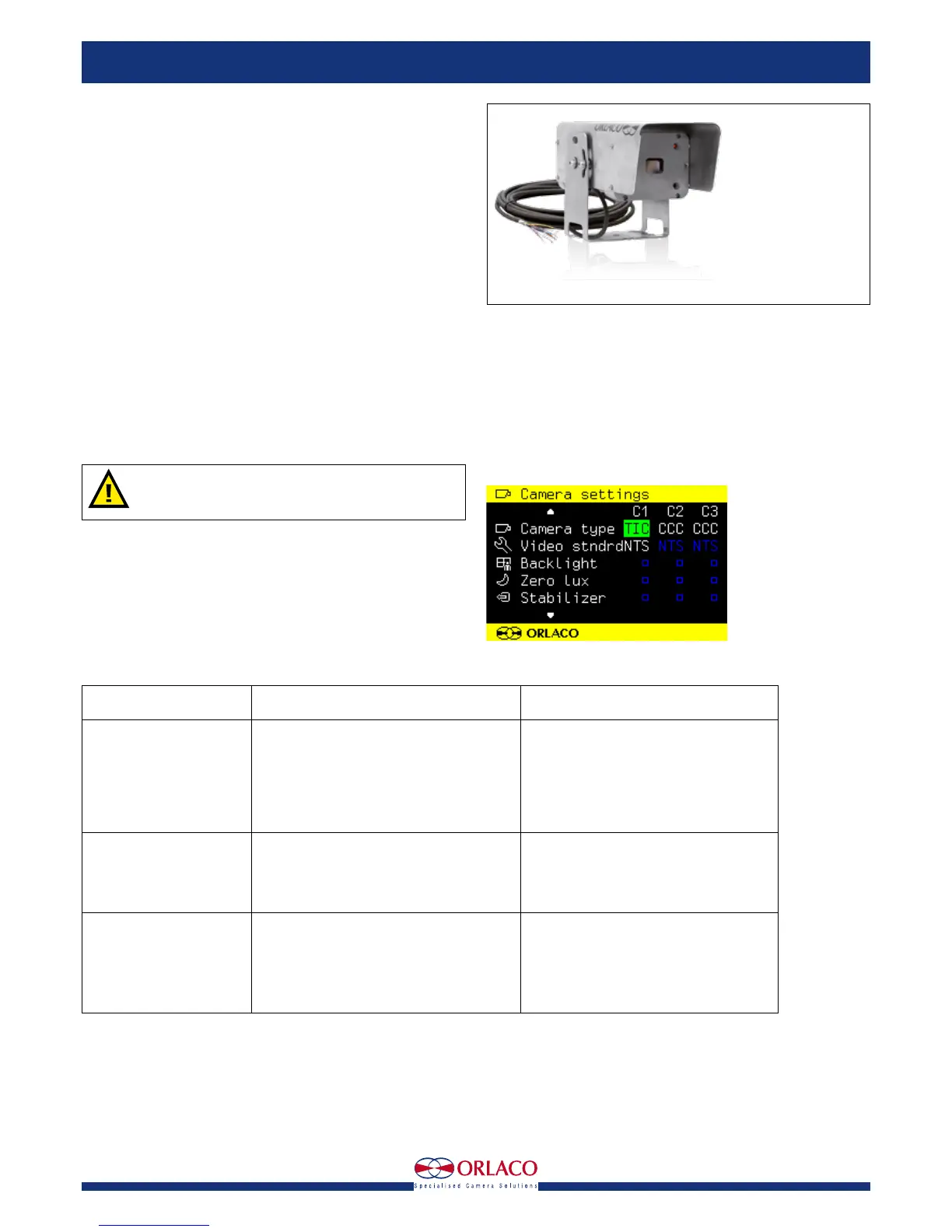
4.3. Camera TIC Sst
Art. no. 0103742
Electrical connections; Cable Base 9B-1CB11W
1 = Red/White P/T power out
2 = Black/White P/T power 0V
3 = Red Camera power, 12...30V/DC
4 = Black Camera 0V
5 = Coax core Video
6 = Coax shielding Video GND
7 = Green Serial 1 TX
8 = Grey Serial 2 RX
9 = Black/Grey Serial 0V
1 = Red/Blue 12V out
2 = Black/Blue 0V
3 = Blue Camera ok in
4 = Brown P/T ok in
The Camera TIC Alu/Sst must be connected by qualified
electricians. Under no circumstances you should make
connections that are not described in this manual.
5. Instructions for use
Using the monitor: See User Manual Monitor 7" RLED/LEDD, Manual No.
UM0972080 for detailed instructions about how to use the monitor. Go
to the Camera settings menu via the Service menu. Select the connected
camera type (TIC). See figure 7.
6. Trouble shooting
Art. no. 0103732 Camera TIC Sst
Figure 7
Problem
1. Monitor does not work.
2. Monitor has no picture.
3. Camera does not work.
Possible cause
System is not switched on.
System is not connected or the supplied voltage
of the vehicle to which the system is connected
is too low (flashing LED on camera).
Fuse of the vehicle’s supply voltage is defective.
Other cause.
Monitor is not or incorrectly connected to the
power supply.
Camera is not functioning.
Other cause.
Camera is not or incorrectly connected to the
Orlaco monitor.
The camera is defective.
Other cause,
Solution
Switch the system on via the ignition;
Connect the system and measure the vehicle’s
supplied voltage when the system is switched on;
Replace the fuse;
Contact your Orlaco dealer;
Check the connection of the monitor to the
power supply
See problem 3.
Contact your Orlaco dealer.
Check the connection of the camera to the
Orlaco monitor and make sure the red LED on
the camera is lit.
Contact your Orlaco dealer.
Contact your Orlaco dealer.
Installation Manual


 To Next Page