ARTROMOT®-K1:
in a position of EXTENSION 0 degrees.
Switch off the ARTROMOT®-K1.
Remove the power cord and disconnect the hand
held programming unit.
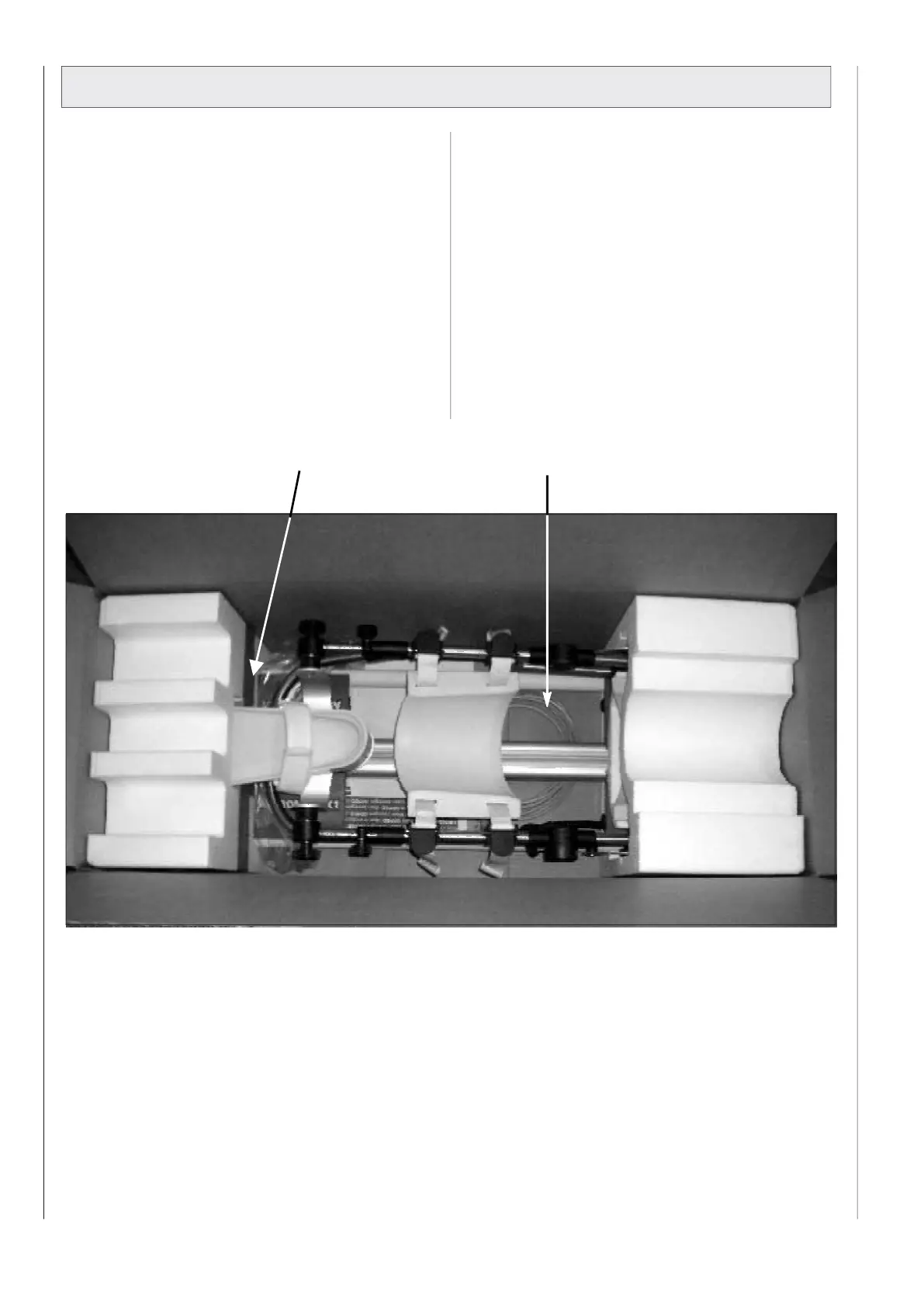
Only use original packaging for transport.
Put the hand-held programming unit into the specified
cutout of the styrofoam and fix it with adhesive tape.
Set the femur lenght on maximum and the lower leg
setting on 45 cm.
Set the angle joint horizontal.
First put the power cord on the bottom of the box and
then the ARTROMOT®-K1 with the two styrofoam parts.


 To Next Page