Date Name Author(s) Rev Language Page
11/05/12 Settings_and_user_manual _Orpheo_TG TF 6 English 6/24
IV.
USING THE DEVICE
After removal from the charging rack, the devices must be switched on by pressing the
[ON/OFF] button.
Each device can be configured as a transmitter or as a receiver.
As a quick reference, to know which mode a device is set to, look at the top, right corner of
the display.
• Receiver mode: a headphone symbol is displayed
• Transmitter mode: a microphone symbol or AUX will be displayed
For more detail, please refer to sections VI (Receiver Mode) and VII (Transmitter Mode).
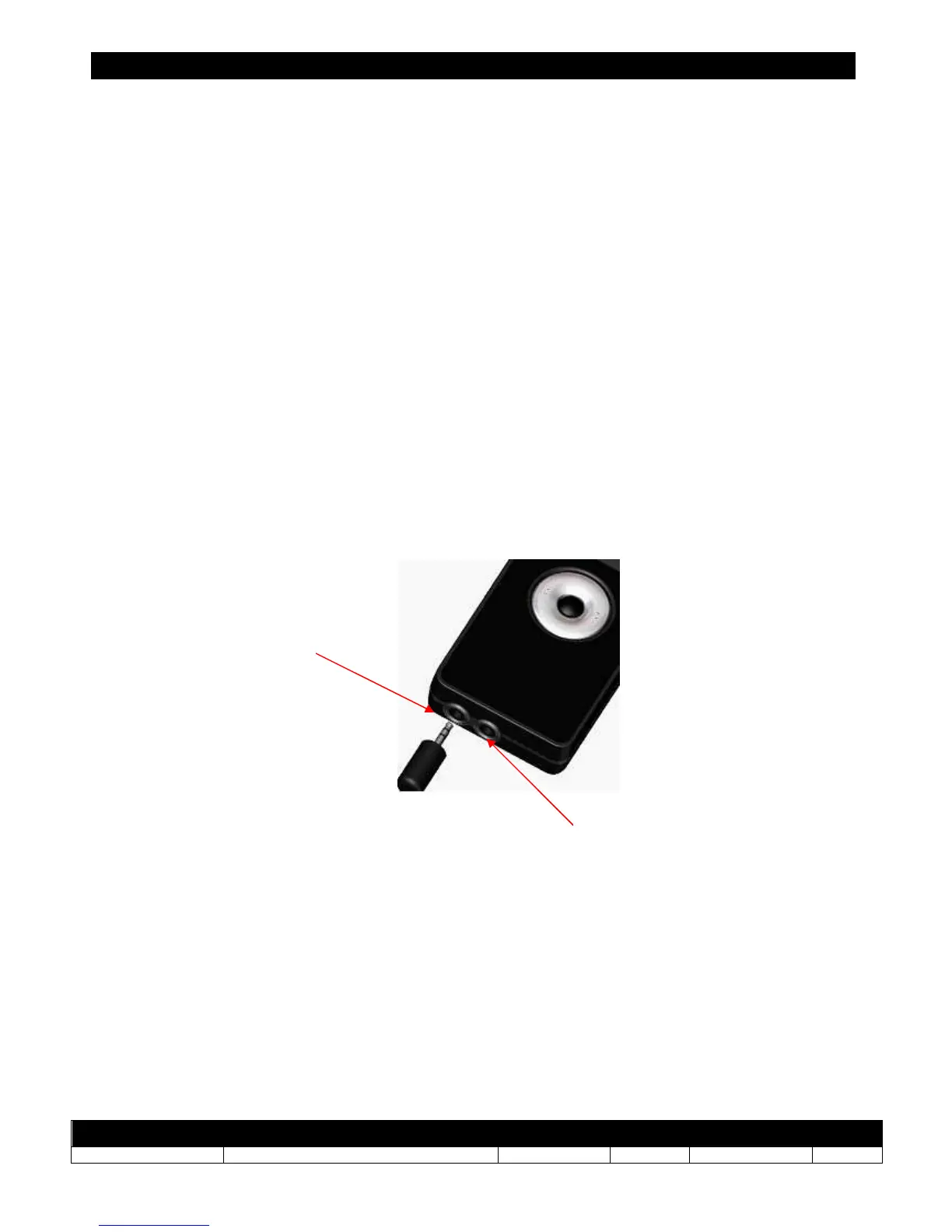
With a device that is set to transmitter mode, connect a microphone to the microphone
socket (standard microphone jack 3.5 mm).
For devices in receiver mode, visitors using headphones can connect one or two earphone(s)
(or headphone(s) simultaneously to the dedicated headset (standard jack 3.5 mm).
Microphone
socket
Auxiliary input



 To Next Page