Date Name Author(s) Rev Language Page
11/05/12 Settings_and_user_manual _Orpheo_TG TF 6 English 8/24
V.
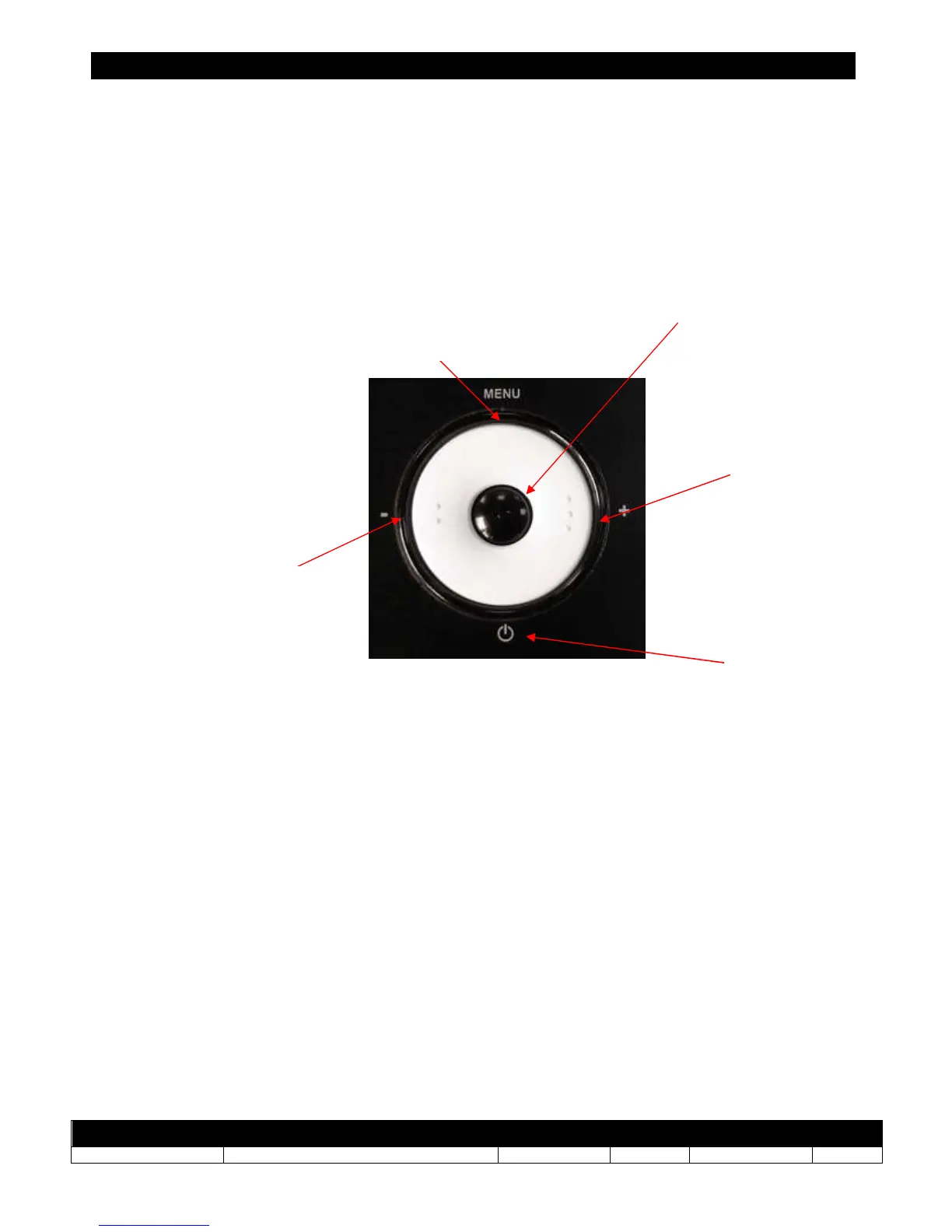
SWITCHING BETWEEN TRANSMITTER MODE & RECEIVER MODE
To switch between transmitter and receiver modes, press the following combination of 7
buttons successively on a device. The
Orpheo TourGuide
will automatically restart in the
opposite mode.
Button combination to switch modes:
[+] [-] [+] [MENU] [ON/OFF] [MENU] [OK]
On / Off
Button



 To Next Page