15
App Setting:
① Download and install "ORVIBO Home" App
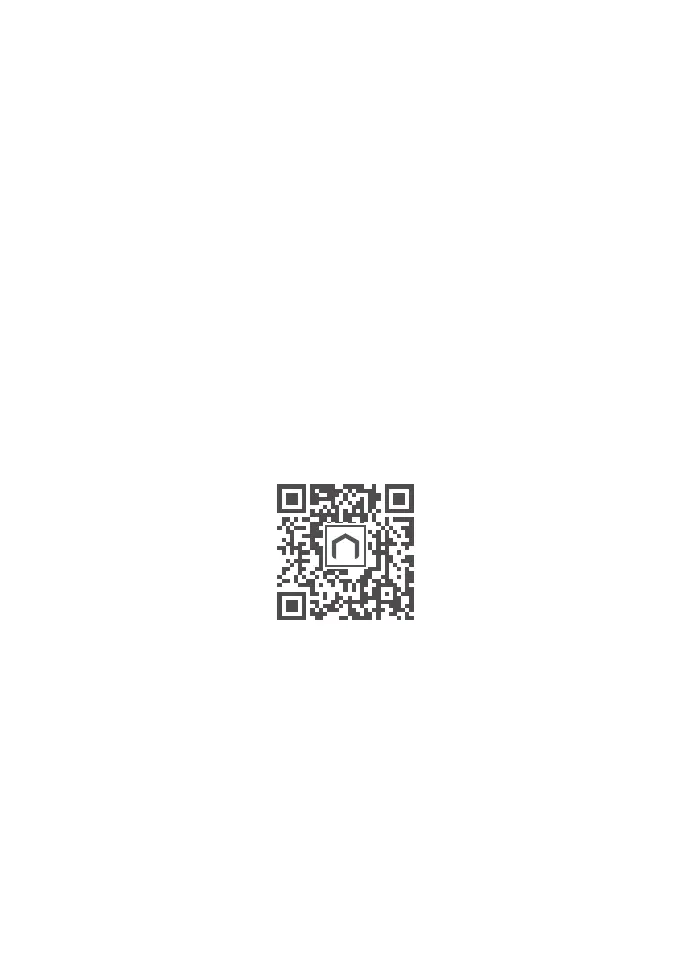
Scan the QR code below to download and install the
"ORVIBO Home" App. Register an account and log in, then
create a family or join an existing family.
② Add the smart lock
Open the " ORVIBO Home" app and click on "Scan QR Code"
to add device. Scan the QR code above or click the "+" in the
upper right corner and select "Door Lock" , then select "ORVIBO
OLOCK". Complete the wifi configuration according to the APP
instructions.
ORVIBO Home
Auto lock setting: off and 30s/1min/5min
Unlock prompt tone setting: on/off
Note: Please pay attention to the Auto-Lock time. If you set 30s,
then the door will automatically lock after 30s.


 To Next Page