14
Cleaning the parts
To activate the cleaning cycle after setting the time and temperature, and adjusting the
liquid level, press the button. Illuminated bars will sweep under the temperature
display when the pump is operating.
Parts can take a few hours or longer to clean. Cleaning time is affected by the size of the
part, the amount of support material, part geometry, and the pH level of the cleaning
solution.
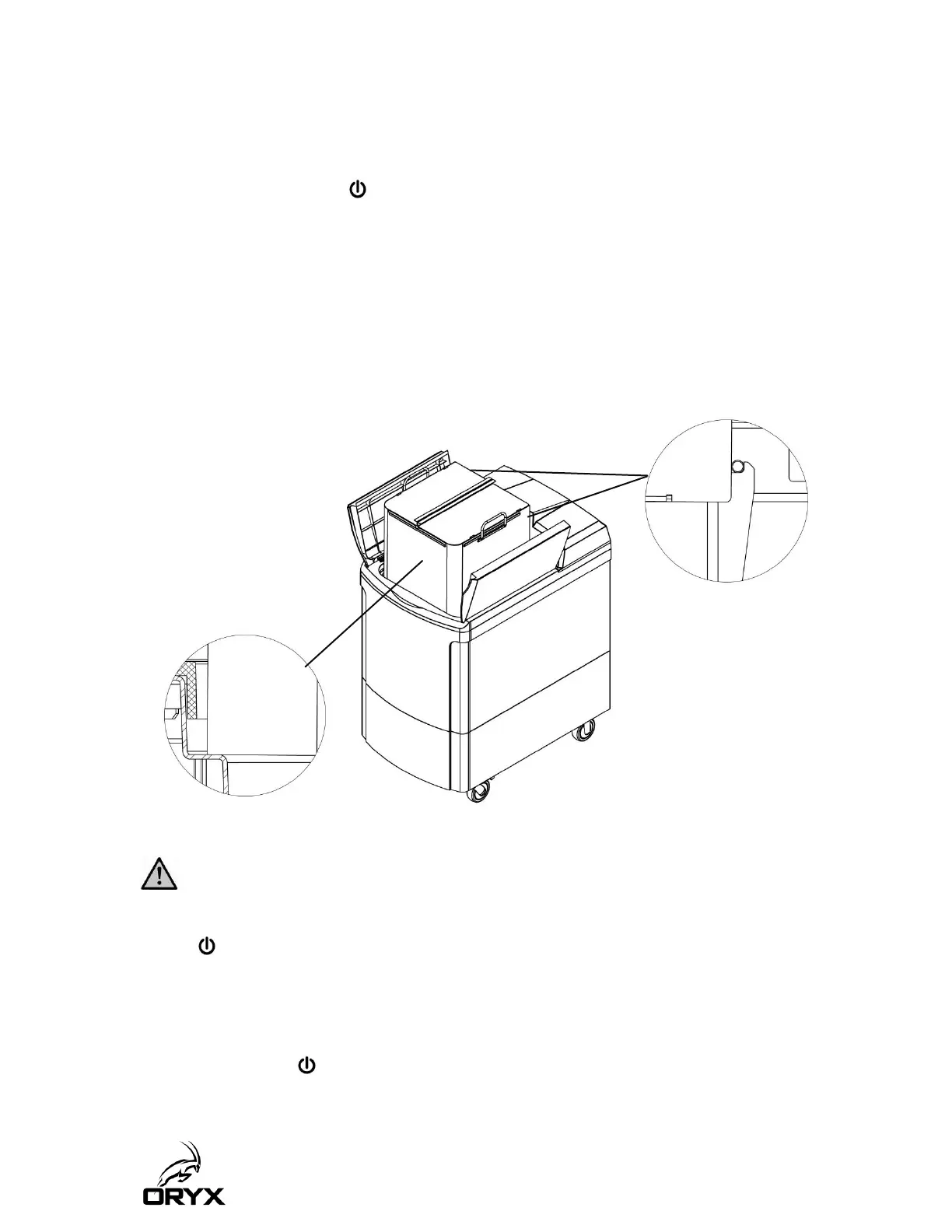
Parts can be checked at any time during the cleaning cycle by opening the SCA lids and
slowly lifting the large basket from the cleaning solution. Rest the front of the basket on
the inner tank rim and the lower rear basket lugs (pins) on the support brackets.
Protective gloves and eyewear should always be worn when lifting the basket from the
tank.
If the parts are clean before the end of the cleaning cycle, halt the cycle by pressing the
button.
Des gants de protection et des lunettes protectrices devraient être portés en tout temps
lorsque vous soulevez le panier du réservoir.
Si les pièces sont propres avant la fin du cycle de nettoyage, cessez le cycle en appuyant
sur le bouton .



 To Next Page