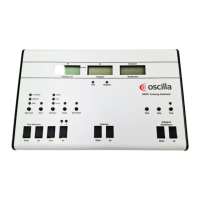
Indicators, buttons and functions
Probe frequency indication.
Print out the tympanogram on the built-in device printer.
Open the Tympanometer settings menu on the device.
Delete the currently selected measurement.
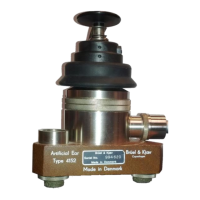
Calibrate the device using the calibration cavities.
Import measurements from the device.
9 Device setup using AudioConsole
To set up the device for tympanometry testing, see Setting up tympanometry testing ► 14.
10 Service, cleaning and calibration
Warning• Under no circumstances disassemble T830/T840. Contact your supplier. Parts inside T830/T840 must only
be checked or serviced by authorized personnel.
Warning• For the sake of safety and in order not to void the warranty, service and repair of electro-medical equip-
ment should be carried out only by the equipment manufacturer or by service personnel at authorized workshops. In
case of any defects, make a detailed description of the defect(s) and contact your supplier. Do not use a defective
device.
10.1 Cleaning the device
Caution • Make sure that you comply with local infection control regulations.
Inmedico A/S - T830/T840
User Guide
18



 To Next Page