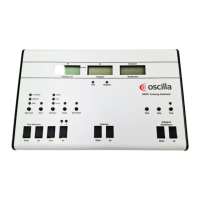
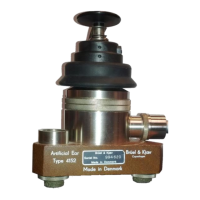
Probe
We recommend that you carry out a probe check daily to verify that the system measures correctly.
Powering
• See Powering the device ► 7.
Oscilla®AudioConsole
For a general introduction to Oscilla®AudioConsole, please see the Oscilla®AudioConsole User Manual (operator setup,
database management, reports and data import/export).
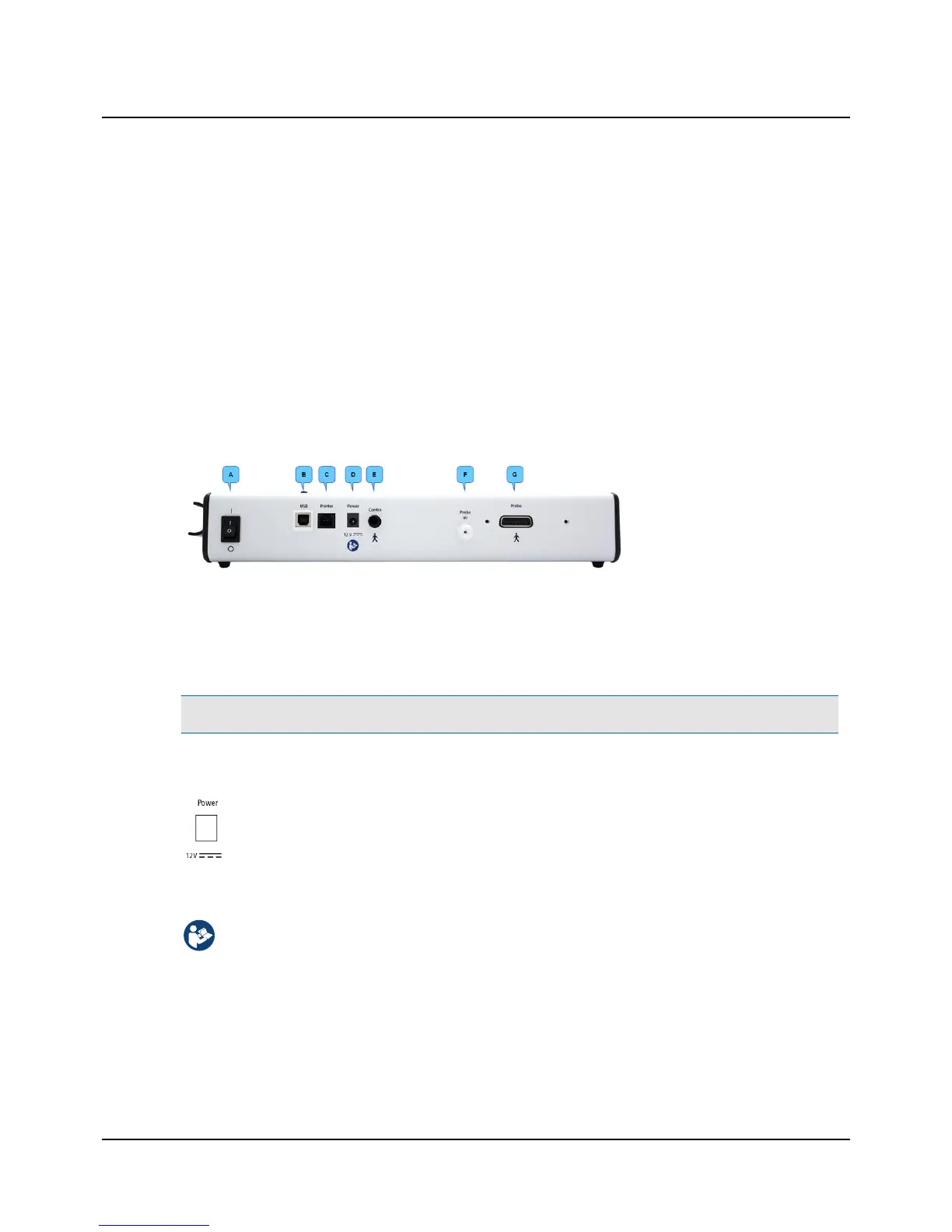
4.1 The connection panel
T830/T840
A. On/Off switch
B. PC/USB connection
C. Printer cable connection
D. External power supply
E. Contralateral phone (T840
only)
F. Probe air supply connection
G. Probe
4.2 Powering the device
The device is powered through an external power supply connected directly to the mains outlet.
Caution • Use only the power supply specified in Technical specifications ► 22.
Connecting the external power supply to the device
1. Connect the plug end of the external power supply cable to the external power supply socket on the
back of the device.
Connecting the external power supply to the mains supply
1. Connect the mains plug of the external power supply directly to an AC mains outlet.
2. If applicable, switch on the mains supply.
Switching the device on and off
1. To switch on the device, press the On/Off button on the back of the device.
– The display lights up.
2. To switch off the device, press the On/Off button.
If needed, switch off the mains supply and disconnect the power supply from the mains outlet.
7
User Guide
Inmedico A/S - T830/T840



 To Next Page