PC-30 Filter control unit operating manual Page: 12
Set temperature
The set temperature is displayed in this line, and this is set using the key in the
front cover.
Solar difference
This line displays how much warmer the solar collector needs to be than the
swimming pool water before the solar heater is switched on.
This value can be adjusted to meet the requirements of the relevant solar
equipment if it is displayed in the top line of the service terminal.
1. Once the key has been pressed, the filter unit is switched off and the display
shows the following:
2. Now use the and keys to change the temperature difference. The smallest
adjustable value is 0.5°, the largest 10°.
3. If you press the key again, the normal diagnosis display appears and the filter
unit continues to operate. The adjusted value will be saved automatically.
A temperature difference of 3° is set at the works.
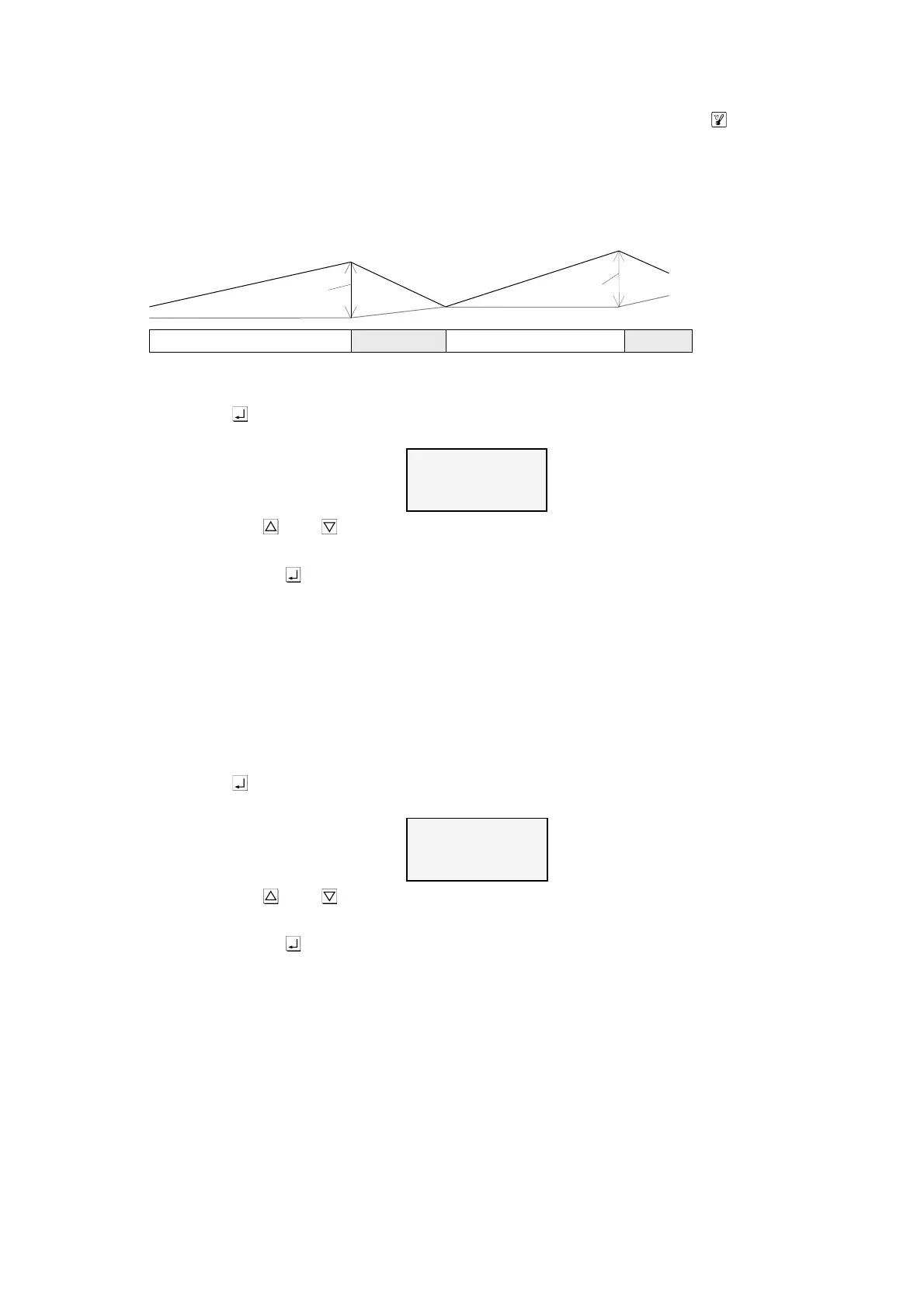
Solar additional temperature
This line displays by how much the swimming pool set temperature may be
exceeded during solar heating in order to make optimal use of solar energy during
the day. This value can be adjusted to meet the requirements of the relevant
swimming pool if it is displayed in the top line of the service terminal.
1. Once the key has been pressed, the filter unit is switched off and the display
shows the following:
2. Now use the and keys to change the temperature difference. The smallest
adjustable value is 0°, the largest 15°.
3. If you press the key again, the normal diagnosis display appears and the filter
unit continues to operate. The adjusted value will be saved automatically.
A temperature difference of 5° is set at the works.
Limit temperature
This line displays at which maximum temperature the solar heater is to be
switched off automatically for safety reasons independent of the nominal value set.
This value can be adjusted to meet the requirements of the relevant swimming
pool if it is displayed in the top line of the service terminal.



 To Next Page