PC-30 Filter control unit operating manual Page: 9
Programming backflushing
Use the key to program backflushing using the bar valve.
1. Once the key has been pressed the first time, you can use the and
keys to set the backflushing duration
.
3. Once the key has been pressed again, you can use the and and
keys to set the time of the rinsing process
. Note: if you
press the key, the current time can be taken over, if you press the
and keys simultaneously the rinsing time will be deleted.
If the key is pressed for longer than 5 seconds, backflushing will be
triggered.
Info key
When you press the INFO key, the program version number will be
displayed first.
. After this you can press the INFO key again to
call up the following information:
1. Time
2. Solar temperature
3. Water temperature
4. Filter pump operating status
5. Solar heater operating status
6. Additional heater operating status
7. Filter pump operating hours counter
8. Additional heater operating hours counter
9. Solar heater operating hours counter
10. Language (you can switch between languages by pressing the and
keys simultaneously).
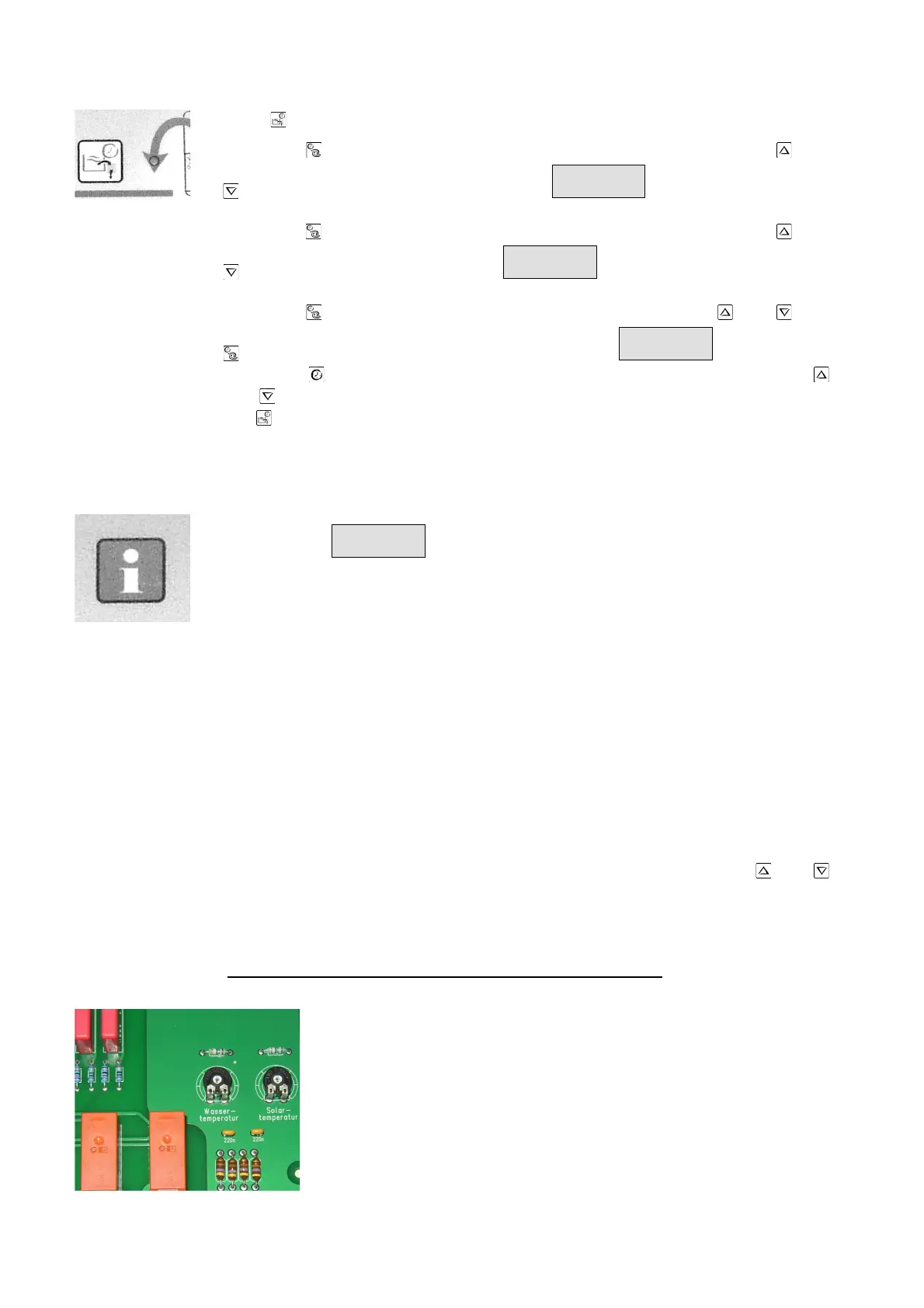
Balancing the temperature controller
The electronic temperature regulator and the temperature
centre are balanced with one another in the works. If one of
the sensors is replaced, or if a sensor cable is extended, a
new balance must be carried out if necessary using the
potentiometers in the controller. Turning the water
temperature sensor potentiometer clockwise causes an
increase in the water temperature displayed. If the solar
sensor potentiometer is turned clockwise, a higher collector
temperature is displayed. Since the solar temperature



 To Next Page