16
NO
YES
YES
YES
YES
NO
Do you know where to find what COM Port has been assigned to your RHEO
KNEE? (This may change each time you connect)
If you are still unable to connect to your RHEO KNEE please contact Össur Customer Service.
Do you have Bluetooth installed on your computer?
Have you added the RHEO KNEE as a Bluetooth Device?
5 Troubleshooting the connection with your RHEO KNEE
®
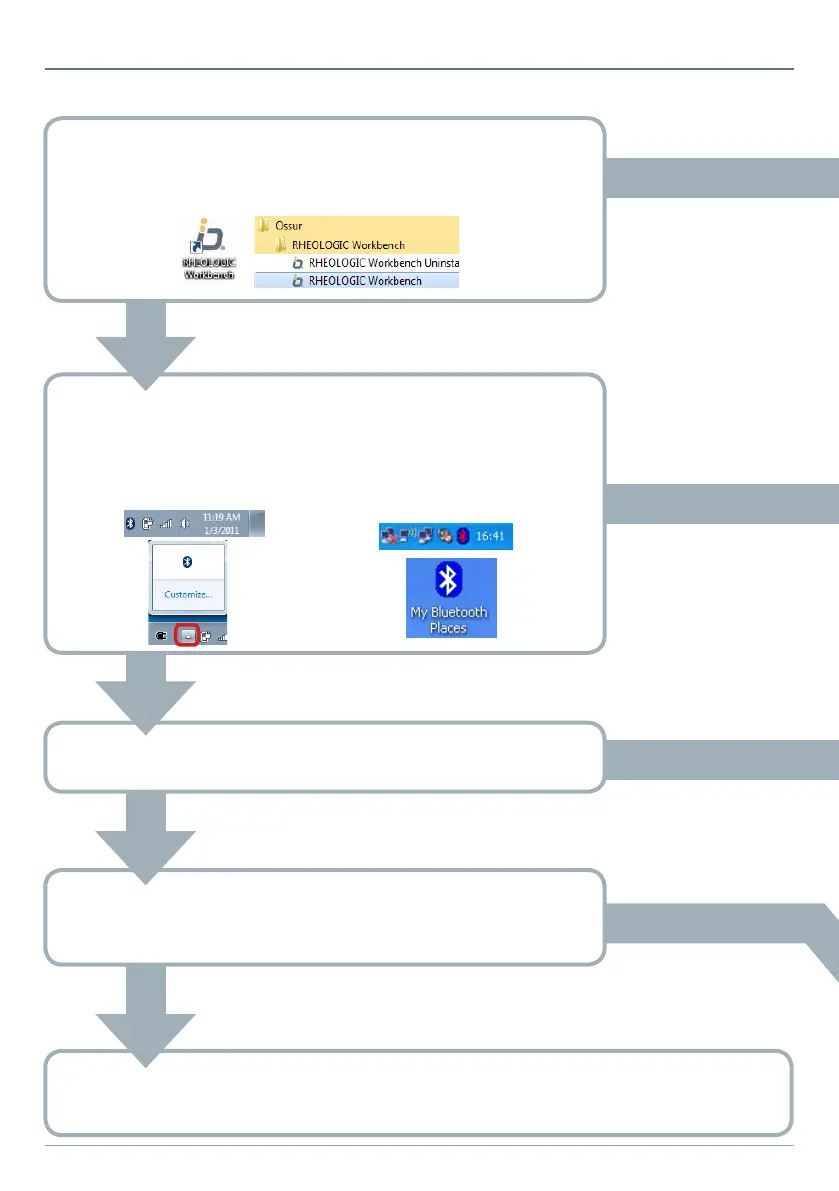
Have you installed RHEOLOGIC Workbench?
If so, you should see the icon on your desktop or in the start menu.
Do you see a Bluetooth icon in the
Notification area? It may be hidden,
click the little arrow.
Do you see “My Bluetooth
Places” on the desktop or a Bluetooth
icon in the Notification area?
NO
NO
Windows 7/ Windows Vista Windows XP


 To Next Page