User’s Manual (Confidential)
OsteoSys Co., Ltd.
Model Designation : SONOST 3000 DOC. No. : OT06-2R7124
42
3.4.2 Execution of program
If you hear any strange noise from the screen, switch it off and
contact to OsteoSys or your local authorized dealer.
When the device is powered on, the power LED turns green.
Turn on the power switch and power LED is turn on green.
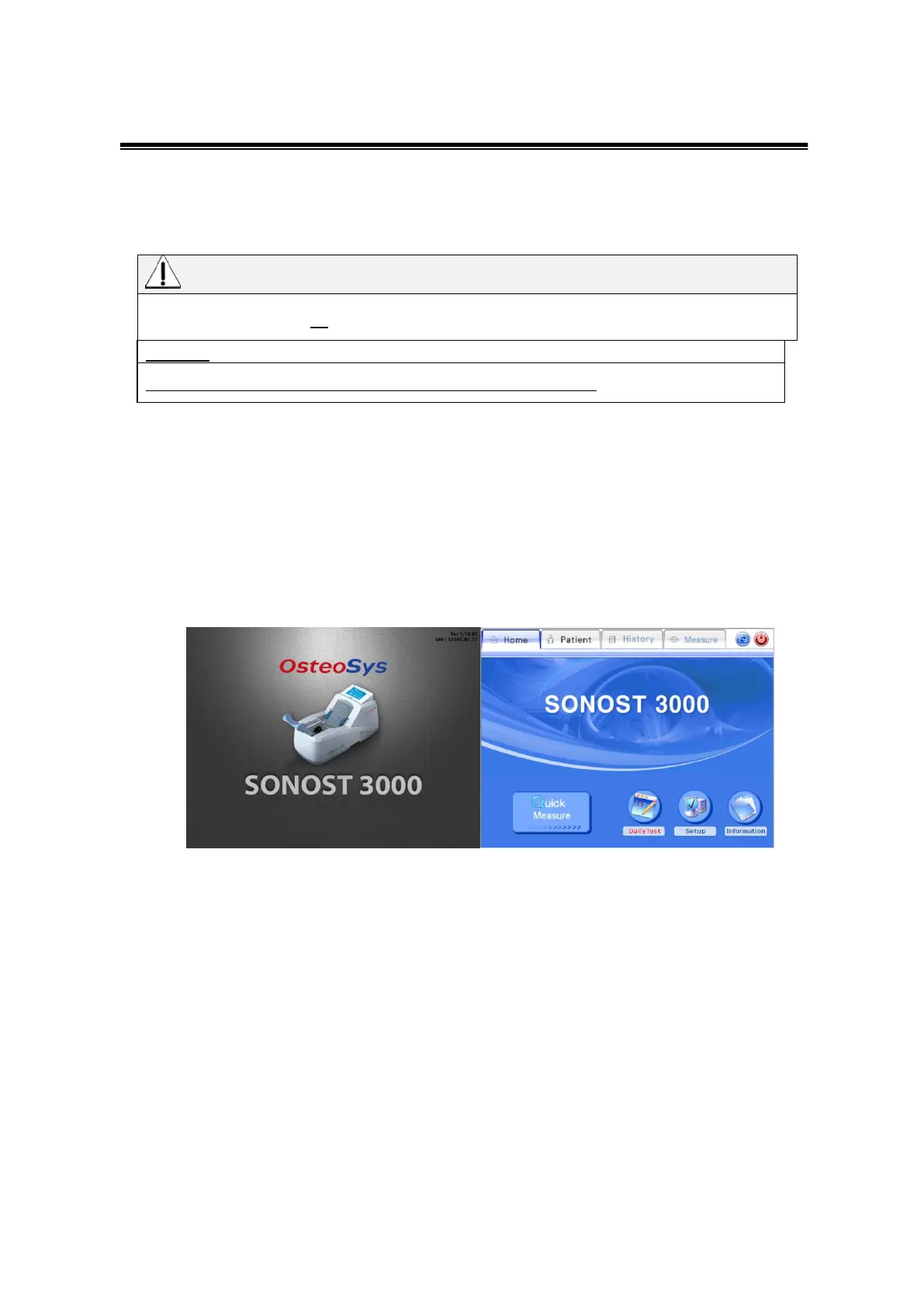
15 seconds after splash screen that checks functions of the system and memory
device, the program is automatically activated and you should configure the
settings.
This is the start-up screen.
Home of the startup screen
The four main menus sits on the top of the home screen. Use them to switch
between differ modes.
The bottom line consists of sub-menus. They are for sub-functions
- Quick Measure : Direct measuring function without patient registration process.
- DailyTest : Daily test function.
When the daily test is required, the color of button turns red.
When not needed, the color of button stays as it is in blue.
- Setup : Consists of functions which are related to program settings.



 To Next Page