User’s Manual (Confidential)
OsteoSys Co., Ltd.
Model Designation : SONOST 3000 DOC. No. : OT06-2R7124
57
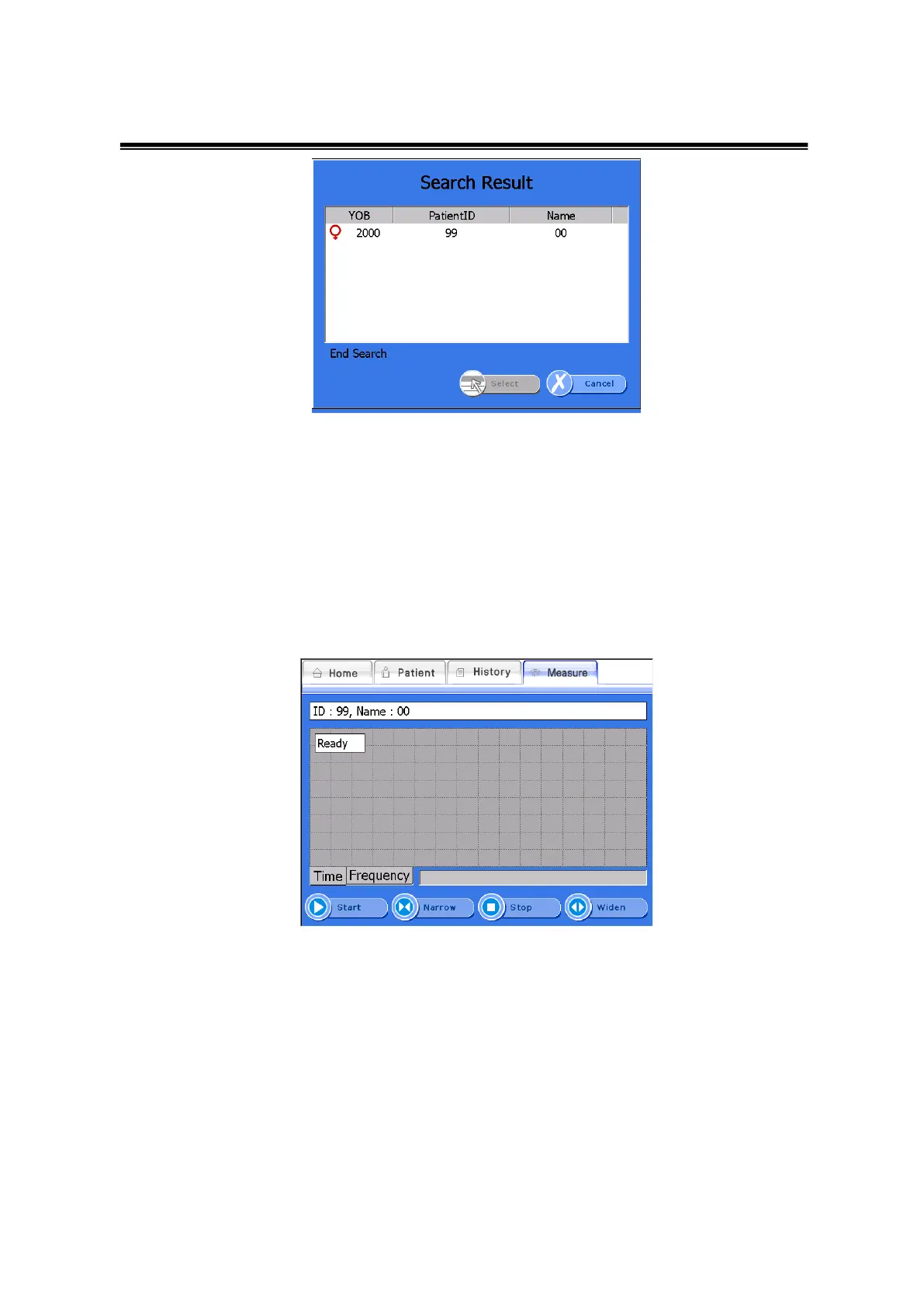
Search Result Window
<Measurement of Patients>
If you want to measure the patient’s Bone Density, select a desired patient in the
Patient List screen and click <Measure>. Then the “Measure” screen appears as
shown below.
Measure Screen
Click <Start> from the bottom menus and you will find a chart for selecing the
temperature. Select the temperature that matches temperature on the thermos label
attached to the surface of the device. (Choose the highest number among those
colored on the thermo label)
※If you select the option of non-use Temperature Compensation, the temperature
dialog box will not be displayed.



 To Next Page