User’s Manual (Confidential)
OsteoSys Co., Ltd.
Model Designation : SONOST 3000 DOC. No. : OT06-2R7124
61
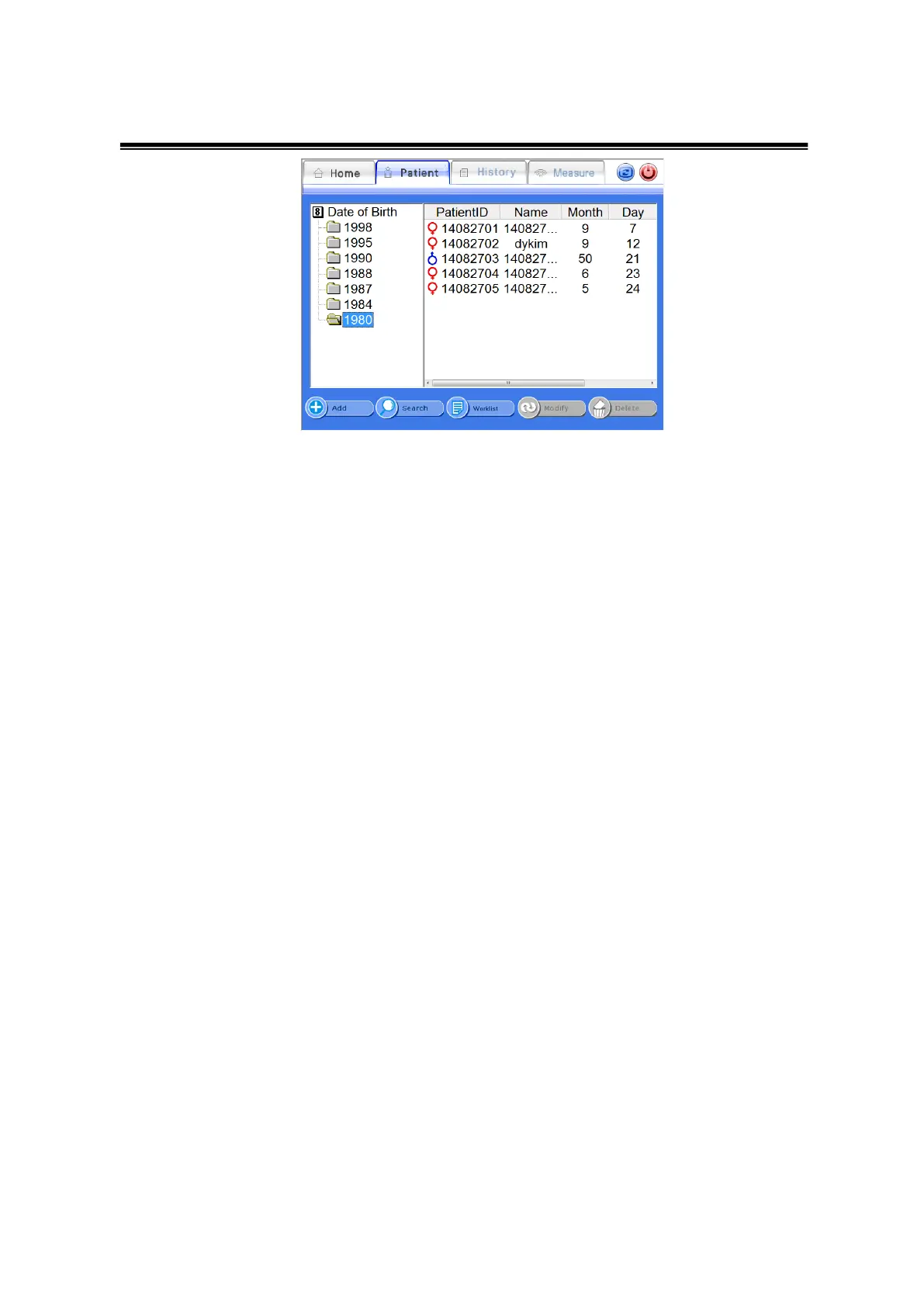
The result of requested worklist from system
Worklist - Giving a test to someone who is already registered on the system.
After selection of a patient from the list, you can take a test or see the
disease history
From <Disease history> or <Test> tab. (If someone already registered on
the system
And yet they do not have any disease history, the system will show an error
message).
Worklist - Giving a test to someone who is not registered yet on the system.
If someone is not registered yet, you can list on the system after clicking
<Test> button.
※When worklist server is active, other buttons such as <save>,
<find>,<modifi-
cation> and <Deletion>, will be greyed out and turn inactive. Therefore, if
you would
like to give a test to a patient, you should select the person who will have
a test,
and then click the <test> button on the screen. The device will start the
test.


 To Next Page
 Loading...
