User’s Manual (Confidential)
OsteoSys Co., Ltd.
Model Designation : SONOST 3000 DOC. No. : OT06-2R7124
60
② Deletion of patient’s information
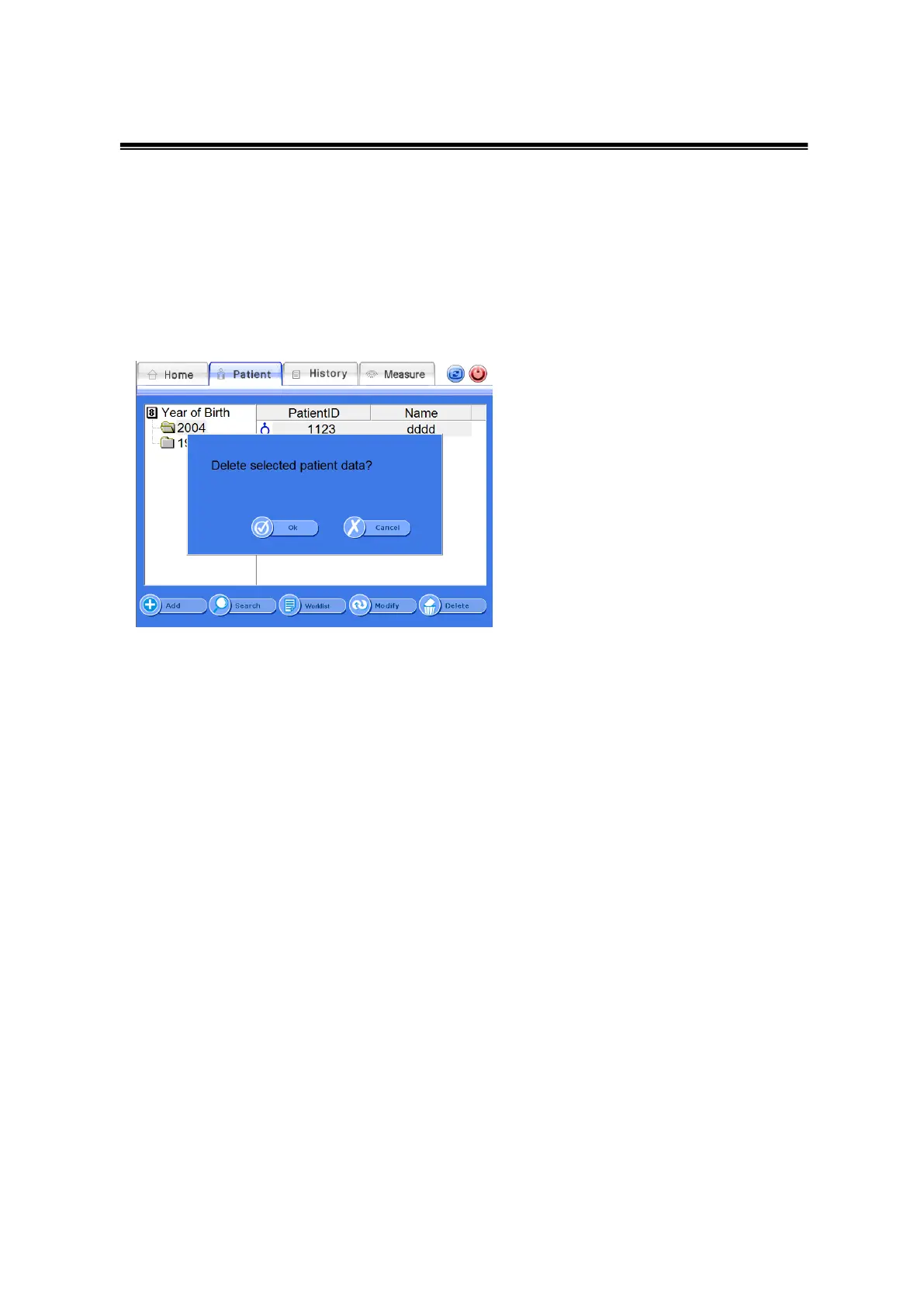
If you want to delete registered patients’ information, select a desired
patient in the “Patient List” screen and click <Delete> from the bottom
menus.
You will then be asked again “Delete selected patient data?”, and selecting
<OK> will delete the selected patient.
Delete Patient Window
③ Worklist
If you click <Worklist> from the bottom menus of the Patient list, the list
will be updated to the latest, depending on patients that are already
registered on the worklist server. Once selecting <worklist> button, the
remaining four buttons will be greyed and become inactive status aside
from the <worklist>button. If you click <worklist> again, it will go back to
the previous <worklist> status.



 To Next Page